What to Include in a Fishing Charter Confirmation Email
A good booking confirmation does more than confirm the date. Here is what to include in your fishing charter confirmation email to prepare guests and reduce day-of questions.
Fishing Charters, Booking, Guest Communication
Fishing Charter Confirmation Email: What to Include and When to Send It
A clear fishing charter confirmation email does more than lock in a date. It answers guest questions before they ask, cuts down on day-of chaos, and keeps your schedule tight and paid. So what should a charter booking confirmation include? At minimum, it needs the trip date and time, where to meet, what guests should bring, what you provide, your cancellation and weather policy, money details, and how to reach you. Done right, this one email makes you look organized, keeps guests prepared, and reduces no-shows without extra phone calls. This guide walks you through exactly what to include, when to send it, and how VrixPlay can send it for you automatically so you can stay focused on running the boat.
What a Confirmation Email Actually Does
A good confirmation email is quiet crew work in the background. It prepares guests so they show up on time, in the right place, with the right gear. It answers the simple stuff that usually hits your phone the night before. That means fewer calls while you are cleaning the boat, fueling, or running another trip. It also sets expectations. Guests know how long you will be out, what the weather backup plan is, what happens if they are late, and what your cancellation policy really means. When money details are clear, people are less likely to argue at the dock. Finally, a solid charter booking confirmation reduces no-shows. When guests have everything in writing, the trip feels real, and they are more likely to honor the booking, be on time, and respect your rules and schedule.
What to Include in Your Fishing Charter Confirmation Email
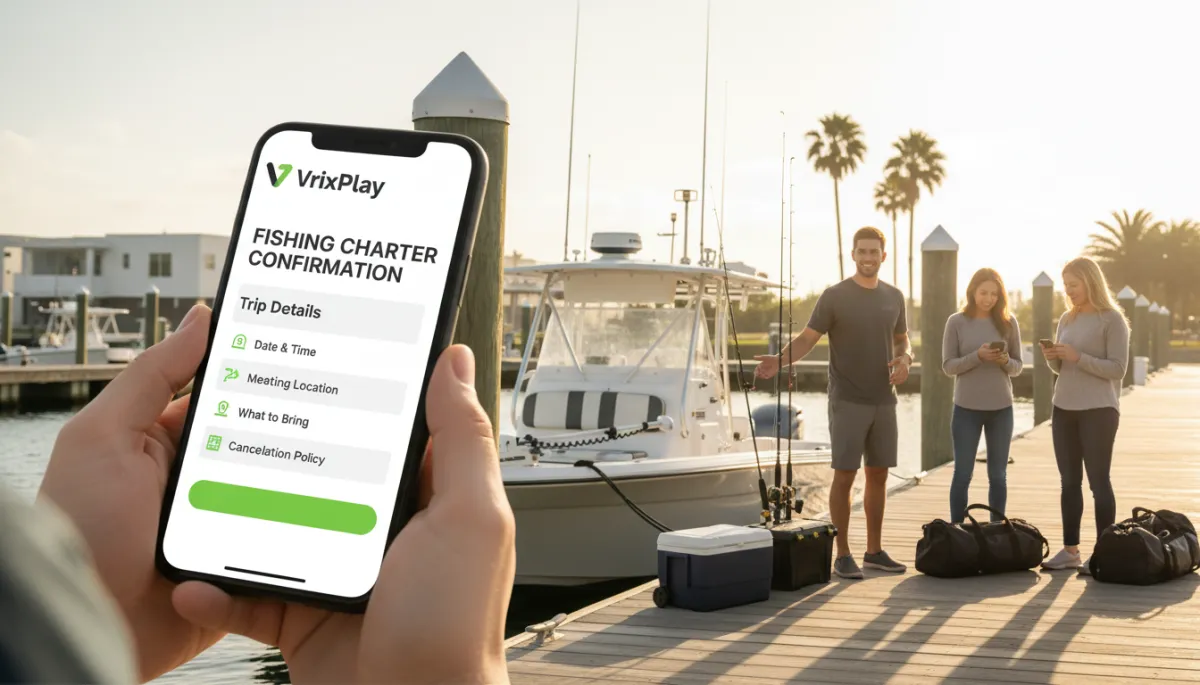
Your fishing charter confirmation email should read like a simple trip checklist. Keep it direct and clear. Here is what to include confirmation wise every time so guests are ready and you stay in control.
Trip date and time: State the exact date, start time, time zone, and how early they should arrive. Example: “Saturday, June 8, 2026, 6:00 AM departure, please arrive by 5:45 AM for check-in.”
Meeting location with address and parking notes: Include the full street address, marina name, dock number, and simple walking directions. Add parking details and fees. If the boat is hard to spot, describe a landmark so guests can find you without calling three times.
What to bring: Spell it out. License if required in your state, sunscreen, hat, sunglasses, non-marking shoes, any medication, layers or rain jacket, and a small cooler if they want to take fish home. Mention seasickness prevention so guests can handle that before they step aboard.
What is provided: List what you supply so there is no confusion. Typical items include rods and reels, tackle, bait, ice, fuel, safety gear, and cleaning of the catch. If you provide water or snacks, say so. If not, tell them to bring their own drinks and food within your rules.
Cancellation and weather policy: Put the policy right in the email in plain language. Include how many days before the trip guests can cancel, what counts as a weather call, and who makes that decision. Note what happens to their deposit in each case so you can point back to it if there is pushback later.
Deposit paid and balance due with due date: Show the numbers. Confirm the deposit amount collected, total trip price, and remaining balance. Tell them when and how the balance is due, and what forms of payment you accept on the dock or online.
How to reach the captain: List your cell number and a backup contact if you use one. Tell guests this is the number for day-of questions or if they are running late, so they know it is okay to call or text.
Waiver link if not yet signed: If you use digital waivers, drop the link right in the email and ask them to sign before arrival. That keeps you from burning dock time on paperwork while you should be casting off.
When you cover all of this in one clear fishing charter confirmation email, guests feel taken care of and you get a smoother start to every trip.
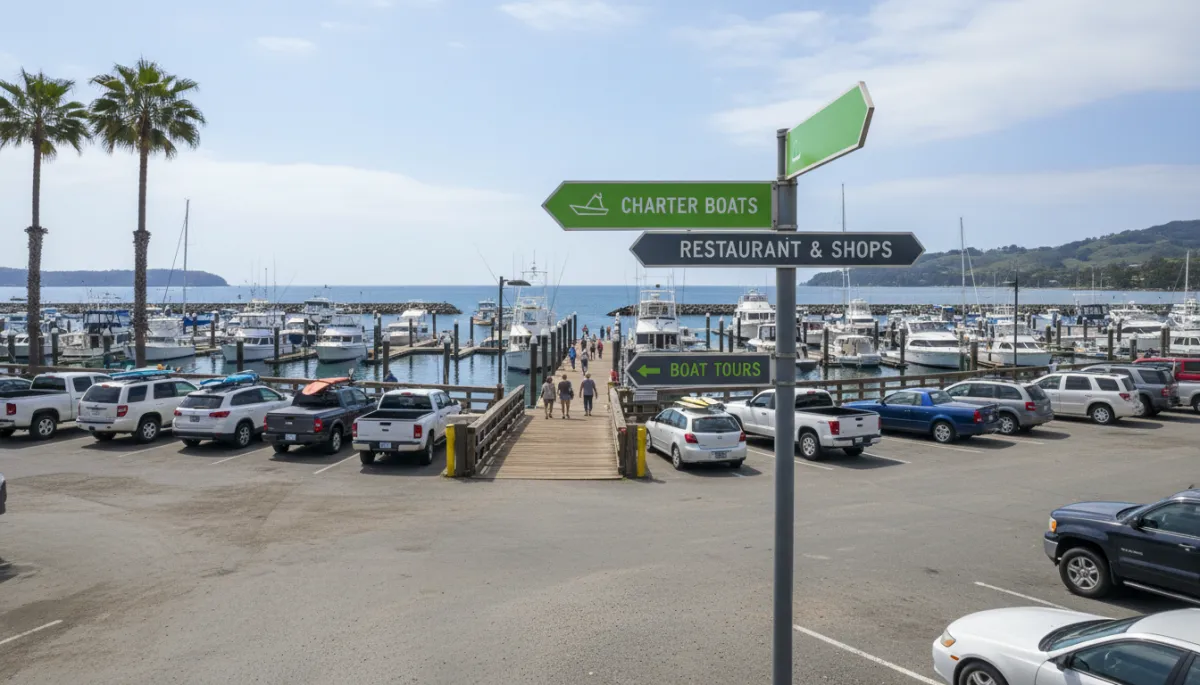
Clear meeting directions in your email prevent late arrivals and confused phone calls.
The Follow-Up Reminder: A Second Touchpoint Before the Trip
A charter reminder email is your second touchpoint. Send it 24 to 48 hours before the trip. Keep it shorter than the original confirmation. This is a quick nudge, not a full letter. Repeat the meeting time, location, and parking notes. Include the key “what to bring” items so guests can pack the night before. Add your cell number again and say, “Call or text this number with day-of questions.” That one line can stop guests from calling the marina office or messaging you on five different channels. A simple reminder, sent at the right time, keeps your trip top of mind and gives guests one more chance to get ready without you chasing them.
How VrixPlay Sends Charter Confirmations Automatically
With VrixPlay, your confirmation goes out the moment a guest books. The reminder sends on your schedule, 24 to 48 hours before the trip, without you touching a keyboard. No copying and pasting, no late-night emails after you scrub the decks. VrixPlay connects with HighLevel so your bookings and guest messages show up in your CRM for easy tracking. The platform is free to use, with a flat 3% per booking, so your costs stay simple. You focus on running a tight operation while VrixPlay handles the routine messages that keep guests informed. Start free no card required.
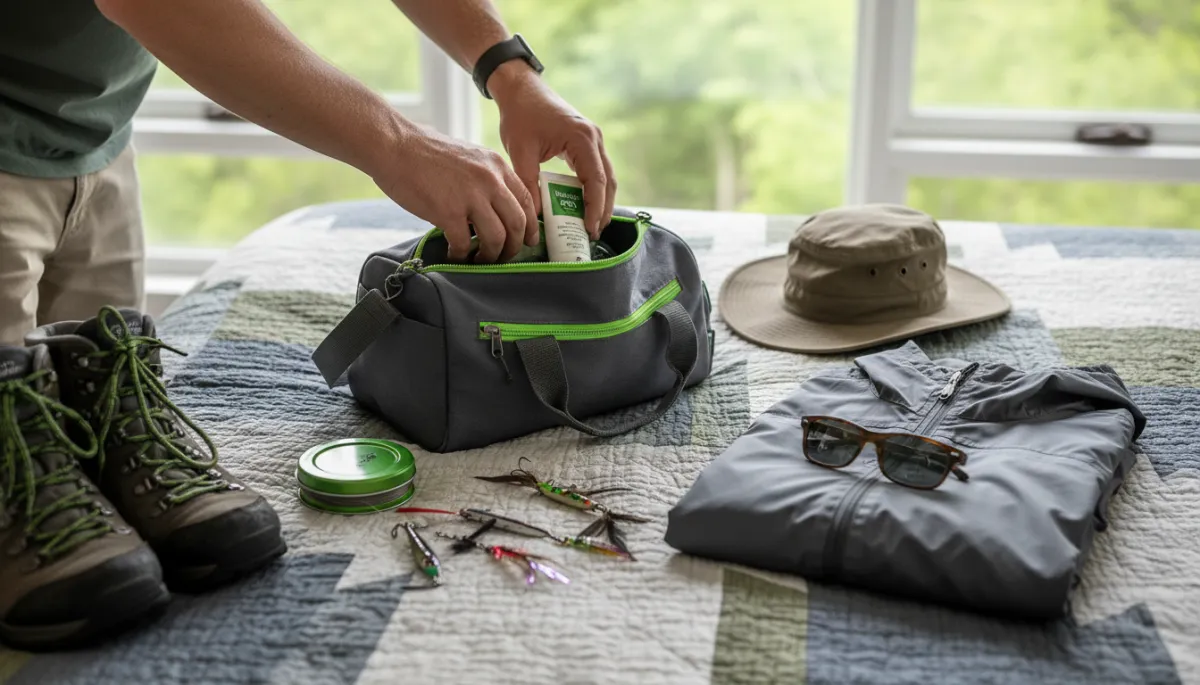
Clear prep lists mean guests show up ready, not scrambling at the dock.
FAQ: Fishing Charter Confirmation and Reminders
What should a charter booking confirmation include?
Your charter booking confirmation should include trip date and time, meeting spot with address and parking, what guests bring, what you provide, your cancellation and weather policy, deposit paid, balance due, how to reach you, and any waiver link. That covers the key fishing charter guest prep items and gives you something solid to reference if there are questions later.
When should the reminder be sent?
Send your reminder 24 to 48 hours before departure. That window is close enough that guests are thinking about the trip and can still adjust plans, but not so close that they feel rushed. Keep this reminder short and focused on time, location, what to bring, and your phone number for day-of questions.
Should the confirmation include the cancellation policy?
Yes. Your fishing charter confirmation email is the right place for your cancellation and weather policy. Put it in clear, plain language. When guests see the rules up front, they are less likely to argue if weather forces a change or if they try to cancel inside your cutoff window.
Can I send a confirmation for phone bookings too?
You should. Any time someone books by phone or in person, follow up with the same written confirmation. It locks in details, reduces mistakes, and gives both of you something to point to if there is confusion. With VrixPlay, you can still enter the booking and let the system send the confirmation and reminder for you.
Close: Let VrixPlay Handle the Emails
A strong fishing charter confirmation email and a simple reminder keep your trips tight and your guests ready. VrixPlay sends both automatically, tracks bookings, and keeps your inbox quieter so you can focus on running the boat, not chasing details. Start free no card required.