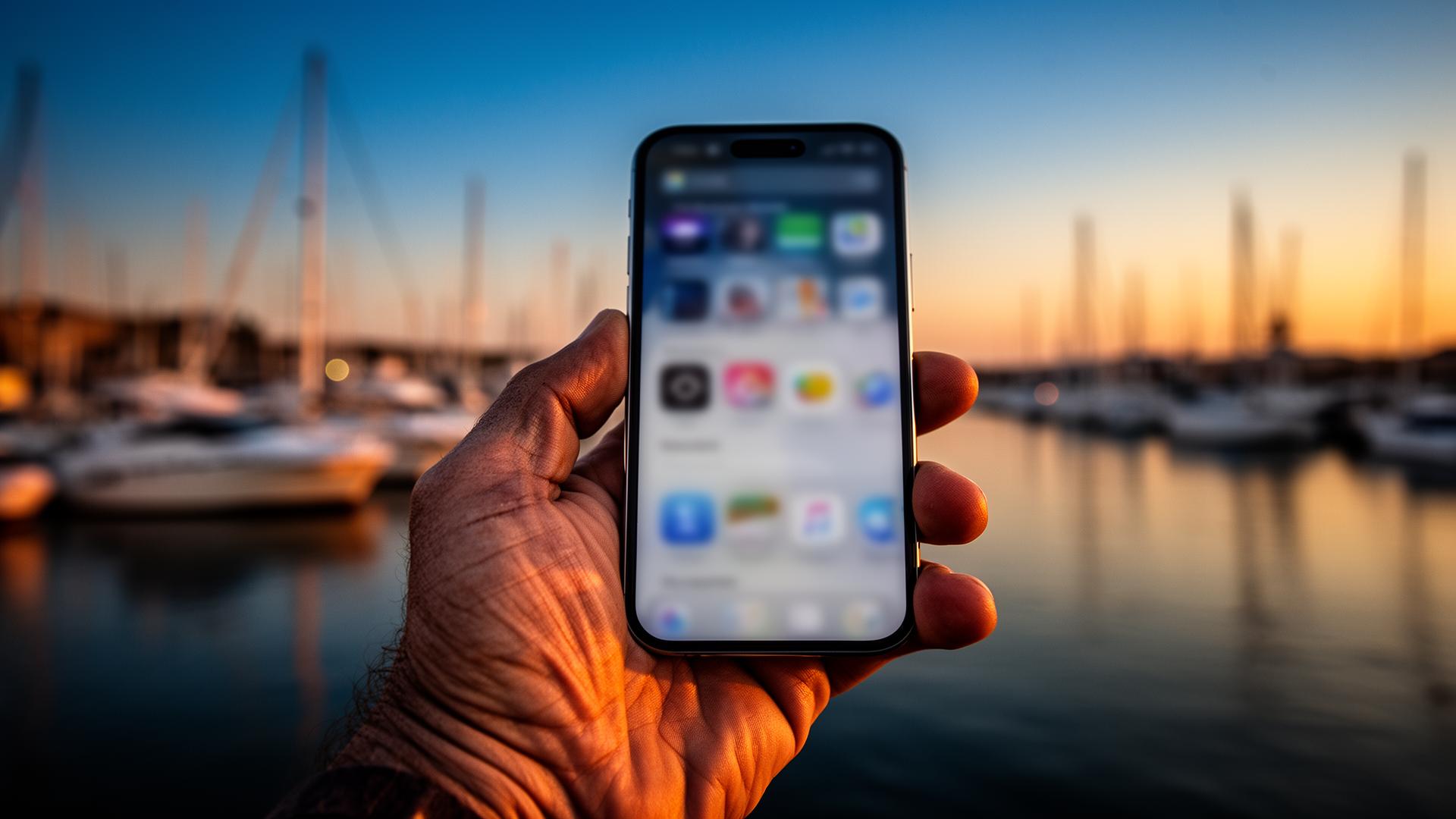
Run your business from your phone.
VrixPlay installs to your home screen like an app, no app store required. Same login, same data, whether you open it in your browser or tap the icon on your phone.
Start free, no card requiredFrom browser tab to home-screen app.
No app store account. No 200MB download. About 30 seconds, start to finish.
Open vrixplay.com on your phone
Any modern browser on iPhone or Android works, no download needed.
Tap Share, then Add to Home Screen
iOS: Safari → Share → Add to Home Screen. Android: Chrome → menu → Install app.
Launch it like an app
VrixPlay lives on your home screen with its own icon. Tap it and you're in.
The whole product in your pocket.
Install to home screen
Add VrixPlay to your iPhone or Android home screen with one tap. Launches like a native app.
No app store
No review delays, no platform politics. You're always on the latest version, automatically.
Mobile-first design
Built for one-thumb operation behind the counter, at the dock, or on the field.
QR scanner
Scan customer QR codes with your phone camera to check guests, players, and attendees in fast.
Push notifications
Get pinged for new bookings and requests, even when the app isn't open.
Offline-aware
Keep working when the connection drops. The app syncs back up when you're online again.
Persistent sign-in
Log in once. The installed app keeps your session so the team isn't fighting passwords.
iOS standalone support
Works inside iOS standalone mode, including the QR scanner with file/photo fallback when needed.
Scale your passion, not your overhead.
Join the captains, rental fleets, and cruise operators who ditched the monthly subscription and grew their bookings with VrixPlay.