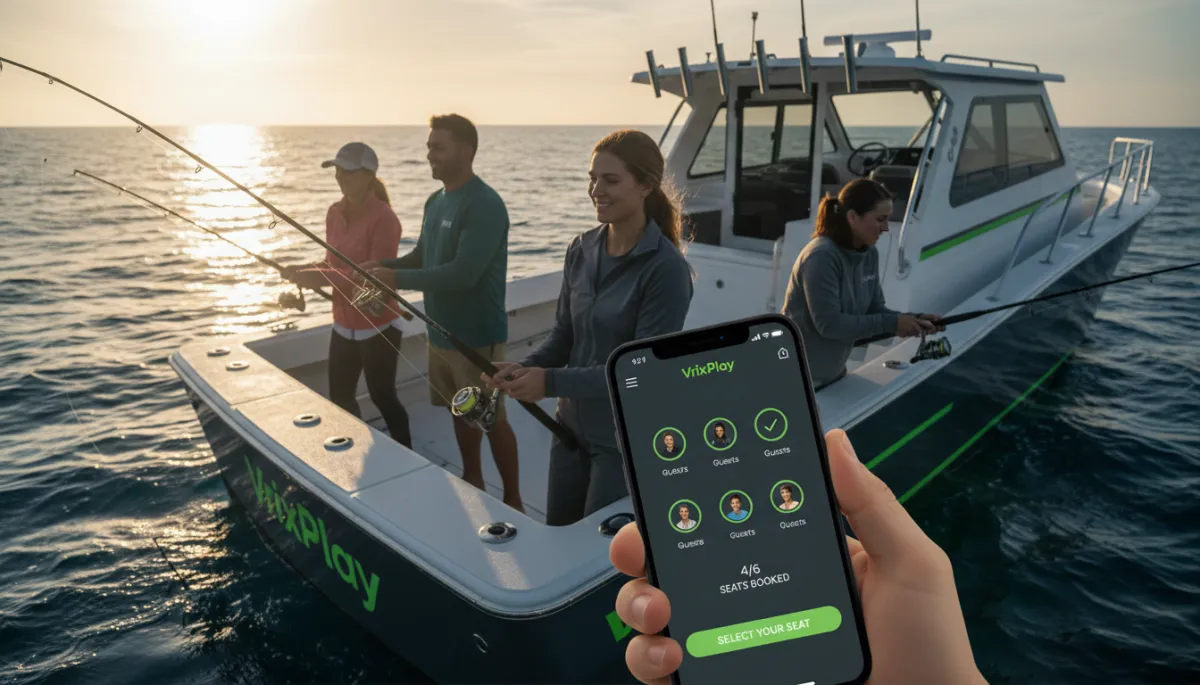
Optimize Fishing Charter Pricing Pages for Bookings
Learn how to create effective fishing charter pricing pages that convert visitors into booked trips with clear pricing and easy booking.
Marketing, Fishing Charter Pricing Page
Fishing Charter Pricing Pages That Turn Visitors Into Booked Trips
What should a fishing charter pricing page include if you actually want more trips on the calendar, not just more website visitors? It needs clear trip types, honest prices, deposits, what is included, and a simple way to book without leaving your site. Most operators know this in theory, but their pricing pages are cluttered, confusing, or buried. In a market where guests expect to book in a few taps on their phone, that costs real money. This guide breaks down how to build a fishing charter pricing page that fits the way people book in 2026 and how VrixPlay helps you power it with a free, embedded booking system that only charges a flat 3% per booking.
Why Most Charter Pricing Pages Lose Bookings
Most charter websites do not have a pricing problem. They have a clarity problem. Guests land on the site ready to buy, then run into missing prices, vague trip descriptions, or a “Call for rates” note that feels like work. In an industry where direct online booking is rising fast and customers expect to finish in three taps on mobile, every extra step kills momentum. Industry data shows many U.S. fishing charters are nearly invisible or poorly set up online at the exact moment customers want to book, which means lost revenue you never see.
Another silent killer is sending people off your site to a clunky third party. The design changes, the trust drops, and some guests abandon the process. Add in unclear deposit rules or surprise fees for fuel, bait, or cleaning, and your visitor starts wondering what else is hidden. The result is fewer trips, more phone calls, and more time spent explaining the same details instead of running the boat.
What Every Fishing Charter Pricing Page Needs
A strong fishing charter pricing page does one job. It helps a ready buyer pick the right trip and book it right now. To do that, it needs a simple set of elements that answer every key question without forcing them to dig or call.
Clear trip types with plain language
Start with trip types. Use names a guest understands at a glance, not captain jargon. For example:
Half-day inshore (4 hours)
Full-day offshore (8 hours)
Night snapper trip (6 hours)
Under each name, add a one-sentence description that focuses on the experience and target species, not just the clock. Guests want to picture the day, not read a rule book.
Pricing per person or per boat, not both at once
Decide if your main price is per boat or per person and make that clear. For example, “$900 per boat, up to 6 anglers” or “$225 per person, 4-person minimum.” If you mix both without context, people get confused and leave. Today’s guests expect transparent, itemized pricing that shows them the full cost upfront, including any common add-ons like fuel surcharges or cleaning fees. If there are optional extras, list them right below the main price so nothing feels hidden.
Deposit required and what is included
Most charter operators now use deposits, often 25 to 50 percent, to cut down on no-shows and show guests you run a serious operation. State the deposit amount, when it is charged, and your refund rules in plain language. Right under that, list what is included in the price. For example:
Rods, reels, and tackle
Bait and ice
Licenses for all guests, where allowed
If guests need to bring food, drinks, or their own cooler, say that too. Transparency builds trust and cuts down on awkward dockside talks.
A “Book now” button that stays on your site
Finally, every trip block needs a clear “Book now” button that keeps the guest on your domain. The look and feel should match your brand colors, such as a bold #7CC22A button on a #575D6B accent. With an embedded booking widget, the guest never feels like they left your site, even though a secure system handles the deposit, waivers, and confirmations in the background.
How to Structure Multiple Trip Types on One Page
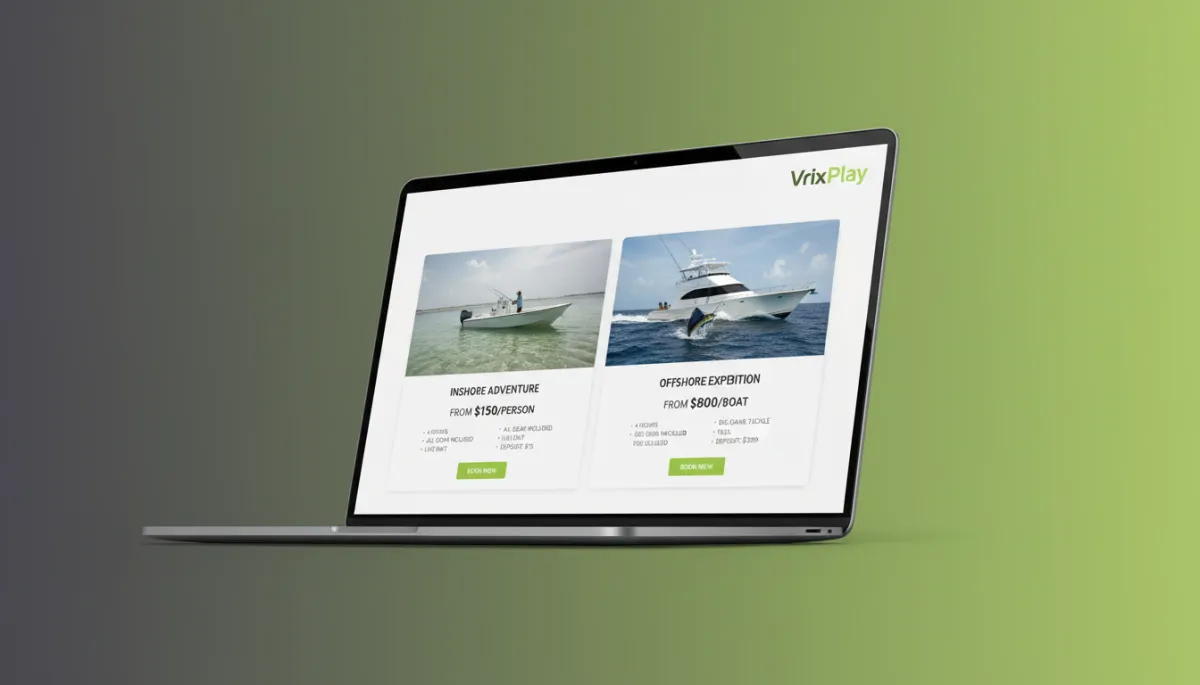
If you offer more than one trip, your fishing charter pricing page needs to guide the eye, not overwhelm it. The simplest way to do this is with trip cards. Each card shows the trip name, duration, ideal group size, starting price, key highlights, and a “Book now” button. On mobile, these stack in a single column. On desktop, they sit side by side so guests can scan quickly.
For more than three options, add a comparison layout. A simple table with trips across the top and features down the side works well. Include rows for trip length, target species, distance from shore, included gear, and price. Highlight your most popular option with a subtle badge like “Most booked” so decision-shy guests have a safe default. The goal is to help people compare without opening ten tabs or calling you to sort it out.
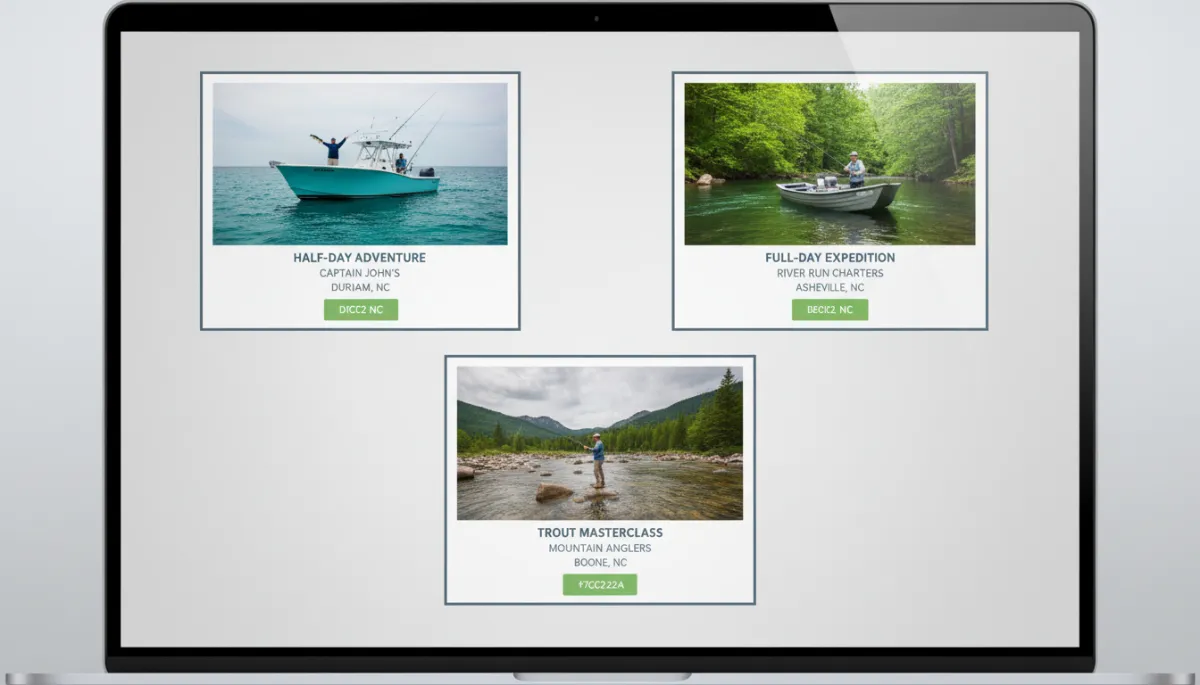
Simple trip cards and comparison layouts remove friction and speed up booking choices.
How VrixPlay Powers Charter Pricing Pages
VrixPlay gives you the engine behind a strong fishing charter pricing page without a monthly bill. The platform is free to use, with a flat 3 percent fee per booking. You keep control of your website, your brand, and your guest experience while VrixPlay handles the heavy lifting under the hood.
You embed a booking widget on your pricing page with a simple script. Guests can pick a trip, date, and headcount, sign waivers, pay a deposit or full amount, and get confirmations, all without leaving your site. It is mobile-first, so the same flow works smoothly on a phone on the couch as it does on a desktop at work. Behind the scenes, you get scheduling, deposits, digital waivers, and reporting built for experience operators, not restaurant tables.
💡 Pro Tip: Use VrixPlay to set standard deposits per trip type so your pricing page and checkout always match.
Ready to see it in action on your own site? Claim a free booking website powered by VrixPlay and turn your pricing page into a true sales tool.
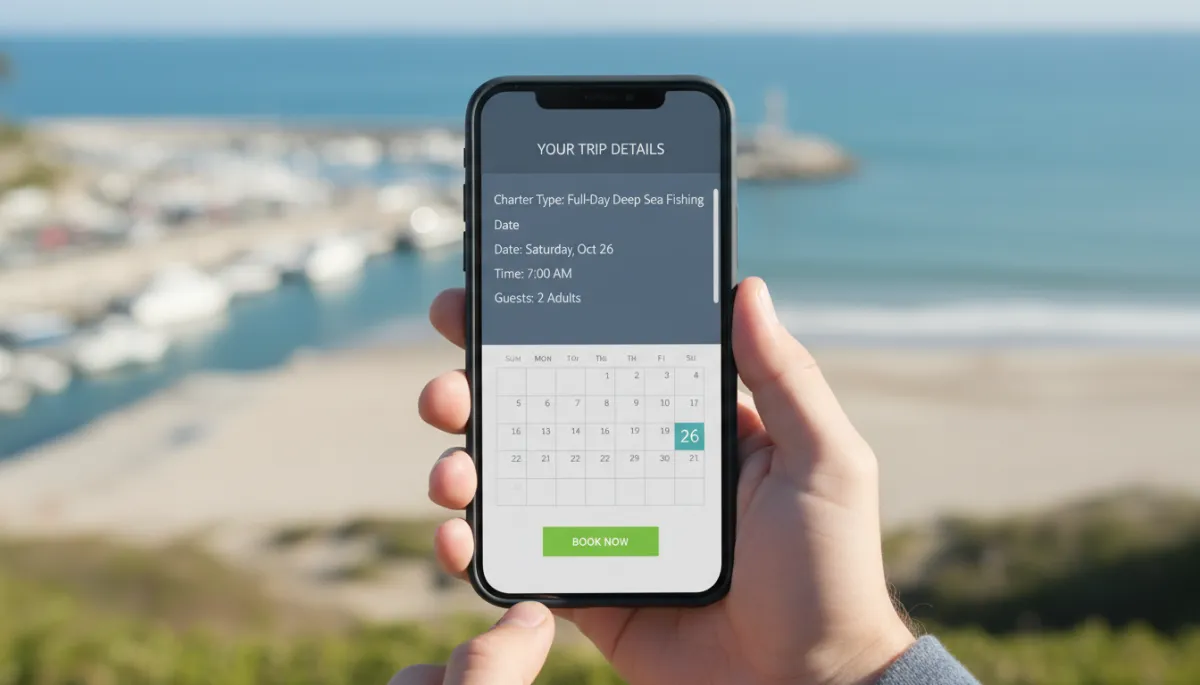
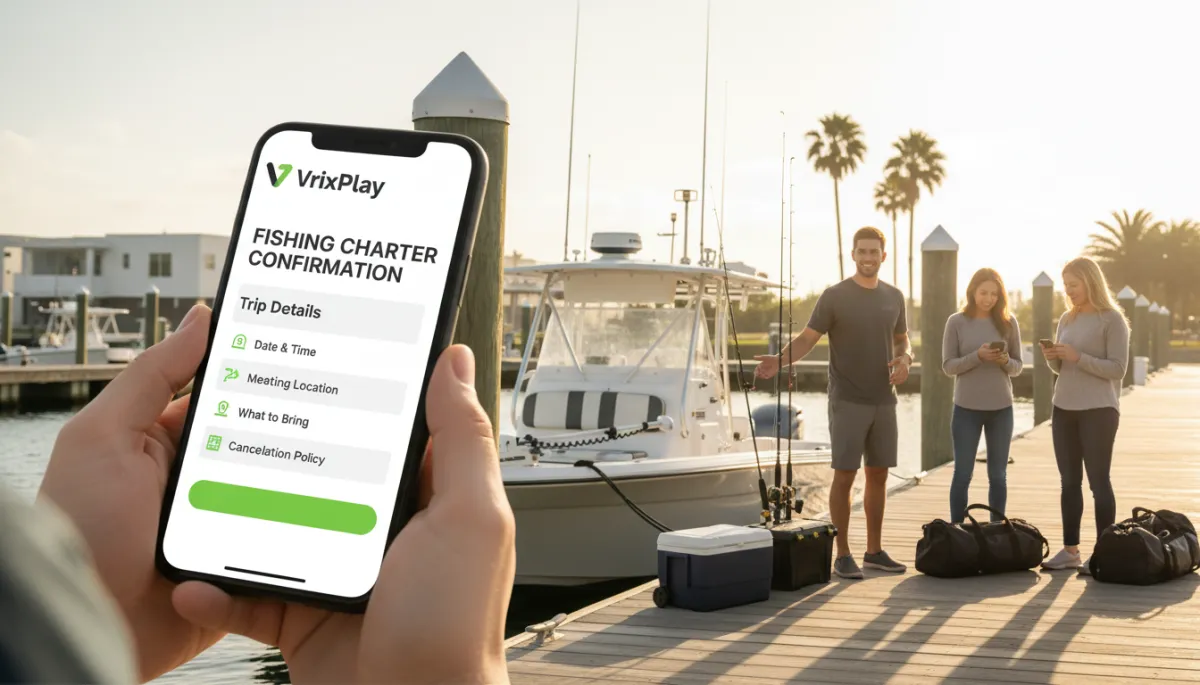
Embedded mobile checkout keeps guests on your site while VrixPlay handles the booking.
FAQ: Fishing Charter Pricing Pages That Convert
How detailed should my fishing charter pricing page be?
Aim for clear, not crowded. Each trip should show name, length, ideal group size, price, deposit, what is included, and a “Book now” button. Put extra details like what to bring, weather rules, and fine print in a short FAQ or linked section. If a guest can answer their main questions in under a minute, you are in the right zone.
Should I show prices or make people call?
Show your prices. Today’s guests expect transparent, upfront pricing. Hiding rates forces them to call or text, which many will not do. Clear prices also filter out poor fits and save you time. You can still invite calls for custom trips, but your core offerings should be priced right on the page.
How big should my deposit be on the pricing page?
Many charters use 25 to 50 percent. Pick a number that covers your risk on fuel, crew, and lost slots if someone cancels late. Whatever you choose, state it clearly next to the price and match it in your booking system so guests never feel misled. VrixPlay lets you set deposits per trip so this stays consistent.
Can I use VrixPlay if I already have a website?
Yes. VrixPlay is built to embed into sites on platforms like WordPress, Wix, or Squarespace. You keep your current design and domain. You simply drop in the booking widget on your fishing charter pricing page so guests can choose a trip and pay in a few clicks. The software is free, and you only pay a flat 3 percent per booking.
Close: Turn Your Pricing Page Into a Booking Machine
A strong fishing charter pricing page is not fancy. It is clear, honest, and built to book. Lay out trip types, show real prices, explain deposits and inclusions, and keep the booking flow on your site. Then let VrixPlay handle the back end for free, with a simple 3 percent per booking. Claim a free booking website, plug it into your pricing page, and turn more visitors into confirmed trips this season.