How to Get More 5-Star Reviews for Your Charter or Rental Business
Most charter and rental operators earn great reviews but only a fraction of happy guests ever post one. Here is how to build a simple follow-up system that turns satisfied customers into a steady stream of public reviews without chasing anyone down.

You had a great trip. The fish were biting, the guests were laughing, and everyone walked off the boat saying they would be back. Three weeks later, you have zero new Google reviews to show for it.
This is the most common reputation problem in the charter and rental industry. Not bad trips, but good ones that disappear without a trace. Guests had a fantastic time, meant to leave a review, and simply never got around to it.
The fix is not complicated. It is timing and a short, direct ask. Here is how to build that into your operation so it runs on its own.
Why Most Happy Guests Never Leave a Review
It is not indifference. It is friction and forgetting.
By the time a guest gets home, unpacks, and returns to normal life, the impulse is gone. The trip was great, but the moment to act on it has passed. If you did not point them directly to your review page within a few hours of departure, the window closed.
Paper comment cards do nothing for your Google ranking. A verbal mention at the dock gets forgotten in the parking lot. The only system that works consistently is a short, direct follow-up message with a link, sent while the memory and the good feeling are still fresh.
The Timing That Actually Works
The sweet spot for a review request is between one and three hours after the trip ends. Not the next morning. Not a week later. That same afternoon.
At that point, guests are still in the experience. They are at a restaurant nearby, showing trip photos to someone, or posting on their own social feeds. A short text or email that arrives in that window has a real chance of converting into a review. The same message sent two days later gets ignored.
If you run morning departures, your review request should go out by early afternoon. Evening charters, send it that same night. The goal is to catch people while they still feel like talking about it.
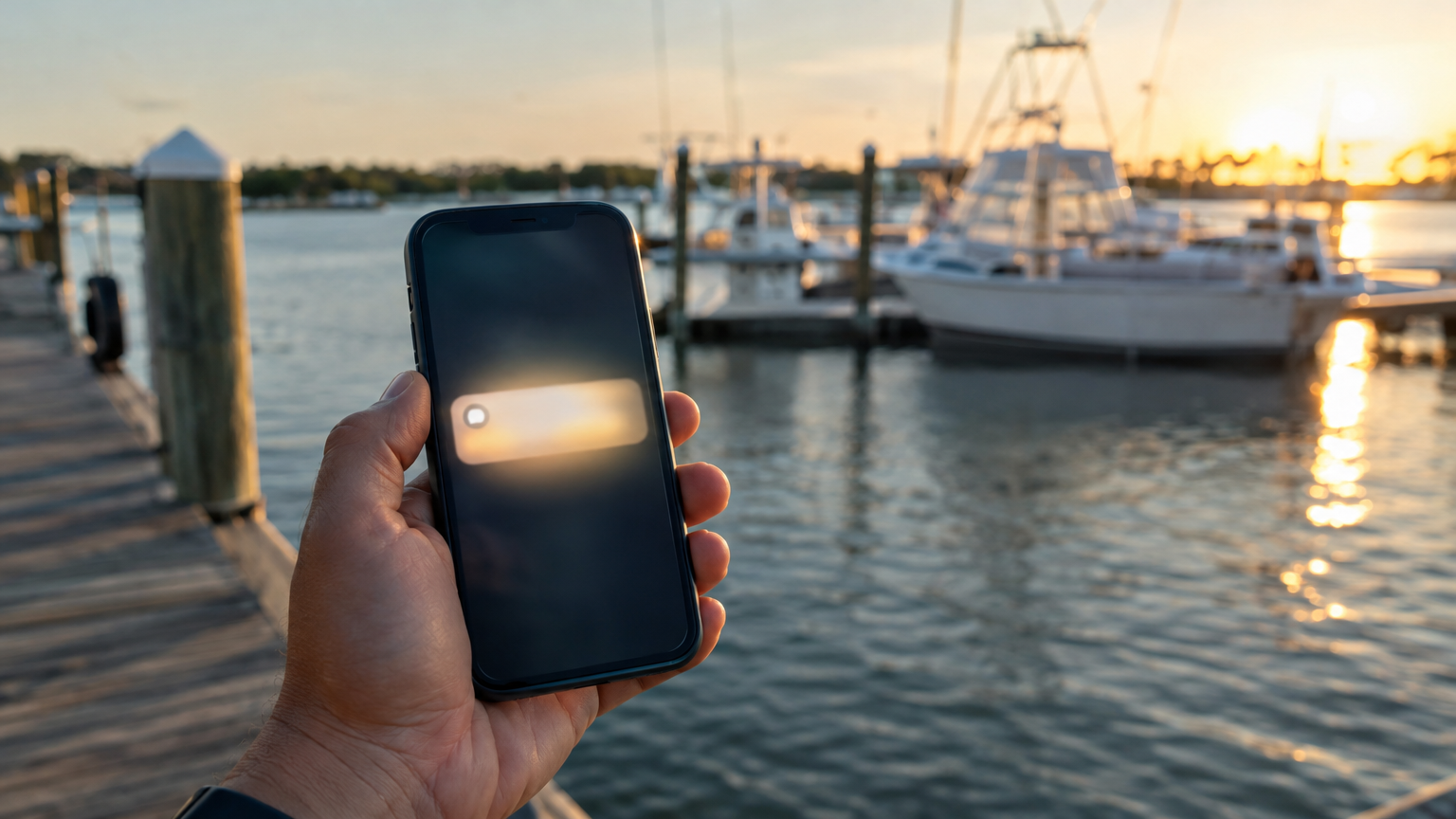
A timely message sent within a few hours of the trip reaches guests while the experience is still top of mind.
What the Message Should Say
Short wins. A long, formal email with pleasantries before the ask rarely gets a click. Something direct like this works far better:
Hey [first name] -- thanks for coming out with us today. If you had a great time, it would mean a lot if you left us a quick Google review. It only takes a minute and helps others find us: [link]
That is it. First name, genuine thank-you, a single clear ask, and a direct link. No attachments, no surveys, no three-paragraph corporate tone.
The link matters. Do not send people to your home page and hope they find the reviews section. Your Google Business Profile has a direct review link you can copy and shorten. Put that specific URL in the message every time.
Text vs. Email: Which One to Use
Both can work, but text has a higher open rate for time-sensitive messages. Most people check a text within minutes. Email can sit in an inbox until it gets buried.
For same-day follow-up, a short text to the booking phone number is the most reliable path. Email works well as a follow-up a day or two later for guests who did not respond to the text -- a second chance rather than a duplicate ask.
If you collect both phone and email at booking, a text first and an email follow-up 24 to 48 hours later gives you two chances without feeling pushy.
Build It Into the Booking Flow, Not Onto Your To-Do List
The reason most operators send zero review requests is not laziness. It is that there is no system. When you are running a trip, fueling up, and handling the next departure, sending a personal follow-up to every guest does not happen reliably.
The operators who build consistent review volume are the ones who automate the ask. A booking and operations platform with built-in notification templates can send a post-trip message automatically after a departure is marked complete -- same message, right timing, every single time, without you touching your phone.
VrixPlay's notification tools let you set up exactly this kind of automated follow-up. When a trip closes out, a review request with your Google link goes out to the guests on that booking, on schedule, without manual follow-up on your end. You configure it once and it runs every trip from there.
Should You Offer an Incentive?
Keep it simple: Google's terms prohibit incentivizing reviews in exchange for positive ones, and offering a discount for a good review can get your listing flagged. What you can do is remind guests genuinely that reviews help small, independent operations stay visible against larger platforms and booking marketplaces.
That framing resonates with guests who had a personal, local experience and want to support the captain or crew they just spent the day with. It is honest and it works.
What to Do With the Reviews You Receive
Respond to all of them, including the five-star ones. A short, specific reply shows future customers that you are engaged and that guests are not just a transaction. It also signals to Google that your profile is active and well-managed.
For the occasional critical review, respond calmly, acknowledge the concern specifically, and offer to make it right offline. Do not argue the facts in a public reply. Potential customers read your responses just as closely as the reviews themselves.
Over time, a healthy review volume with consistent responses becomes one of your strongest marketing assets -- one that compounds every season without any ongoing cost.
Set It Up This Off-Season
The slow months between seasons are the right time to build this system, not the week before peak season when you are already at full capacity.
Review your Google Business Profile and get your direct review link. Write a short text template. If you are using VrixPlay, set up the post-trip notification sequence so it fires automatically. Go into next season with the infrastructure already running.
Most of your competitors are not doing this consistently. A review system built in the off-season gives you a real head start before the first warm weekend of the year.
A Quick-Start Checklist
- Find and save your direct Google review link from your Google Business Profile
- Write a short, casual review request message -- aim for under 40 words
- Decide on timing: same-day text, next-day email, or both
- Set up an automated post-trip notification in your booking platform if it supports it
- Add your Google review link to your booking confirmation email as a standard footer item
- Start responding to every review, including the positive ones
You already earned the good experience on the water. This is just making sure it gets counted.
VrixPlay is free booking and operations software built for charter and rental operators on the Gulf Coast and beyond. No monthly fee, 3% per booking. If you want to clean up your post-trip communication and start building review volume automatically, sign up free at vrixplay.com.