How Online Booking Captures Charter Inquiries While You Are on the Water
Online booking for fishing charters gives guests a live view of availability and a checkout to pay a deposit without waiting for a callback. Here is how to capture every inquiry while you are on the water.
Fishing Charters, Online Booking, VrixPlay
How Online Booking Captures Charter Inquiries While You Are on the Water
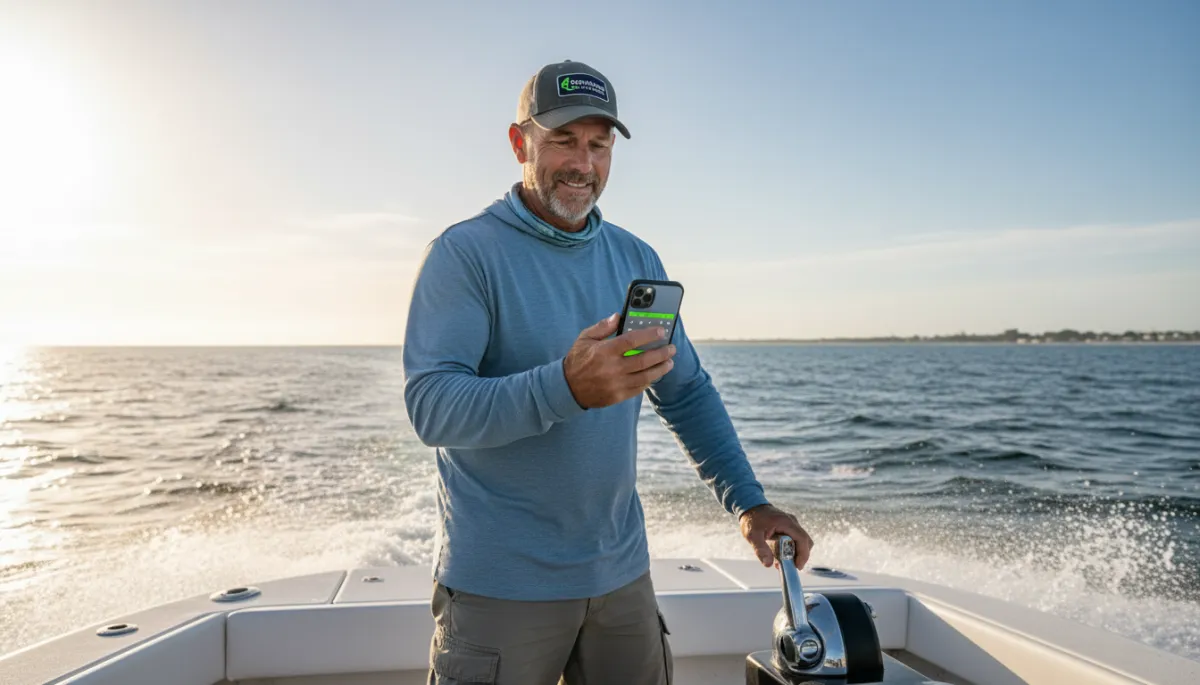
Online booking for fishing charters lets guests reserve a trip without ever picking up the phone, even while you are running a charter. If your only way to book is a call or text, you already know the gap. You are running the boat, netting fish, watching weather, and your phone buzzes in the console. You miss it. By the time you get back to the dock, that guest has checked a few other captains, found an open spot, and booked somewhere else. The problem is not demand. It is that your calendar and your payment process only work when you are free to talk. Online booking keeps that door open all day, every day, without adding another person to your crew.
Why Unanswered Inquiries Cost Real Revenue
Guests do not wait around. When someone decides they want a fishing trip, they open a browser, search for local captains, and start checking options. If your site or listing tells them to “call for availability,” they might try once. If you do not answer, they move on to the next captain with an open calendar and a button that says “Book Now.” That is how unanswered inquiries quietly turn into empty days on your fishing charter calendar.
Relying on your phone as the only way to book is a single point of failure. Battery dies, you are out of range, you are gaffing a fish, or you are towing in a customer’s boat, and every missed call is a chance lost. A solid charter booking software setup handles the transactional side in the background. Guests see real availability, pick a trip, pay a deposit, and get confirmation. You stay focused on running safe, fish-filled trips instead of chasing calls and texts all day.
What to Look for in a Fishing Charter Booking System
Not every online booking for fishing charters is built for an owner-operator who spends most days on the water. Here is what actually matters when you pick a system.
Real-time availability across all channels
Your calendar needs to be right every time a guest looks at it. If you take bookings from your website, walk-ups at the dock, and a marketplace like FishingBooker, all of that should feed one fishing charter calendar. When a guest books online, that time slot should instantly block out everywhere else. When you add a phone booking, it should show as unavailable online. Real-time syncing cuts double-bookings and last-minute reshuffling that make you look unprepared.
Deposit collection at checkout via Stripe
A booking is not real until money changes hands. Your charter booking software should collect a deposit at checkout through a trusted processor like Stripe. You set the deposit amount once, and every online booking runs through the same deposit checkout flow. Funds go straight to your Stripe account, and you see which trips are locked in versus just “interested.” This keeps your schedule cleaner and your cash flow more predictable.
Mobile-friendly guest checkout
Most guests will find you on their phone. If your booking page is slow, hard to read, or asks for too many steps, they bail. Look for a system built for mobile booking with simple screens, big buttons, and clear pricing. Guests should be able to pick a date, select a trip, enter basic info, pay the deposit, and be done in a minute or two on a small screen. The easier it is, the more of those late-night or lunch-break shoppers turn into paid trips on your calendar.
Automatic confirmation and reminder messages
You should not be typing the same “You’re booked for Saturday at 7 a.m.” text over and over. Your system needs automatic confirmation emails and texts that go out as soon as a booking is made. It should also send reminder messages before the trip with meeting location, what to bring, and your policies. Clear reminders help with no-show reduction because guests know exactly when and where to show up, and they have your details handy if they need to reach you.
A way to add phone and walk-up bookings manually
Online booking does not replace your local regulars who like to call or just walk down the dock. Your software should let you quickly add those reservations by hand so every trip lives in one place. You pick the date and time, enter the guest’s name and contact info, mark the deposit as paid or due, and the system blocks that slot. This keeps your schedule accurate without changing how your best customers like to book.
Role-based team access
Even on a one-boat operation, you might have a mate, a spouse handling calls, or a dock office helping with scheduling. Role-based access lets you give each person the right level of control. You keep full access to pricing, payouts, and settings. Your mate can see the schedule and guest details. A helper can add bookings but not change your bank info. This keeps things organized and secure without you needing to share your main login with everyone.
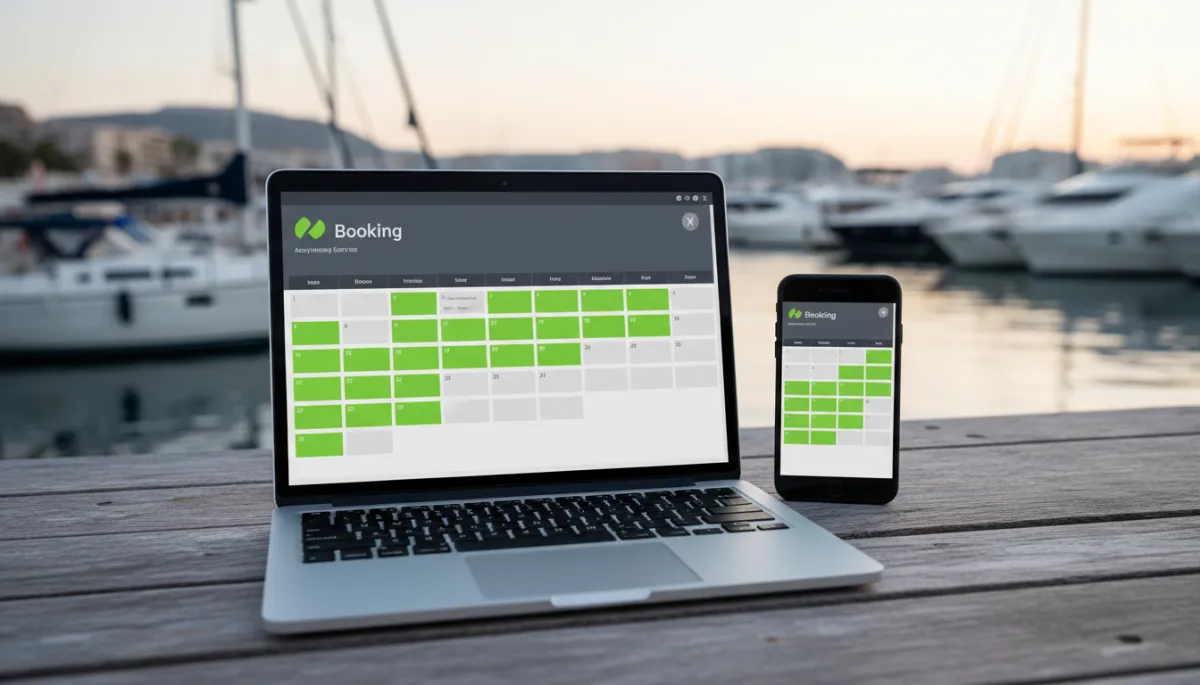
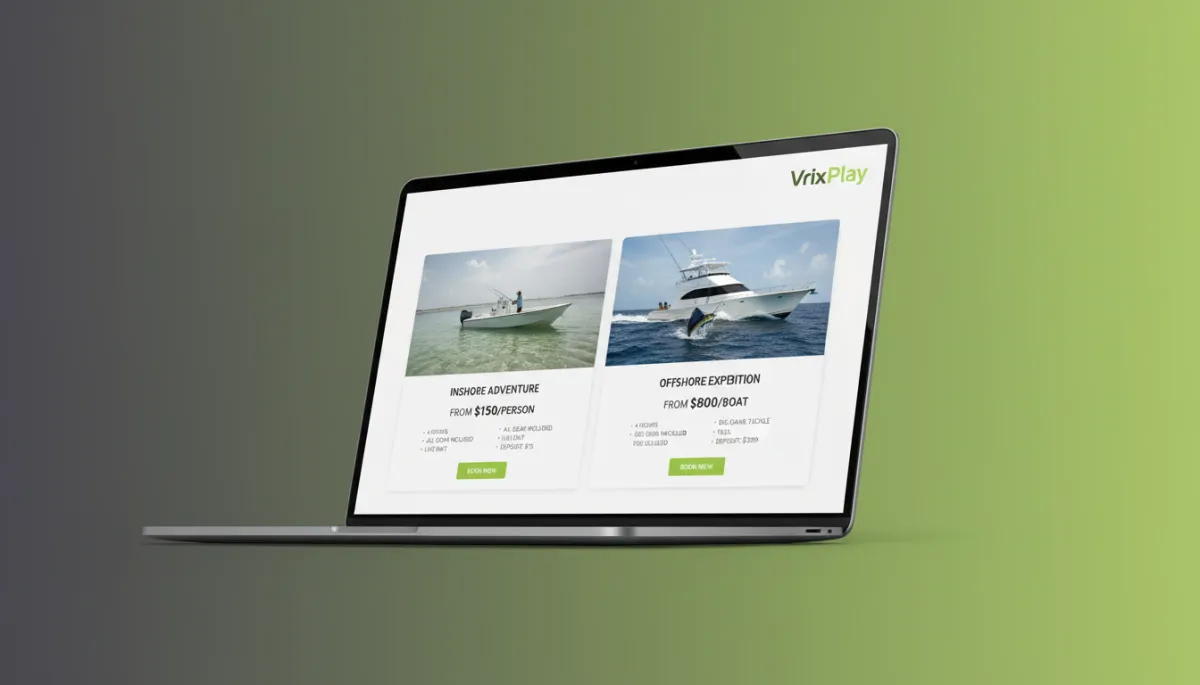
A live calendar lets guests grab open dates without waiting for a callback.
Setting Up Online Charter Booking: A Practical Checklist
Create trip listings. Define each trip you run: half-day, full-day, inshore, offshore. Set clear pricing, start times, capacity, and what is included so guests know exactly what they are buying.
Set available dates and blackout days. Mark your normal operating days, then block off maintenance, tournaments, family time, and any days you do not want booked. Keep this calendar current.
Require deposit at checkout. Choose a deposit amount that fits your market and fuel costs. Turn on deposit checkout so every online booking secures the spot with real money.
Embed booking widget on your website. Add the booking widget to your homepage and trips page so guests can see availability and book without leaving your site.
Write confirmation and reminder messages. Use clear, simple language: where to meet, when to arrive, what to bring, how weather and cancellations work. Save these templates in your system.
Add walk-up entry flow. Set up a quick form to log dockside and phone bookings so everything lands on the same fishing charter calendar and stays in sync.
Test from your phone. Go through the full process as if you were a guest. Make sure mobile booking feels smooth, and fix any confusing steps before sending real guests through it.
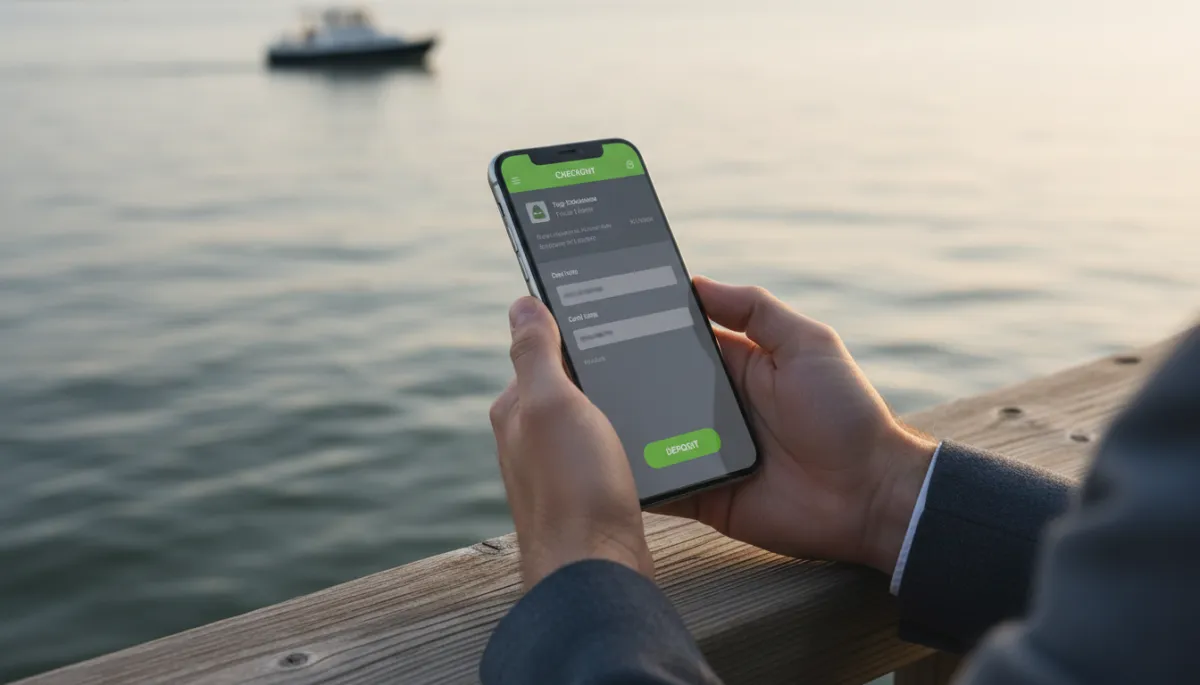
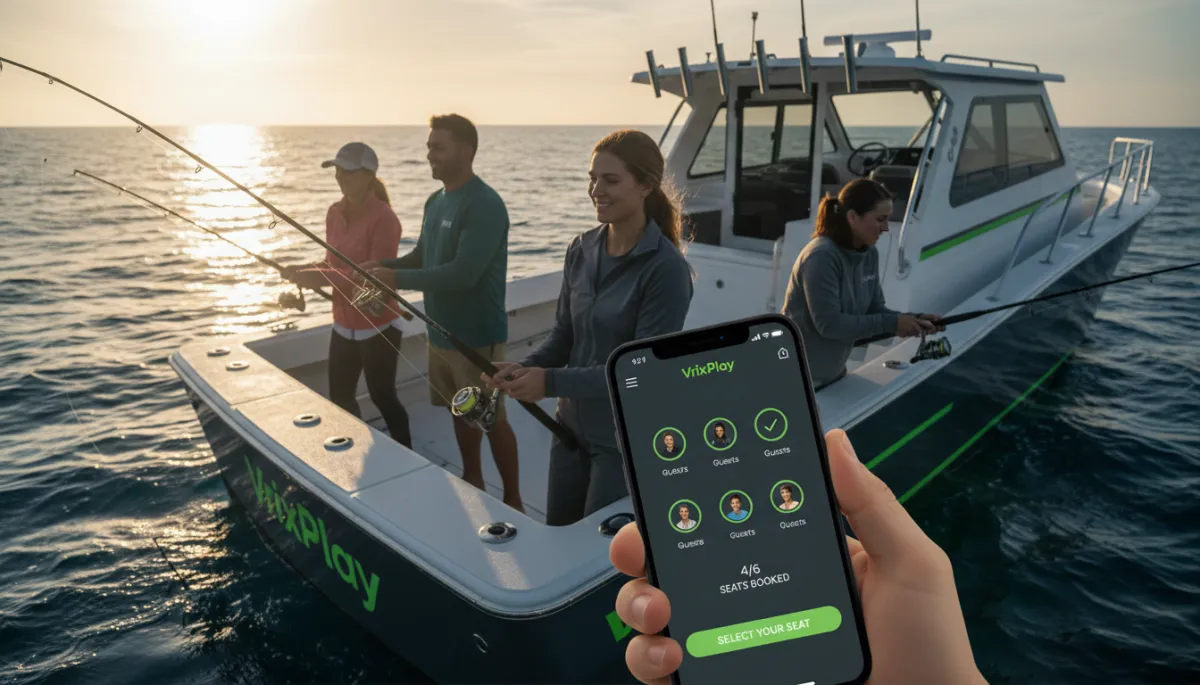
A fast mobile checkout with deposit turns interest into a confirmed charter.
How VrixPlay Supports Online Booking for Charter Operators
VrixPlay is built for charter operators who want online booking without a big monthly bill. The platform is free per month with a flat 3% fee on each completed booking. Guests book through a clean, embedded widget on your website, so they stay with your brand from search to checkout. Stripe handles deposit checkout automatically, sending funds straight to your account while VrixPlay updates the booking status for you.
Your calendar updates instantly from every source, including a FishingBooker integration, so you see one accurate schedule instead of juggling apps. If you use HighLevel as your CRM, VrixPlay syncs guest details there for follow-up and repeat business. The platform is mobile-first, so you can manage trips from your phone at the dock. Setup takes about 15 minutes for a typical operation. Start free, no card required.
Frequently Asked Questions
Can customers book a fishing charter without calling?
Yes. With the right online booking for fishing charters, guests can see live availability, choose a trip, and pay a deposit on your website. They get instant confirmation, and you see the booking on your calendar without ever answering the phone. You can still take calls, but you are no longer limited to them.
How do I handle phone bookings alongside online reservations?
Use your charter booking software as the single source of truth. When someone calls, you open your calendar, pick their date, and add the booking manually. The system blocks that slot so no one else can book it online. This way, walk-ups, phone calls, and website bookings all live in one schedule you can trust.
What deposit amount should a fishing charter require?
Deposit amounts vary by market and trip cost. Many captains pick a flat amount that covers fuel and basic costs or a set percentage of the trip price. The key is choosing a number that guests are comfortable paying online while still showing real commitment. Your software should let you adjust this anytime as you learn what works best.
Does requiring an online deposit reduce no-shows?
Taking a deposit at booking gives guests a reason to show up or at least contact you if plans change. When guests have money on the line and receive clear confirmation and reminder messages, they are more likely to honor the trip. While it will not stop every no-show, it usually leads to a more reliable schedule and fewer wasted mornings at the dock.
Ready to Stop Missing Charter Inquiries?
You work hard to put people on fish. Let your booking system work just as hard to keep your calendar full while you are on the water. Put a live calendar, mobile booking, and deposit checkout on your site so guests can book the moment they are ready. Start free, no card required.