How to Set Up Guest Text Notifications for Your Charter or Rental Business
Most charter and rental operators send one confirmation email and hope for the best. Here is how to build an automated SMS and notification sequence that keeps guests informed, reduces no-shows, and saves you from answering the same questions all day.

Most guest communication problems on the water are not really communication problems. They are timing problems. The confirmation email goes out at booking. Then nothing happens until the captain shows up to a half-empty dock because somebody forgot the trip was today, could not find the meeting point, or showed up without signing their waiver.
A single confirmation email is not a guest communication strategy. It is an assumption that guests will remember, stay organized, and read their inbox reliably. Most will not do all three.
Building a short, automated notification sequence takes about an hour to set up once. After that, it runs on its own for every booking, every season, without you having to send a single text manually.
Why SMS Outperforms Email for Trip Communication
Email is still useful for booking confirmations, receipts, and waivers — anything that benefits from a written record someone might refer back to. But for day-before reminders and morning-of logistics, text messages are in a different category entirely.
Open rates on SMS hover well above 90 percent, and most people read a text within three minutes of receiving it. Compare that to email, where a reminder sent the night before a trip might sit unread until the next afternoon. For a charter or rental business where your guests are on vacation, distracted, and switching between different trip plans, a text is the one channel that reliably gets through.
The other practical advantage: text messages are short. You cannot pad a text with filler. Every word has to pull its weight, which means guests actually absorb the information — meeting point, departure time, what to bring — rather than skimming past it.
The Five Touchpoints Worth Automating
Not every moment in a guest's journey needs a message. Too many texts and people start ignoring them or opting out. The right cadence is five specific moments, each with a clear purpose.
1. Booking Confirmation
This goes out immediately after a guest pays their deposit. It should confirm the basics — date, time, boat or trip name, meeting location — and include a direct link to the waiver if they have not signed it yet. Keep it to three or four lines. The guest just handed you money; they want to see you confirm it, not read a paragraph of fine print.
2. Waiver Reminder (if unsigned)
Send this 72 to 48 hours before the trip if the waiver has not been completed. One short message. Link directly to the waiver. Guests who have not signed it at this point usually mean to but forgot, so a plain-language nudge is all it takes. "Hey, your trip is in two days — tap here to complete your waiver so we can get you on the water fast." That is the whole message.
3. Pre-Trip Briefing (24 Hours Out)
This is the most valuable message in the sequence, and the one most operators skip. Send it the day before and include everything a guest needs to feel prepared: meeting point address, parking notes, what to bring (sunscreen, closed-toe shoes, food restrictions if relevant), what time to arrive, and your phone number in case something comes up. When guests arrive already knowing where to go and what to expect, boarding takes minutes instead of 20.
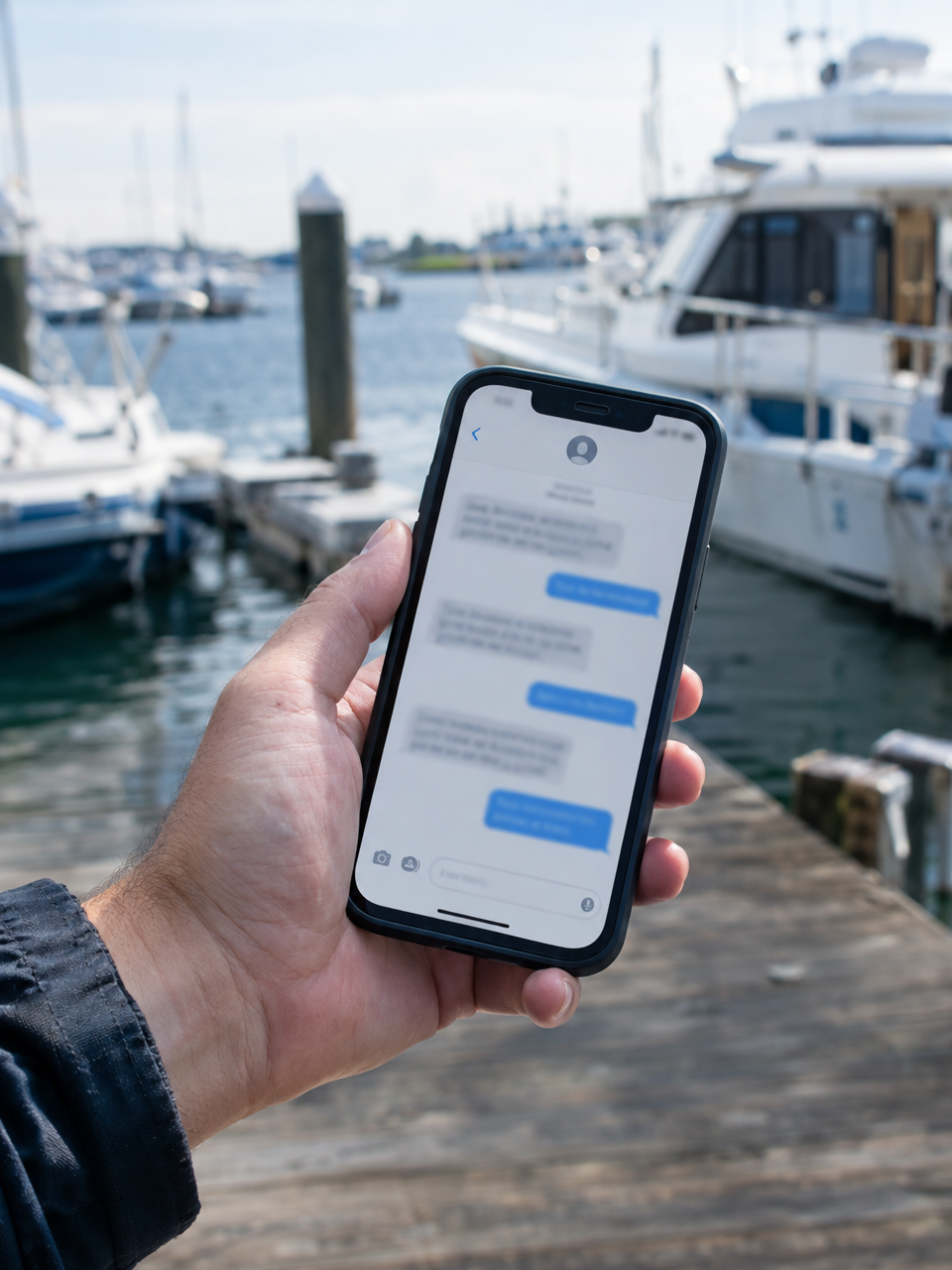
Automated SMS touchpoints reach guests reliably — even when they are already on vacation and ignoring their inbox.
4. Balance Payment Link
If you collect a deposit at booking and the balance at a later date, send the payment link one to two days before the trip — not at the dock. Text is more effective than email here because guests see it immediately and can tap to pay in under a minute. If the balance is not collected before departure, you will spend dock time chasing cards and digging through pockets instead of getting lines in the water.
5. Post-Trip Follow-Up
Send this within 24 hours of the trip ending. Thank the guest, include a direct link to leave a review on Google, and mention your booking page for anyone who wants to come back. This is the moment when guests are most likely to act — the trip is fresh, the experience was positive, and they are still in vacation mode. Most operators never send this message, which is why their Google review count stays flat even after hundreds of trips.
A2P Registration: What It Is and Why It Matters
Before you can send business text messages at any real volume in the US, your phone number needs to be registered through what is called A2P 10DLC — Application-to-Person 10-Digit Long Code. This is a carrier-level requirement that went into full effect a few years ago, and unregistered business texts now get filtered, delayed, or blocked entirely by major carriers.
The registration process involves verifying your business identity — your legal business name, EIN or tax ID, and a brief description of the types of messages you plan to send. It is not difficult, but it does take a few days to process, and skipping it means your carefully timed reminders may never arrive at all.
A few things worth knowing before you register:
- You only do this once. Once your number is registered and approved, it stays registered. You do not need to repeat the process for each season or each booking.
- Guests must opt in. Guests consent to receive texts when they book through your online checkout. You cannot send messages to people who booked through a third-party platform unless they separately opt in.
- Your registration ties to your brand, not just your number. If you change numbers later, you will need to re-register.
In VrixPlay, A2P setup happens inside the messaging settings. You connect your phone number, complete the registration form, and your business texts run through a properly registered sender — so they actually land in your guests' message threads instead of getting dropped by the carrier.
Push Notifications: The Other Layer Most Operators Ignore
Guests who book through your VrixPlay booking page and add the platform to their home screen can receive push notifications directly — even when the browser is not open. This works without an app store download, which means the guest friction is minimal.
Push notifications are most useful for real-time updates: a trip reschedule due to weather, a last-minute dock change, or a reminder that the boat is boarding now. They complement SMS rather than replacing it — SMS for scheduled touchpoints, push for anything that needs to reach guests in the moment.
Operators on multi-boat fleets find this particularly useful because it reduces the volume of "where are we meeting?" phone calls on busy departure mornings. One push notification to the whole departure group takes 30 seconds and handles questions that would otherwise come in one at a time.
How to Customize Your Notification Templates
Generic templates are fine as a starting point. Personalized ones perform better. Most booking systems give you placeholder variables — things like guest name, trip date, and boat name — that pull from the booking record automatically and drop into your message text without any manual work.
In VrixPlay, you customize email and SMS templates under Settings → Notifications. The available placeholders include the guest's name, booking date, time, old date and time for reschedules, boat name, company name, and booking reference number. That is enough to write messages that feel addressed to a specific person rather than a generic announcement.
A few principles that make notification templates actually work:
- Lead with the most important fact. If it is a balance reminder, the first sentence should say how much is due and when. Do not bury the action item in the third paragraph.
- Use plain language. Write like you would text a real person, not like you are drafting a legal notice. "Your balance of $350 is due tomorrow — tap here to pay" beats "Please be advised that your remaining balance is due no later than 24 hours prior to scheduled departure."
- One action per message. Each notification should ask for one thing or tell the guest one thing. Stacking multiple asks into one message reduces the chance that any of them happen.
- Test before you go live. Send the full sequence to yourself with a test booking so you can see exactly what your guests will receive and catch any placeholder errors before they go out to real guests.
What This Looks Like for a Fishing Charter Operation
To make it concrete: a six-person offshore charter books on a Tuesday for a Saturday morning trip. Here is what the automated sequence looks like:
- Tuesday, immediately after booking: Confirmation SMS with trip details, deposit receipt, and waiver link.
- Wednesday evening (if waiver unsigned): Short SMS: "Don't forget to sign your waiver before Saturday — here's the link."
- Thursday morning: Payment link SMS for the remaining balance.
- Friday afternoon: Pre-trip briefing SMS with meeting point address, parking instructions, what to bring, and departure time. Optional: a friendly note about the forecast.
- Saturday afternoon, after the trip: Post-trip thank-you SMS with a review link and a line about rebooking.
The captain did not write a single one of those texts. They went out automatically, timed correctly, and included accurate booking details pulled from the record. The guests showed up on time, signed their waivers beforehand, and paid before the boat left the slip. That is what a working notification sequence looks like.
Setting This Up in VrixPlay
VrixPlay handles the full notification stack in one place. Automated confirmations, reminders, and payment links run through the booking system itself, so you do not need a separate email tool or a third-party SMS service pieced together with your calendar.
The setup order that works for most operators:
- Connect your phone number under Settings → Messaging and complete A2P registration. Give it a few days to process before your first booking season.
- Customize your confirmation, reminder, and follow-up templates under Settings → Notifications. Add your placeholders and test the full sequence.
- Set your balance collection timing so the payment link goes out automatically one to two days before departure rather than requiring a manual send.
- Enable crew alerts so your team gets notified of new bookings and schedule changes without needing to check the dashboard manually.
VrixPlay is free to use with a flat 3 percent per booking, no monthly fee. If you want a system that handles booking, payments, waivers, and notifications in one place without stitching together three different tools, start free at vrixplay.com — no credit card required and setup takes about 15 minutes.
Frequently Asked Questions
Do guests have to opt in to receive text messages?
Yes. Guests provide consent at checkout when they book through your online booking page. You cannot send automated texts to guests who booked through third-party marketplaces unless they separately opt in through your system.
What is A2P registration and do I need it?
A2P (Application-to-Person) registration is a carrier requirement for US businesses sending automated text messages at volume. Without it, your messages may be filtered or blocked before they reach your guests. The registration process ties to your business identity and is completed once. VrixPlay walks you through it inside the messaging settings.
How many texts is too many?
Five is a reasonable ceiling for a single booking: confirmation, waiver reminder, balance link, pre-trip briefing, and post-trip follow-up. Sending more than that risks opt-outs. Each message should have a clear purpose — if you cannot explain what action you want the guest to take after reading it, cut the message.
Can I send texts manually to individual guests?
Yes. In addition to automated notifications, VrixPlay has a contacts and messaging view where you can reach individual guests directly — useful for weather updates, schedule changes, or answering questions tied to a specific booking. Those conversations stay connected to the booking record so nothing falls through the cracks.