FishingBooker and Direct Bookings: Avoid Schedule Surprises
FishingBooker sends reservations to your inbox but those slots still need to appear in your direct calendar. Here is how to connect the two and avoid schedule surprises.
Charter Operations, Booking Management
FishingBooker and Direct Bookings: Avoid Schedule Surprises
Can FishingBooker bookings appear with direct bookings? Yes. With the right setup, your marketplace trips and your own website or phone bookings can live in one calendar so you see the whole fleet at a glance. This post walks through how a FishingBooker direct booking integration should work, what to check before you connect anything, and how to manage both channels once they are tied together. It is written for fleet owners and booking managers who are tired of guessing which boat is free. The goal is simple: stop double bookings, stop manual retyping, and keep every captain and guest on the same page.
The Problem With Running FishingBooker Alongside a Direct Calendar
Running FishingBooker on one screen and your direct booking calendar on another looks fine until the same morning fills twice. A guest books a FishingBooker charter for Saturday at 7 a.m. The marketplace calendar blocks that slot. Your direct calendar does not. Your phone rings, or someone books on your website, and you confirm the same boat, same captain, same time. Now you have a double booking and a choice you do not want to make. Either you cancel a paid trip and hurt your reliability score on FishingBooker, or you scramble to move boats, crews, and fuel. This happens when systems are separate and nobody sees the full picture. The more boats and captains you manage, the faster these gaps turn into schedule surprises and awkward calls to guests.
How a FishingBooker Integration Works
A solid FishingBooker sync is simple in concept. When a guest books on the marketplace, that reservation should appear in your direct booking calendar without you lifting a finger. The trip details come in, the boat and time slot get locked, and your team sees the update in real time. No copy and paste, no retyping names or phone numbers, and no guessing which listing it came from. In a proper FishingBooker direct booking integration, the system also creates a guest record in your main database so you can see their history later. You know which trips they took, which boat they were on, and how much they paid. Once the booking hits your direct calendar, the guest receives a confirmation from the marketplace as usual, and your own system can send its standard confirmation as well if you choose. The key point is that the marketplace becomes one more channel feeding into a single schedule instead of a separate island you manage by hand.
What to Check Before Connecting FishingBooker
Verify your direct calendar is live and accurate. Make sure every boat, time slot, and trip type is set up correctly in your direct booking calendar. If the base calendar is wrong, any FishingBooker sync will only spread those mistakes faster across your fleet.
Confirm booking rules match between platforms. Check trip lengths, start times, lead times, and cutoff rules. If FishingBooker allows same day bookings but your direct system blocks them, you will still get conflicts. Align rules as closely as each platform allows so availability means the same thing everywhere.
Set an availability sync schedule you can trust. Decide how often you want calendars to refresh. Some operators are fine with a pull every few minutes. Others want near real time. The goal is to keep FishingBooker and your direct booking calendar as close as possible so last minute trips do not slip through a timing gap.
Test with a dummy reservation. Before you rely on any charter marketplace integration, run a full test. Create a short test trip on FishingBooker, watch how it lands in your direct calendar, and then cancel it. Confirm the slot locks, unlocks, and guest details look right. Only move real guests over once you have seen that full loop work end to end.
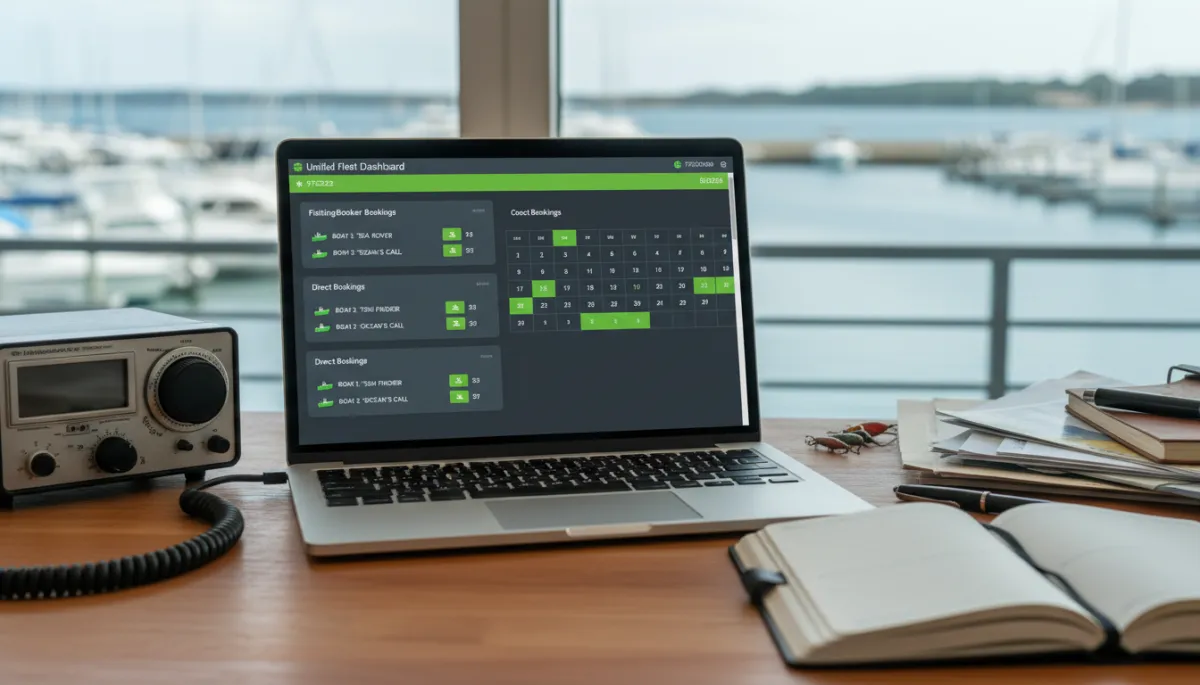
One fleet dashboard with both channels reduces double bookings and missed trips.
Managing Both Channels After Integration
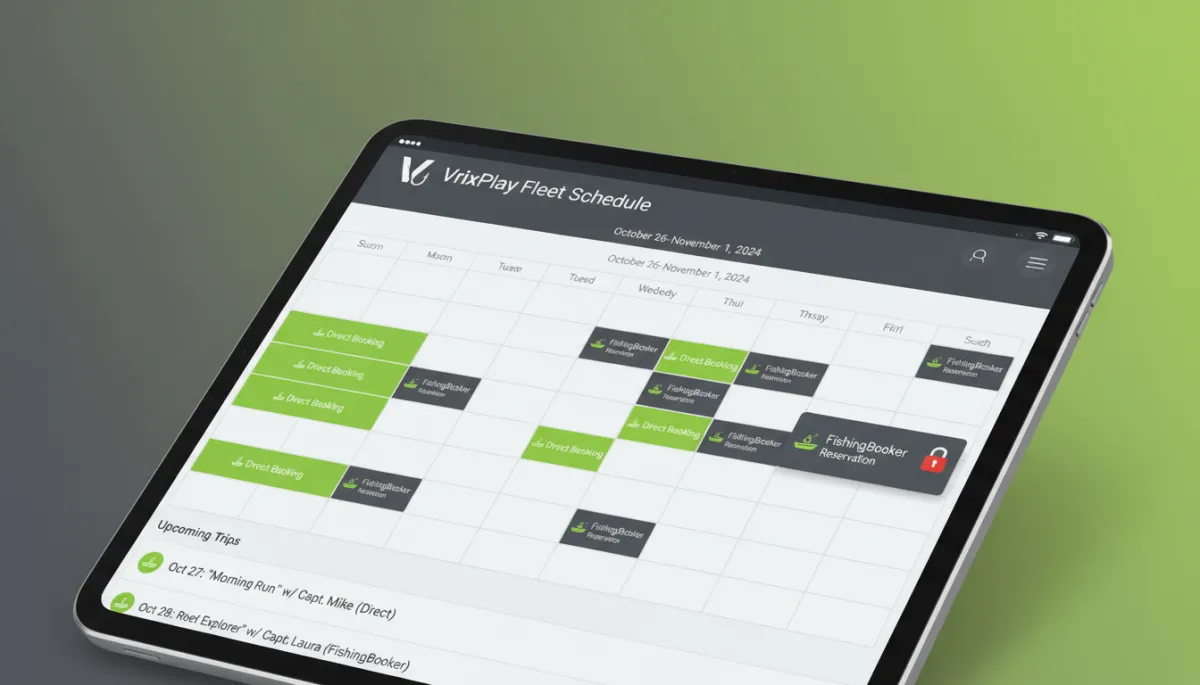
Once your FishingBooker sync is running, your main job is to manage from one source of truth. That means your direct booking calendar becomes the place you check first each morning. You see FishingBooker trips, website bookings, phone reservations, and blocked maintenance time in one view. For refunds and cancellations, each channel still follows its own rules. Marketplace cancellations must be handled in FishingBooker so their system updates the guest, payment, and reliability score according to their policies. Your integration should then reflect that change in your direct calendar by freeing the slot or marking it as canceled. Direct bookings follow your own policy and are processed in your main system. The important part is that every change, from either side, ends up reflected in the same schedule your captains and crew rely on.
How VrixPlay Connects With FishingBooker
VrixPlay is built for operators who want one place to see the whole fleet. It is a free platform that charges a flat 3% per booking and is designed around charter schedules, not generic rentals. While there is no publicly listed native FishingBooker integration today, VrixPlay can work alongside marketplaces by using its booking tools, calendar, and available API and webhook options. The goal is the same as any FishingBooker direct booking integration: have marketplace reservations appear in the same calendar as your direct bookings so you are not juggling separate systems. If you are interested in tying your FishingBooker charter activity into a central VrixPlay calendar, talk with the VrixPlay team about current options and roadmap before you commit your operation to a specific setup. Explore integrations to see how your fleet schedule could look in one view.
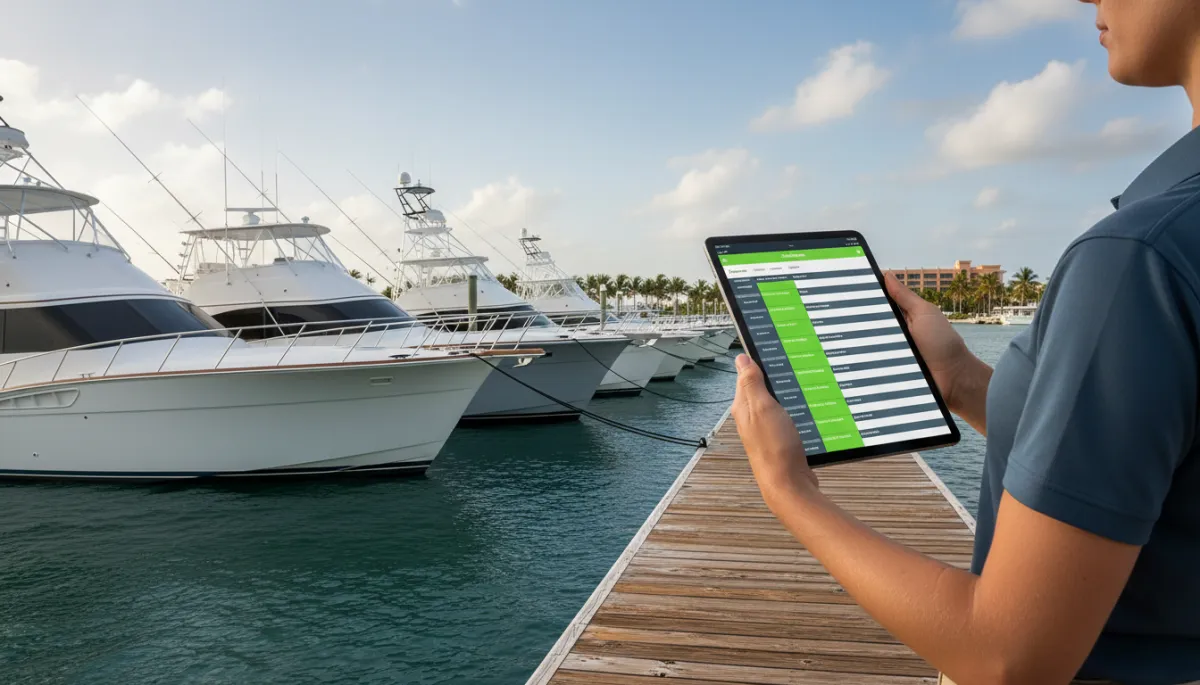
A clear tablet schedule helps captains, dock staff, and guests stay aligned.
FAQ
Can FishingBooker bookings appear with direct bookings?
Yes, as long as you use a system that can receive those reservations and show them beside your direct booking calendar. FishingBooker itself already syncs direct bookings made through FishingBooker Direct into its own calendar. To see those trips next to website or phone bookings in another platform, you need either a native FishingBooker sync or a custom setup built through APIs or webhooks. The aim is to turn marketplace activity into time blocks on the same schedule your team uses every day so nobody has to guess which trips came from where.
Do I still need to manage FishingBooker separately?
In most cases, yes. Even with a charter marketplace integration, you still log into FishingBooker to adjust listings, respond to messages, and handle issues that affect your ranking or reliability score. The integration reduces double entry and keeps your schedule aligned, but it does not replace the marketplace dashboard. Think of it as a way to keep boats and time slots in sync while FishingBooker continues to handle its own guests, payments, and reviews according to its rules and tools.
What happens to a FishingBooker cancellation in my direct calendar?
When a guest cancels through FishingBooker, the change is processed on their side first. Their system applies the correct policy, adjusts payment, and updates your reliability score if needed, as described in their help and update pages. If you have a working FishingBooker sync into your direct booking calendar, that cancellation should then release or update the blocked slot in your main schedule. You should see the trip marked as canceled, or the time made available again, so your crew does not show up for a trip that no longer exists.
Will guests from FishingBooker get my confirmation emails?
FishingBooker guests will always receive the confirmations and messages that FishingBooker sends as part of its process. Whether they also receive your direct system emails depends on how your integration is configured. Some operators prefer to send only marketplace messages for those trips to avoid confusion. Others send a short operational email from their own system with dock details or parking tips. Before you turn that on, review both sets of messages and make sure they do not conflict or overwhelm the guest with duplicate information.
Find the integrations that are right for you
Running a fleet on both FishingBooker and direct bookings does not have to mean late-night calendar checks and awkward double bookings. With the right FishingBooker sync, every trip lands in one schedule your captains can trust. If you want a central place to manage trips, crews, and guests with clear pricing, VrixPlay offers a free platform with a flat 3% per booking. Take a look at how it handles calendars and marketplace workflows. Explore integrations and decide what makes sense for your operation before the next season fills up.