How to Set Up Online Booking for a Jet Ski and Watersports Rental Operation
Running a watersports rental stand on clipboards and cash is a recipe for overbooking and missed revenue. Here is how to build a booking setup that handles slots, waivers, and check-in from your phone.

A clipboard works fine when you have two jet skis and a slow Tuesday. It stops working the first Saturday in June when twelve families show up for the 10 o'clock slot, three of them booked through a screenshot they texted to your employee last week, and one of the skis is already out because someone walked up at 9:45 and paid cash.
That sequence plays out at beach watersports stands every peak season. The inventory is not the problem. The system is.
Here is how to put an actual booking setup in place — one that knows how many units you have, will not sell what is not there, gets waivers signed before anyone hits the water, and lets you check a family of five in from your phone in about forty-five seconds.
Start with inventory-aware time slots
The first thing a watersports operation needs from a booking system is simple math: if you have four jet skis and three are booked for the 11 o'clock slot, the slot should only show one remaining. Not four. Not unlimited. One.
Generic booking tools do not always think this way. They are built for appointments — one person, one slot — and they require workarounds to handle gear-based inventory. A purpose-built system for rentals lets you set a unit count per item and the calendar does the rest. Each slot only sells what you actually have on the beach. Overselling stops being a risk you manage manually and becomes something the software handles automatically.
Build your slots around how you actually run the operation. If you sell 30-minute PWC rides and 2-hour paddleboard blocks, those are two different products with different inventory counts, different pricing, and possibly different staff assignments. Set them up that way instead of trying to force them into one calendar type.
Collect waivers before anyone shows up
The waiver line at check-in is the part of every beach rental operation that costs the most time and the most money. When six people need to sign before they can touch the equipment, and one of them has two kids who need a parent signature, and someone's pen runs dry — you have lost eight to ten minutes from a 30-minute slot before the ride even starts.
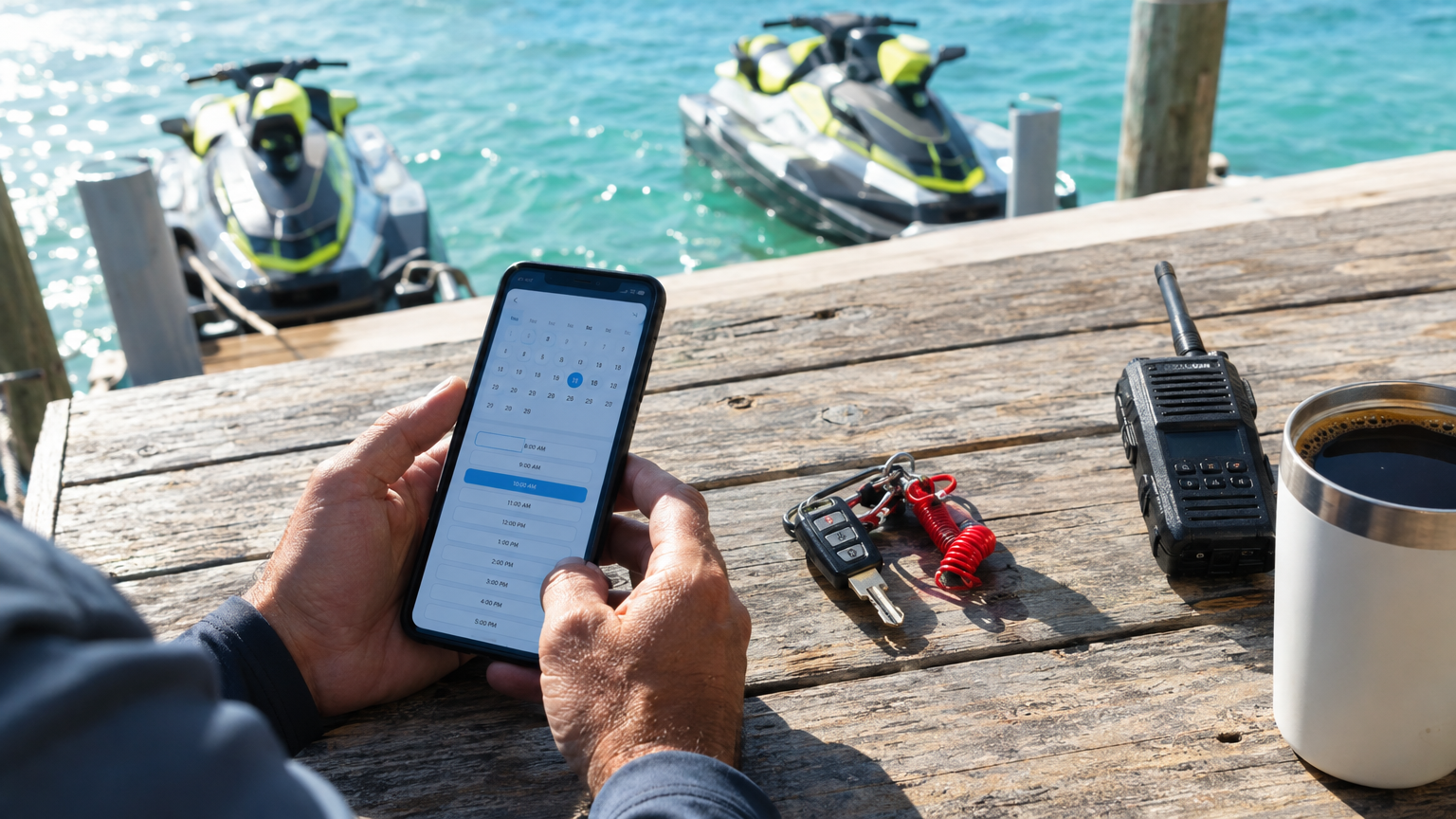
Digital waivers sent at booking solve this entirely. The guest books online, pays a deposit or full amount, and immediately receives their confirmation with a link to sign. By the time they walk up to the launch, the waiver is attached to their booking, stored, and searchable. A parent can sign for each minor in the same flow. You can see at a glance who still needs to sign before their slot starts — and send a reminder if needed.
For operations in states where liability exposure is real, having every waiver timestamped, stored digitally, and tied to the specific booking is worth the setup time many times over.
Take payment at the time of booking
A cash-at-the-stand operation is not just inconvenient — it is invisible. You cannot see Friday's revenue on Thursday night. You cannot tell which slot is profitable and which one consistently runs at a loss because add-ons never actually get sold. And when someone books by phone and does not show, you have no deposit to offset the lost slot.
Setting up online payment is not complicated. You connect your Stripe account, configure a deposit percentage or full-pay requirement per rental type, and every online booking clears payment before it is confirmed. Funds go directly into your Stripe account — not to the software company, not to a platform that holds them. Straight to you.
Walk-ups still work. You add them into the same calendar from your phone, log cash or run a card, and the inventory stays accurate. The difference is that every transaction now has a record, and your day's revenue is something you can actually look at before the day ends.
QR check-in at the launch
When someone books online, they get a QR code in their confirmation email. At the launch, you open the scanner on your phone, scan their code, and they are checked in. No name lookup, no clipboard search, no hunting through email threads. One scan and they are in the system.
For a busy beach stand running multiple rentals per hour across different equipment types, that difference in check-in time adds up quickly. Six guests at two minutes each versus six guests at twenty-five seconds each is the difference between running the 10 o'clock slot on time and running it four minutes late — which means the 10:30 slot starts four minutes late, and by noon you are a half-hour behind on turnovers.
The QR scanner works from the installed app on your phone. No extra hardware, no dedicated terminal, no second device. The same phone you use to add walk-ups and review revenue is the one scanning guests in at the water's edge.
Handle weather closures without the phone tree
Beach weather does not negotiate. When a line of storms rolls in and you have to shut down for the day, you need every guest booked into that day's slots to know — fast, and without making twenty individual calls.
A booking system with weather closure support lets you block a day or a specific slot and notify every booked guest in one action. From the same screen, you can offer a rebook or process a refund. The alternative — calling each person individually, chasing down who you have already reached, trying to remember who paid cash versus card — turns a bad weather day into a genuinely awful one.
What the setup actually looks like
None of this requires weeks of work or a technical background. The practical sequence looks like this:
- List your equipment by type and real unit count
- Set your time slots and pricing for each product type
- Configure deposit amount or full-pay requirement per rental
- Enable digital waivers, including the minor signature flow
- Install the app on your phone and test the QR scanner
- Connect your Stripe account so payments clear directly to you
Most operations can get this live in a single afternoon. The setup work — building the slots, importing rates, configuring the waiver — is the kind of thing a good software team will walk through with you on the phone, or handle entirely if you share your information and get back to the beach.
The clipboard does not go away immediately. It tends to stick around for a week while people get comfortable. Then it disappears, because there is no longer a reason to reach for it.
If you run jet ski, kayak, paddleboard, or beach gear rentals and want to see how this works, VrixPlay is free software with a flat 3% per booking — no monthly fee, no per-unit charge, and a US-based team in Destin, Florida that handles your migration and setup. See the watersports rental setup and start free, no card required.