How to Run a Watersports Rental Operation Without the Check-In Chaos
Time-slot rentals, walk-ins, and last-minute waivers create real chaos at the beach. Here is how watersports rental operators can run a tighter check-in day with the right systems in place.

If you run jet skis, paddleboards, kayaks, or any combination of beach gear by the hour, you already know how fast a morning can go sideways. A family of five shows up ten minutes into the wrong time slot. The rental agreement is on a clipboard that blew into the dunes. Three groups are waiting while your one staff member tries to find the booking for a walk-in who paid on Venmo. And the water is right there, sitting calm and perfect, going to waste.
The problem is not your operation. It is the gap between how guests book and how you actually run the day at the water's edge. Watersports rentals move fast, and most of the systems people use — paper calendars, shared spreadsheets, text threads — were never built for the speed of beach check-in.
This post walks through the practical mechanics of running a tighter check-in operation: how to structure time slots so they do not stack up on each other, how to move waivers off the beach before the day starts, and how to handle the walk-ins that show up regardless of what your booking page says.
Why Beach Check-In Is a Different Problem Than Charter Check-In
Charter captains have one big departure window. They know who is coming, what they paid, and roughly when they will arrive at the slip. Watersports rentals are nothing like that. Guests book a 9 a.m. jet ski slot and show up at 9:18. The 9:30 group is already waiting. Someone wants to add an hour. A paddleboard came back damaged and the next renter is standing right there.
The volume and pace are different. So is the stakes profile: you might run thirty to fifty transactions on a busy beach day, each one short, each one with its own waiver risk, each one attached to a piece of equipment that needs to come back in one piece.
That is why the check-in process for a watersports rental operation needs to be built around speed and visibility, not paperwork.
Start With Time Slots That Are Actually Enforced
Most watersports operators lose time at check-in because their booking system and their actual schedule are two separate things. Guests book online, but those bookings do not automatically block the equipment or flag conflicts. Staff are left reconciling a phone calendar against a paper log while guests wait in the sun.
A few things that make time-slot management work in practice:
- One calendar per unit, not one calendar per category. If you have four jet skis, each one should have its own availability block. Booking a slot on Ski #2 should not leave Ski #3 visible as open when it is already spoken for. Equipment-level scheduling closes the double-booking gap that paper and shared docs cannot close.
- Lead time rules between slots. A 60-minute rental does not end and restart in zero seconds. Build a 10 to 15-minute gap between back-to-back bookings so equipment can be returned, rinsed, checked, and re-staged before the next guest gets on. Without a hard rule in the system, staff will just absorb that time themselves — and they will burn out fast in July.
- Blackout windows for maintenance. When a PWC needs mechanical attention, that unit should be blocked across all upcoming slots until it is cleared. If your calendar does not support equipment-level blocking, you will end up booking guests onto gear that is not ready.
The goal is that by the time a guest shows up, the schedule has already done the work. Staff should be checking people in, not building the day's plan on the fly.
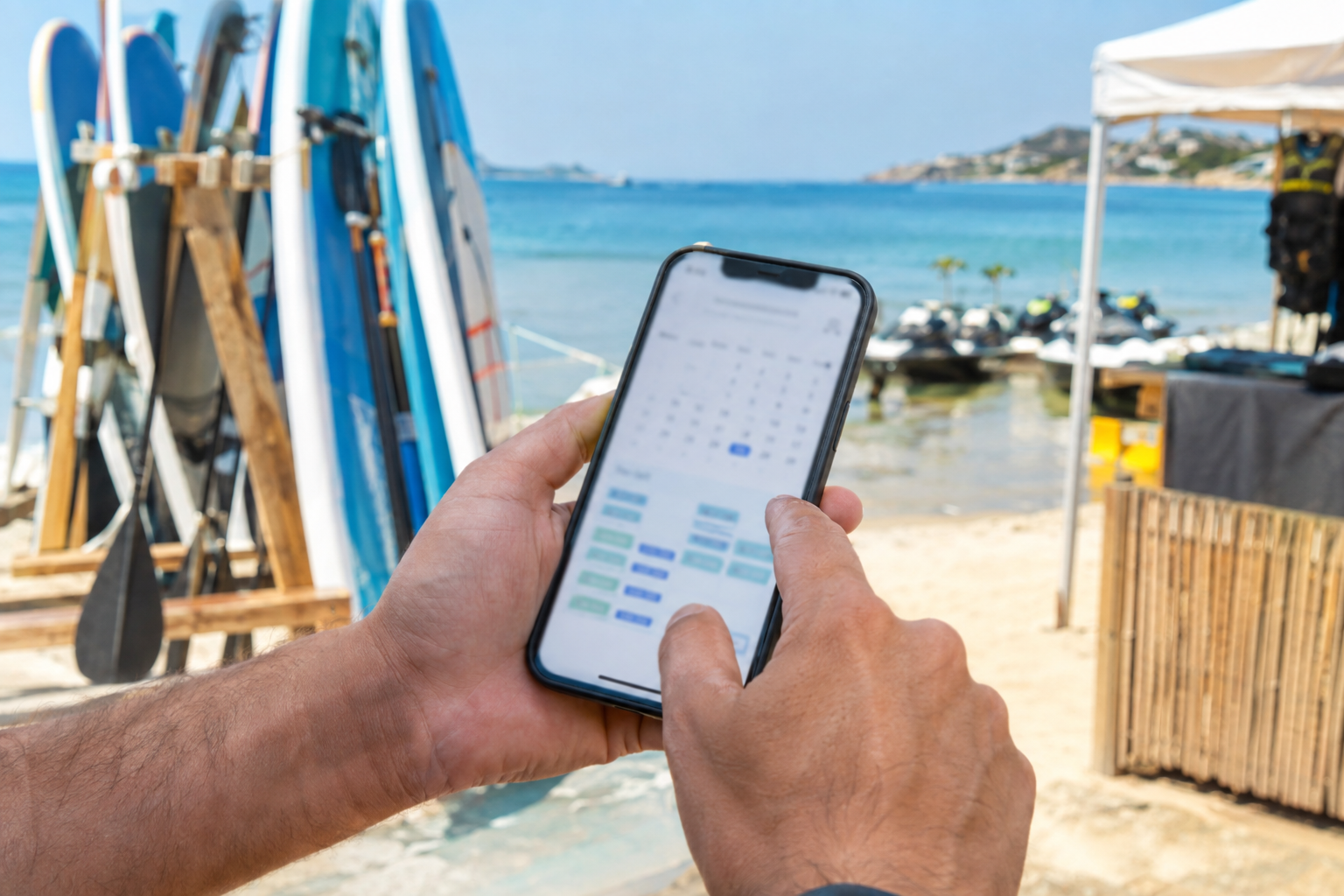
Checking the day's slots from a phone keeps staff at the waterline instead of behind a desk.
Move Waivers Off the Beach Before the Day Starts
Liability waivers are non-negotiable for watersports rentals. But the timing of when you collect them makes an enormous difference in how your mornings run.
Paper waivers at the rental stand create a predictable bottleneck. Guests read slowly, ask questions about the fine print, or sign with a wet hand while their kids are already tugging toward the water. If you have multiple groups arriving in the same window, even a two-minute waiver delay per group compounds into a real traffic jam.
Digital waivers sent before arrival fix this almost entirely. When a guest books a time slot, the confirmation email or text includes a link. They sign at home, in the car, or at the hotel the night before. By the time they reach your stand, the signature is logged, the booking is confirmed, and check-in is a QR scan.
A few things that make this work in a real beach environment:
- Send the waiver link in the booking confirmation. Do not make it a separate step guests have to hunt for. Embed it clearly: "Before you arrive, please complete your rental agreement." Most people will handle it the same day they book, especially if the trip is soon.
- Send a reminder 24 hours out. Guests who did not sign at booking will often sign the night before when prompted. A simple reminder with the same link converts most stragglers without any manual follow-up from your team.
- See waiver status before the guest arrives. Staff should be able to pull up the day's schedule and see, at a glance, who is cleared and who still needs to sign. That visibility lets them prepare rather than scramble.
- Keep a tablet at the stand for walk-ins. They will still arrive. A digital waiver on a tablet is faster than paper and keeps everything in one record. No parallel paper pile sitting next to the digital system.
When waivers are done before arrival, check-in shrinks to a scan and a handoff. That is what beach operations need.
Walk-Ins Are a Feature, Not a Problem — If Your System Handles Them
Watersports rental operators depend on walk-in business. Guests drive by, see the jet skis, and want to go right now. Turning away walk-ins is expensive, but fitting them into a day that is already running is chaotic without a clean manual booking process.
The key is that walk-in bookings need to live in the same calendar as online bookings. If your online reservation system and your walk-in log are separate, you will eventually book the same unit twice. Walk-ins should be logged as a manual booking — same equipment, same time slot, same waiver — and that slot should close in real time.
Practically, this means your staff need to be able to create a booking in under two minutes from a phone or tablet, collect a waiver on the spot, and process payment without needing a laptop or a separate card reader. The operation should run at the water line, not at a back-office desk.
QR Check-In at the Stand
When guests have a pre-booked slot and a signed waiver, check-in should take about thirty seconds. A QR scan from the guest's confirmation email pulls up their booking, shows waiver status, and logs the arrival. Your manifest is updated automatically. No name lookup, no paper cross-referencing, no typing on a crowded screen.
This matters most when you have overlapping arrivals — the 10 a.m. group showing up while you are still finishing with the 9:30 return. A scan-based check-in lets one staff member handle multiple guests in sequence without losing context on any of them.
It also helps with the repeat guest flow. Someone who rented last weekend should not have to re-explain who they are. Their record is already in the system. Their waiver may already be on file. The second visit should be faster than the first, not the same amount of friction.
What the Slow Days Are Actually For
A tight check-in system pays for itself most on the days when the beach is packed and the tide is right. But slow days — overcast Tuesdays, early-season weekdays — are when you actually build the system.
That means reviewing your slot gaps and adjusting them based on how returns actually went last weekend. Looking at which time windows fill first and whether your pricing reflects that demand. Checking which guests have not signed waivers before their upcoming slots and sending reminders before the day arrives.
Operations that stay tight through the season are usually built during the slow days, not repaired in the middle of a Saturday rush.
How VrixPlay Supports Watersports Rental Operations
VrixPlay is built for exactly this kind of operation. Time-slot rentals, waiver collection tied to each booking, QR check-in from your phone, and manual bookings that live in the same calendar as online reservations — it is all included, with no monthly software fee. The platform charges a flat 3% per booking and nothing else.
You can install VrixPlay on your iPhone or Android home screen in about 30 seconds and run the whole day from the beach — check-in, waiver status, new bookings, payment logs. No laptop, no app store, no separate card reader to manage.
If you run jet skis, paddleboards, kayaks, or any mix of beach gear by the hour, explore how VrixPlay handles watersports rentals and see how the check-in workflow fits the way your operation actually runs.