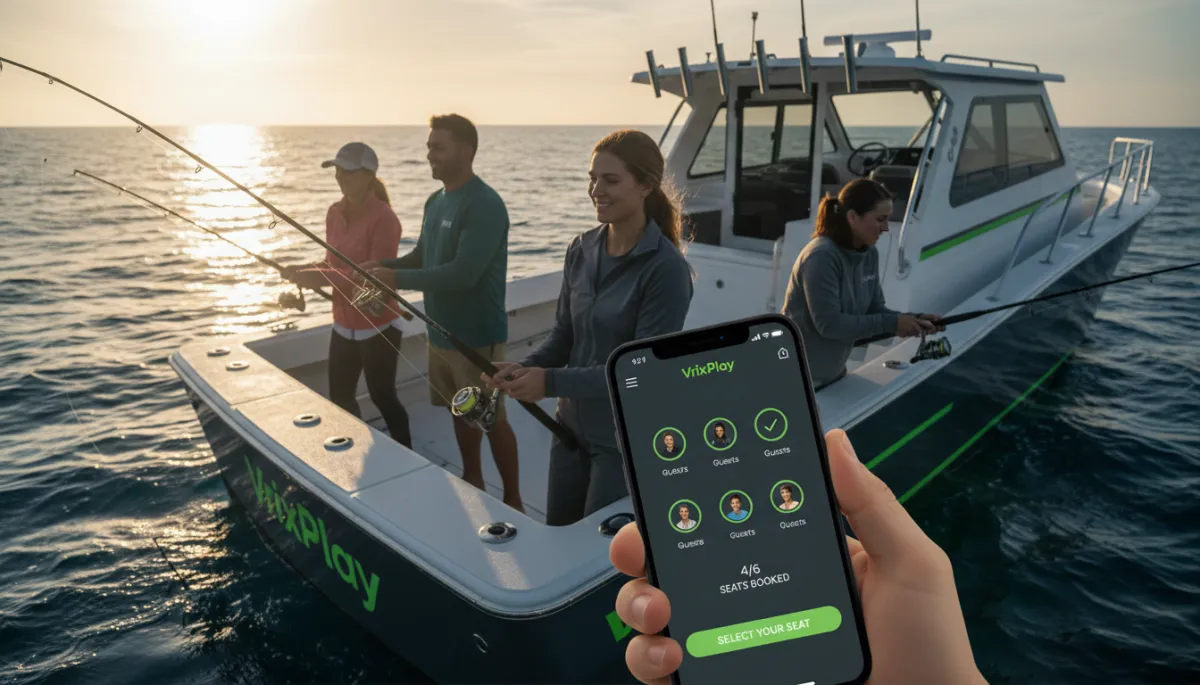
How to Set Up Online Booking for Your Paintball Venue
Most paintball venues are still taking group bookings over the phone or through DMs. Here is a practical walkthrough for setting up online booking that handles packages, waivers, and game-day check-in without adding work to your plate.
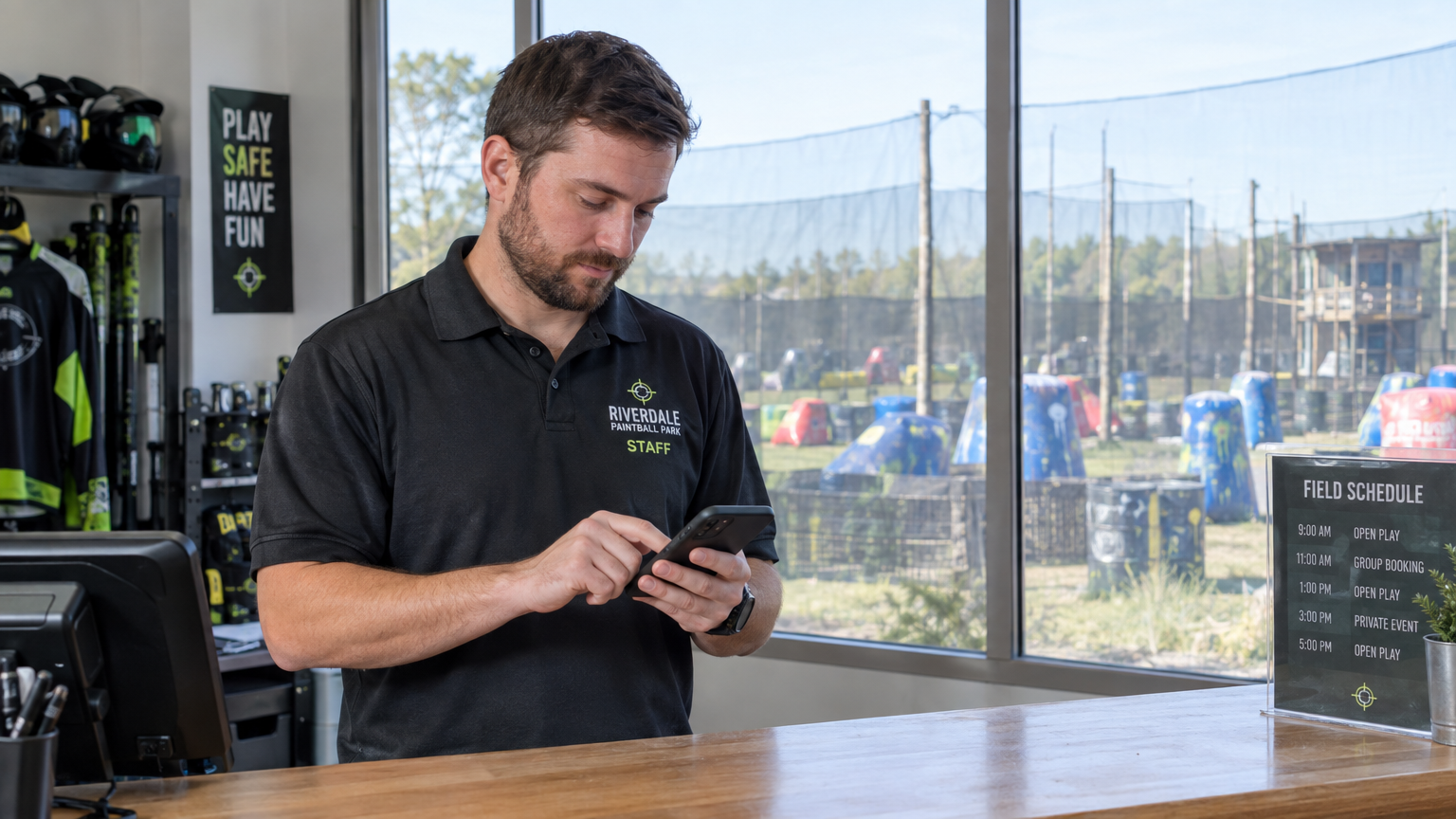
If you run a paintball venue, there's a good chance your Saturday booking process still involves a string of Instagram DMs, a few phone calls you missed while you were on the field, and a whiteboard that someone erased by accident. You're not alone — most paintball operators are still running group bookings through personal messages and a prayer.
The good news is that setting up real online booking for a paintball venue isn't as complicated as it sounds, and the payoff is immediate. Fewer phone calls, waivers signed before guests arrive, and a calendar that actually reflects what's coming in that weekend.
Here's a practical walkthrough of how to do it right.
Start with your packages, not your calendar
The most common mistake venues make when they first try to go digital is jumping straight to availability without thinking through how they actually sell. Before you touch a calendar, map out your packages.
A typical paintball venue has a few core offerings: a walk-on package for individuals or small groups, a private field rental for parties or corporate events, and usually some kind of premium bundle with extra paint or rental gear included. Each of those has different pricing logic, different minimum player counts, and different availability rules.
Get that structure clear on paper first. Your booking software needs to mirror how you actually sell, not force customers into a generic date-and-time picker that makes no sense for your operation.
A good setup lets you define each package with its own base price, minimum and maximum player count, an extra-player fee that kicks in above the base headcount, and any included items like paint or rental markers. If a package is private-only, you should be able to gate it so it doesn't show up for individual walk-on browsers.
Build your recurring session schedule once
Paintball venues run on recurring sessions — morning games at 9am, afternoon sessions at 1pm, maybe an evening slot on Fridays. You don't want to rebuild that schedule every week. The right approach is to create weekly templates and then override individual dates when something changes.
Set your standard Saturday schedule once. Then block the holiday weekend when you're fully private-only, reduce capacity on a slow Tuesday, or cancel a session for field maintenance — without touching the rest of the calendar. That's the difference between a booking system that works for you and one you're babysitting constantly.
Lead times matter here too. If a group wants to book a 20-person private session for tomorrow morning, you probably can't accommodate that. Set your minimum lead time per session type so the booking page enforces those rules automatically and you're not fielding last-minute requests you can't fulfill.
Sell add-ons inside checkout, not over the phone
Add-ons are where paintball venues consistently leave money on the table. Extra paint, upgraded rental packages, party upgrades, catering add-ons — most operators mention these things over the phone after someone has already committed to showing up, which is the worst time to upsell.
When your add-ons live inside the online checkout flow, customers encounter them while they're already in buying mode. They've picked their session, they've picked their package, they're about to pay — that's the moment to surface a paint bundle or an equipment upgrade. It converts better than a follow-up text the day before the event.
The other reason to get add-ons into the system is accuracy. If someone orders extra paint online, it shows up on the booking record. Your staff knows it's coming. Nobody's scrambling to pull extra inventory on game day because a guest verbally mentioned something three days ago.
Collect waivers before they show up
A line of 15 people waiting to sign paper waivers at a check-in table is one of the most preventable problems in venue operations. By the time everyone has signed, the session is already running late, guests are restless, and your staff is stressed before the first game has started.
Digital waivers fix this at the root. When a guest completes an online booking, they can sign the waiver as part of the checkout flow — or receive a link in their confirmation email that lets them sign from their phone before arrival. Either way, the signature is attached to the booking record, and your staff can see at a glance which guests still need to sign when they check in.
For groups with minors, a parent or guardian can sign on behalf of each player in the party. That signature stays on file and ties to every future booking from the same contact, so returning guests don't have to sign again.
This one change — moving waivers out of the check-in line and into the pre-arrival flow — has a noticeable impact on how smoothly game day runs.
Check in groups with a phone scan, not a list
Paper check-in lists get lost. Spreadsheets on a clipboard don't work well in bright sunlight, with gloves on, or when you're trying to process 12 people at once. A QR scanner on your phone is faster and more reliable than either.
When guests book online, they receive a confirmation email with a QR code. At the door, your staff scans that code with their phone camera. The system marks the guest as checked in, flags duplicates if someone tries to scan the same code twice, and keeps a running count of who's arrived and who's still expected.
The scanner works inside the installed app on iPhone and Android — no extra hardware to buy, no dedicated tablet at the desk, no setup beyond putting the app on a phone your staff already has in their pocket.
Handle rain checks without the refund headache
Weather happens. Fields close. Groups sometimes need to reschedule. How you handle those situations affects whether guests come back or write you off.
A rain check system that runs through your booking software lets you issue a credit without processing a refund and waiting for it to clear. The guest gets a rain check code, they rebook at whatever future session works for them, and the credit applies automatically. Nobody has to wait on their bank, nobody files a chargeback out of frustration, and you don't lose the revenue from a session that was rained out.
The key is that rain checks need to be issued and tracked inside the same system as your bookings. If they live in a spreadsheet or a stack of paper slips, they become a liability — a promise you made with no way to enforce or verify it.
What a typical setup looks like from the operator side
Once your packages, sessions, add-ons, and waivers are configured, the daily workflow is pretty simple. You open the app in the morning and see which sessions are running, how many players are expected in each, who has signed their waiver, and what add-ons are attached to each booking.
Walk-ins get added to the same calendar from your phone — manual entry takes about 30 seconds, and inventory and waivers stay accurate. New online bookings come in throughout the week with push notifications so you're not checking the calendar constantly.
On game day, you're scanning QR codes instead of reading names off a clipboard. Groups move faster, the field opens on time, and the check-in experience makes a better first impression than a clipboard and a pen.
Getting started doesn't take weeks
The most common reason paintball venues put this off is the assumption that setting up booking software is a big project. The reality is that with the right tool, you can have a working booking page live in an afternoon — packages defined, sessions scheduled, waivers attached, and a public link you can drop into your Instagram bio or your website.
VrixPlay is built specifically for experience operators, including paintball venues. There's no monthly subscription fee — just a flat 3% per booking, which means you're only paying when you're taking revenue. Setup is handled for you: the team builds your package structure, session schedule, and payment setup, and trains you by phone before you go live.
If your weekends are still filling up through DMs and voicemails, it's worth spending 15 minutes to see what a cleaner system looks like. Start free at VrixPlay.com — no card required.