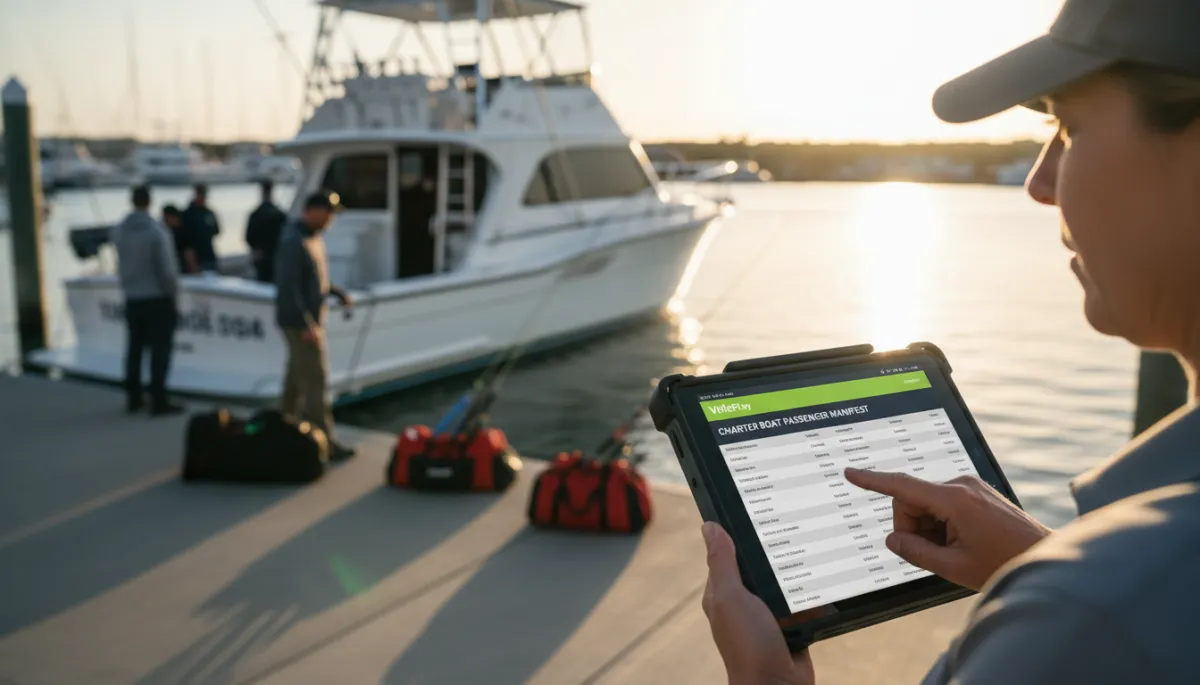
Charter Crew Scheduling: Keep Captains and Mates Aligned
Crew scheduling for a charter fleet involves captains, mates, and rotating availability. Here is how to keep everyone aligned without phone trees and last-minute confusion.
Fishing Charters, Crew Scheduling
Charter Crew Scheduling: Keep Captains and Mates Aligned
How do charter fleets schedule captains and mates? In most fleets it is a mix of group texts, spreadsheets, and rushed calls at 9 p.m. the night before. That works until you have three boats leaving at 6 a.m., a captain who swapped weekends, and a mate who forgot to mention a day off. Fishing charter crew scheduling is not just about filling time slots. It is about lining up the right captain, the right mate, and the right boat for every paid trip, with no surprises at the dock. This guide walks through what breaks on busy fleets, what “good” looks like, and how tools like VrixPlay help you keep people and trips straight without adding more admin work.
Why Crew Scheduling Breaks Down on Busy Fleets
Once you manage more than a couple of boats, the cracks show fast. Group texts seem quick, but messages get buried and details get lost. One captain replies in the wrong thread. A mate sees an old screenshot and shows up on the wrong day. There is no single source of truth. Spreadsheets help at first, yet they depend on one person updating them and sending versions around. You end up with three copies and no one is sure which is current. Last minute calls fill gaps, but they also create stress and raise the risk of no-shows. In that mess, double-assignment is easy. The same captain gets booked on two trips at overlapping times, or a mate is promised to two boats. That is how you end up short-handed at the dock while guests are standing with coolers in hand.
What Good Crew Scheduling Looks Like
Good fishing charter crew scheduling starts with clear roles. A captain is not just another “crew member.” You need role-based assignment, so every trip has one captain and the right number of mates. That means you do not just drop names into a time slot. You assign people at the trip level: specific boat, departure time, duration, and trip type. A full day offshore run needs a different crew setup than a short inshore charter with a family of four.
Next comes availability tracking. Captains and mates should not have to call the office every time they want a day off. A simple, shared view of when each person is available, blocked, or on another boat keeps you from guessing. When you drag a captain onto a trip, you should immediately see if it conflicts with another job, another boat, or their time off. Good charter captain scheduling and charter mate scheduling tools show that in real time, not after you send a confirmation.
The last piece is conflict detection. If the same captain gets assigned twice for overlapping trips, the system should flag it before the guest ever sees a confirmation. Same with a mate who is already booked on another boat. You should not have to scan a wall calendar to catch those mistakes. When role-based assignment, trip-level detail, availability, and conflict checks work together, fleet crew management becomes repeatable and calm, even on your busiest weekends.

A clear trip-level dashboard makes captain and mate assignments easy to trust.
A Crew Scheduling Checklist for Charter Fleet Managers
Use this simple checklist each week to keep your crew schedule tight and avoid dockside surprises.
Review upcoming trips by boat. Look at every trip on every boat for the coming week. Focus on departure time, duration, and trip type so you know the crew load you need for each one.
Confirm captain availability first. For each trip, choose the captain based on license, experience, and stated availability. Avoid swapping captains between boats late in the week unless needed for safety or guest requests.
Assign mates at the trip level. Do not just say “Mate A works mornings.” Place each mate on specific trips so they and the captain know exactly which boat and guests they are serving that day.
Run a conflict check. Scan for any captain or mate who appears on two trips that overlap in time. A basic crew assignment tool or calendar with alerts can catch this faster than manual review.
Send weekly schedules to crew. Share a clean schedule so captains and mates see their full week in one place. Avoid sending different versions to different people. Use one shared source.
Do a morning-of confirmation. Each morning, confirm that today’s captains and mates are good to go. A quick text, call, or app check-in helps catch illness, traffic, or last minute changes while there is still time to adjust.
Update the schedule in one place. When you swap a captain, add a mate, or cancel a trip, update the master schedule and resend or refresh. Do not rely on side texts or verbal promises.
How VrixPlay Supports Crew Assignment
VrixPlay is built to support simple, clear fleet crew management. Managers get role-based access to see the full fleet schedule, every trip, and all captain and mate assignments in one view. Captains log in and see only their own trips, not the entire fleet, which keeps things focused and avoids confusion. Mates can see where they need to be and when, without scrolling through other boats. The platform is free to use, with a flat 3% per booking. No monthly fee. If you want a calmer dock and fewer last minute calls, VrixPlay helps you keep trips and crew aligned. See crew management tools and decide if it fits your operation.
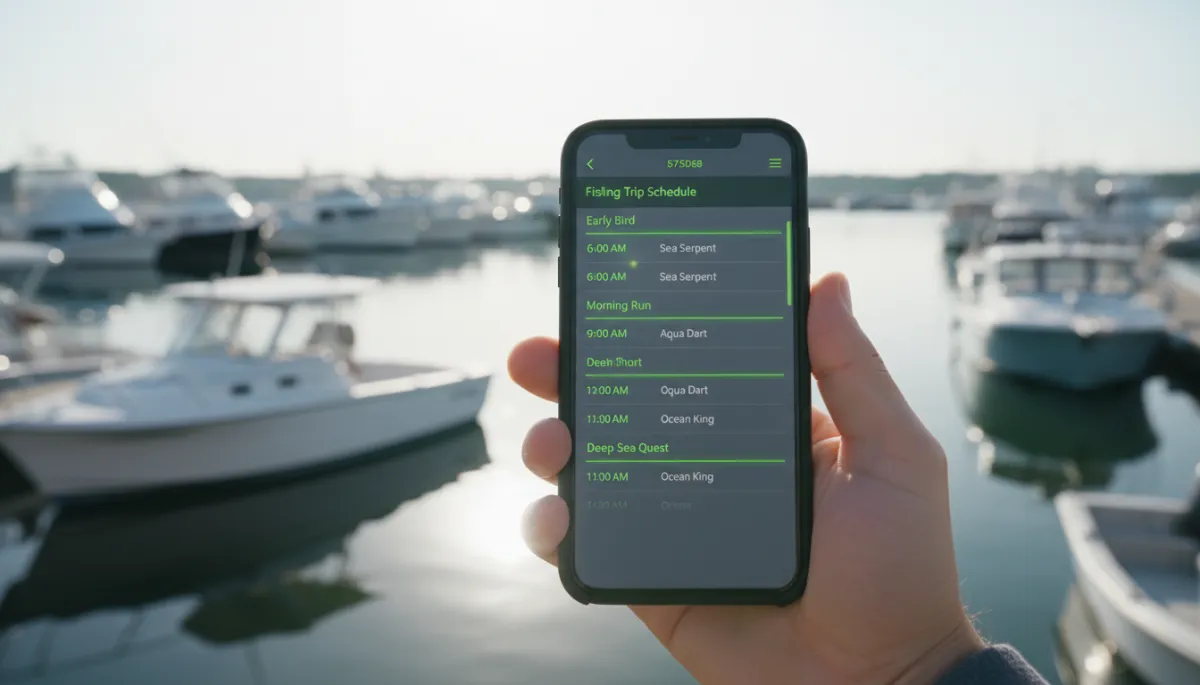
Mobile access lets captains confirm their trips before they leave home.
FAQ
How do charter fleets schedule captains and mates?
Many fleets still use group texts, paper calendars, and memory. A more reliable approach is to assign captains and mates at the trip level in a shared system. Each booking gets a boat, a captain, and one or more mates. The manager reviews availability, assigns roles, and then shares that schedule with the crew. Tools like VrixPlay help centralize this so you are not chasing updates across different channels.
What happens if two trips are assigned the same captain?
If you catch it late, you are stuck scrambling for a replacement, delaying departure, or moving guests to another day. That hurts your reputation and your crew. Good charter captain scheduling includes conflict checks that flag overlapping trips before you confirm them. Then you can reassign the captain or move the booking while you still have options.
Should mates be scheduled separately from captains?
It helps to think of mates as their own role, but tied to the same trip. You want clear charter mate scheduling, not just “whoever is around.” Assign mates to specific trips alongside the captain, so everyone knows the crew lineup. That makes it easier to train new mates, match skill sets to trip types, and avoid putting the same mate on two boats at once.
How do captains see their own schedule without seeing the full fleet?
With role-based access, each captain logs in and only sees trips where they are assigned as captain. They do not see other boats or internal notes. VrixPlay is set up that way by design. Managers and owners see the full picture. Captains and mates see just what they need to run their trips on time and prepared.
Make scheduling easy again
Clean fishing charter crew scheduling keeps your captains, mates, and guests in sync. If you are ready to move away from group texts and guesswork, VrixPlay gives you a simple way to tie trips and crew together with a flat 3% per booking. See crew management tools and decide if this is the right next step for your fleet.