Fishing Charter Waivers: A Practical Digital Workflow
Digital waivers let charter guests sign before they arrive, saving time at the dock. Here is how to build a practical waiver workflow for your operation.
Fishing Charters, Operations, Digital Waivers
Fishing Charter Waivers: A Practical Digital Workflow
Can fishing charter guests sign waivers online? Yes. With the right fishing charter waiver software, you can send a secure waiver link as soon as a trip is booked, collect signatures before guests arrive, and see waiver status at a glance. No stacks of clipboards at the dock. No rushing through legal language while the bite is turning on. This post walks through what your charter liability waiver should cover, why paper at check in slows you down, and how to move the whole process in front of the trip using a simple charter digital waiver workflow. We will also look at how VrixPlay keeps the process practical, with a free platform and a flat 3% per booking.
Why Paper Waivers at the Dock Create Problems
Paper waivers at the dock sound simple, but they create friction when you are trying to get a boat off the dock on time. Guests show up excited, coffee in hand, ready to fish. Then they see a clipboard stack and a wall of text. They rush through it. They do not really read what they are signing, and they ask questions right when the crew needs to load gear and review safety. This delays boarding and cuts into lines-in-the-water time.
Paper also creates a weak trail. Pages blow in the wind, get wet, or end up in a random drawer on the wrong boat. When you run multiple vessels with rotating crew, the captain often scrambles at departure time, trying to confirm who has signed and who has not. If there is an incident, you want a clear, organized record, not a box of mixed forms. That is where a simple online waiver fishing workflow starts to make more sense than paper piles at the dock.
What a Charter Waiver Should Cover
A charter liability waiver should be clear, readable, and consistent across your fleet. Talk with your attorney about exact wording, but most fishing operations cover a common set of points.
Assumption of risk: Guests acknowledge that fishing, boating, and being on the water involve inherent risks, including weather, sea conditions, hooks, fish spines, and vessel movement. The waiver should state that guests accept these risks as part of the activity they are choosing to join.
Physical condition acknowledgment: Guests confirm they are physically able to participate, have disclosed medical conditions that matter, and will follow crew instructions. This is especially important for offshore runs, rougher water, or longer trips where seasick or unfit guests can create safety issues for the whole group.
Cancellation policy: Spell out how cancellations, weather calls, and reschedules work. Include timelines for refunds or credits, what happens if the captain cancels for safety, and how late arrivals are handled. A pre-trip waiver is a good place to make sure guests see this policy and check a box that they understand it.
Liability release: Guests agree to release the charter company, vessel owner, captain, and crew from certain claims to the extent allowed by law. The exact language should come from your legal advisor, but the goal is to set expectations about what you are and are not responsible for on the water.
Emergency contact: Collect a name and phone number for someone not on the trip. In a real emergency, crew should not have to dig through phones or guess who to call. Your fishing charter waiver software can store this with the booking, so it is always tied to the guest record.
Photo release (optional): If you like to share catch photos on social media or your website, include an optional photo consent. Guests can allow or decline use of their image. This keeps your marketing clean and respectful of privacy.
Captain authority clause: Make it clear that the captain has final say on route, fishing spots, safety calls, and behavior on board. If conditions change, or a guest is acting in an unsafe way, the captain can adjust or end the trip as needed.
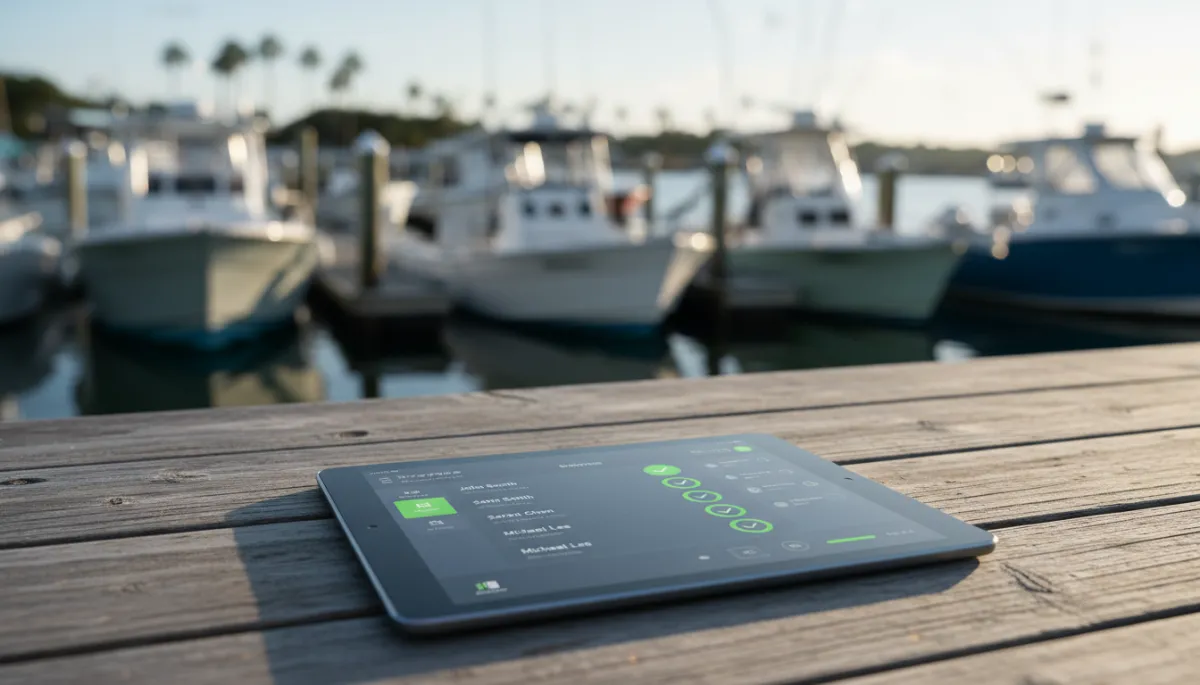
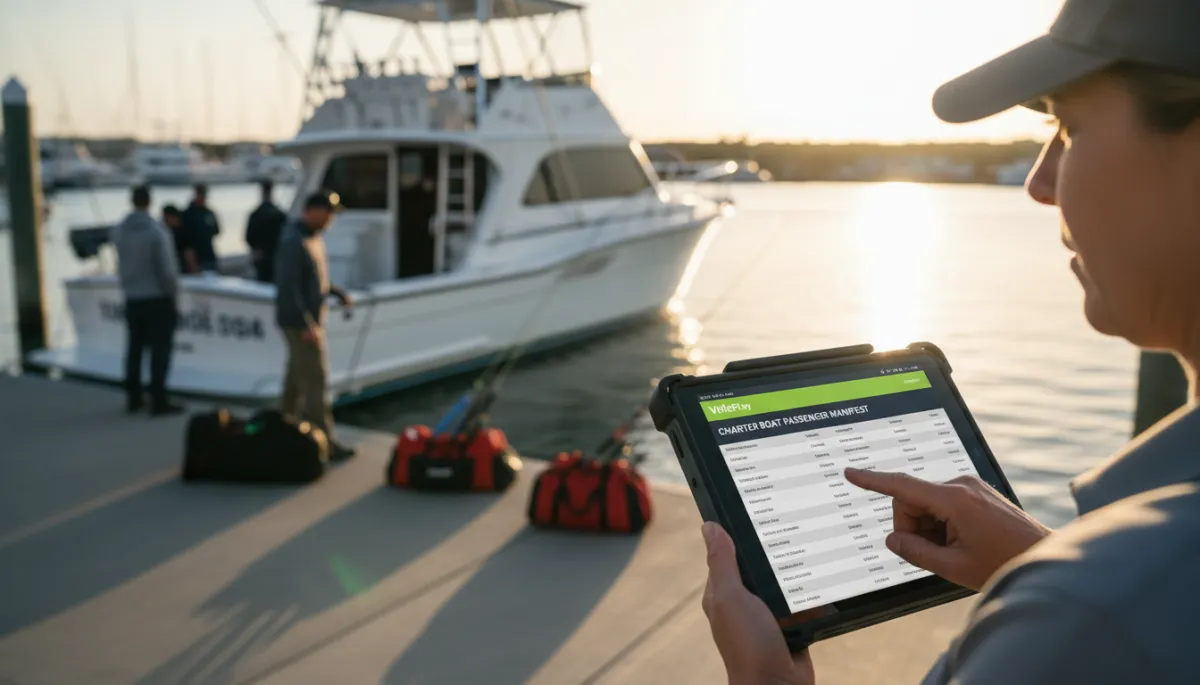
A simple waiver dashboard helps captains see who is cleared to board in seconds.
How to Move Waivers Before the Day of the Trip
The goal is simple: guests sign before they show up, and crew can see that status. A charter digital waiver process does not need to be complex. It just needs to be built into the booking steps you already run every day.
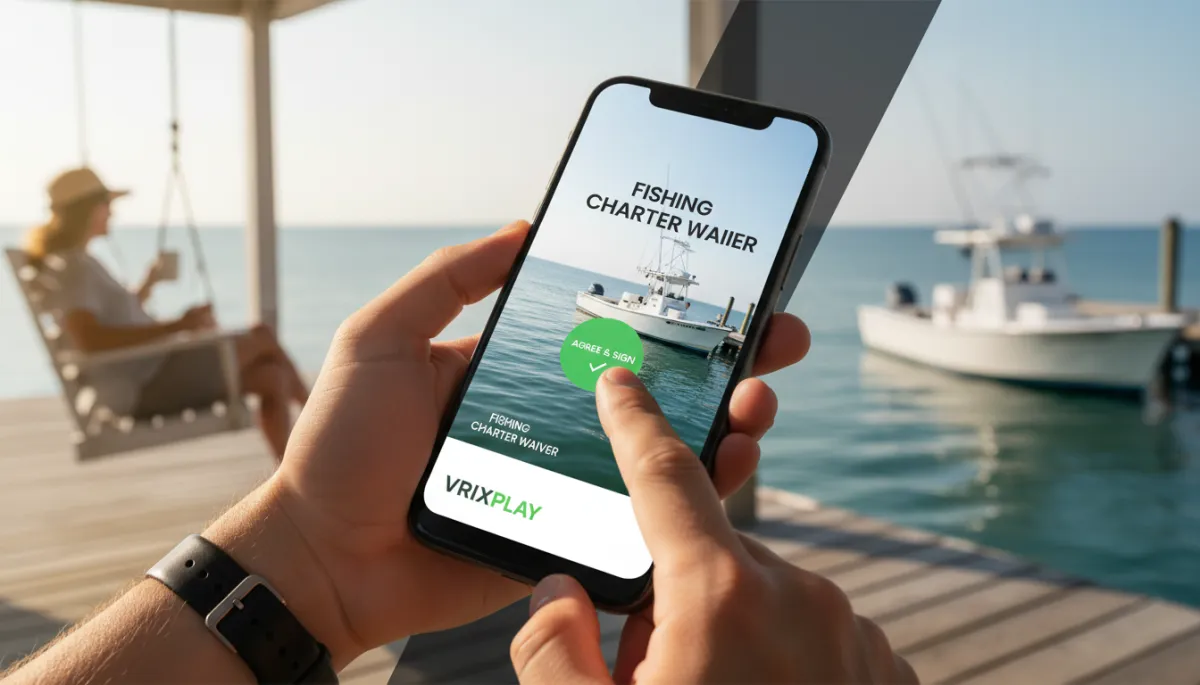
Send a waiver link in the confirmation email. As soon as a booking is made, include a clear button or link: “Complete your charter liability waiver.” Guests can tap it on their phone, read at their own pace, and sign with a finger or mouse. This catches people while the trip is fresh in their mind.
Send a reminder with the waiver link 24–48 hours before departure. People get busy. A short reminder email or text with the same link pulls in stragglers. Mention that signing ahead speeds up boarding and keeps the boat on schedule. Many guests will handle it right away from their phone.
Track who has and has not signed. With online waiver fishing tools tied to your bookings, you can see waiver status in one place. Your crew knows before they leave the house how many guests still need to sign, which groups are fully cleared, and where to focus during check in. This is especially helpful when you manage multiple boats and mixed private and shared trips.
Allow signing at the dock for walk ups. You will still have last minute add ons and same day guests. Keep a tablet or phone at the dock so they can complete the same digital waiver on the spot. That way all waivers live in one system, instead of splitting between paper and digital.
💡 Pro Tip: Make waiver completion a standard part of your trip checklist, just like fuel and bait.
How VrixPlay Supports Digital Waivers
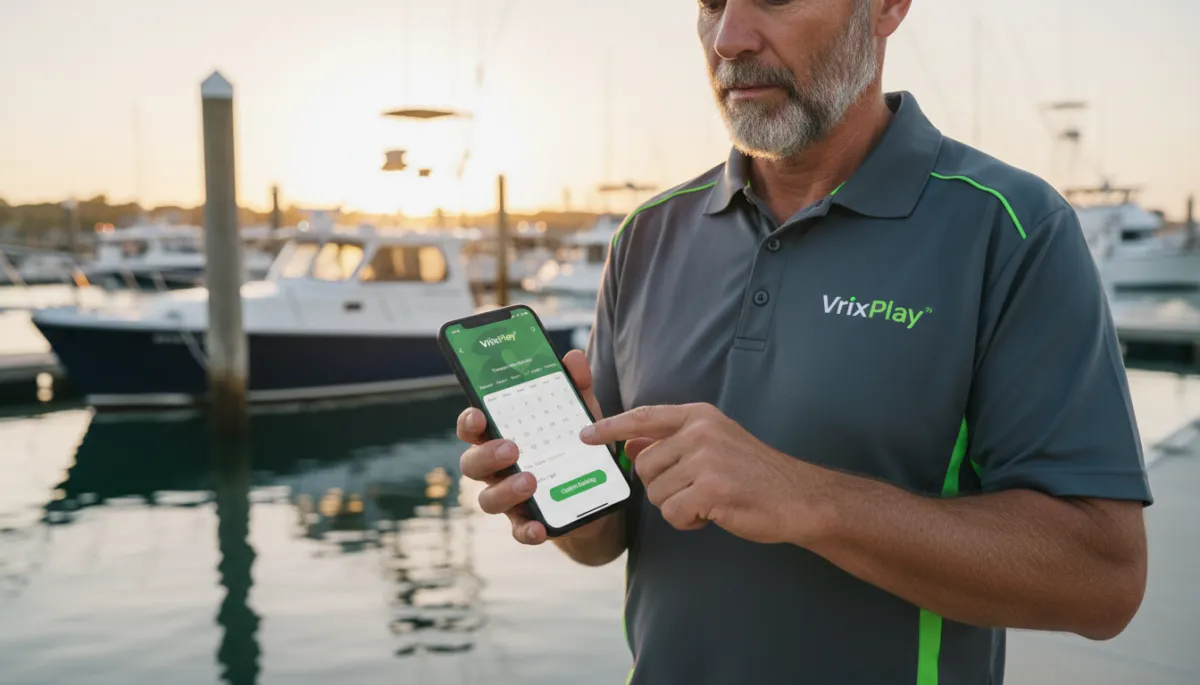
VrixPlay is a free platform that helps you keep this workflow tight. The waiver step sits inside the booking confirmation, so guests see it right after they pay. Each booking shows waiver status in the operator dashboard, so you and your crew can check from a phone, tablet, or office computer. Guests sign before they arrive, and you keep a clean record tied to each trip. VrixPlay charges a flat 3% per booking and no monthly fee, which keeps costs predictable across your fleet. If you want a simple way to move waivers in front of departure, without extra software layers, VrixPlay is built for that. Explore digital waivers and see how it fits your operation.
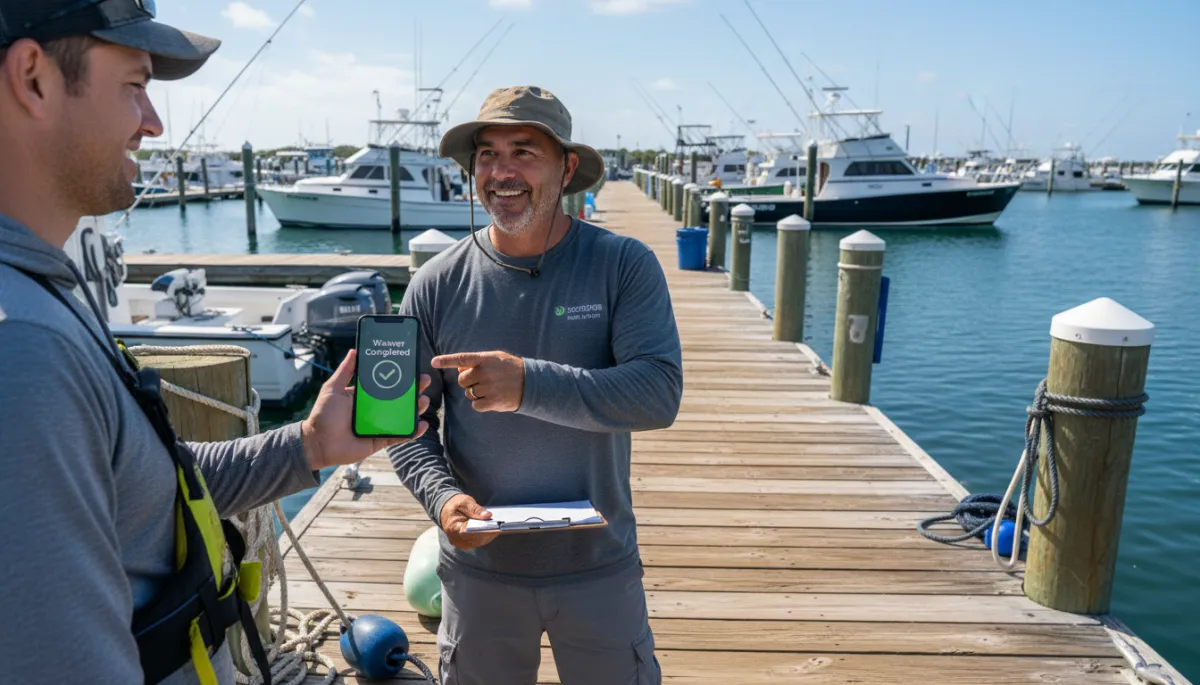
When guests arrive with waivers done, check-in is quick and calm for everyone.
FAQ: Fishing Charter Digital Waivers
Can fishing charter guests sign waivers online?
Yes. Guests can receive a link by email or text, open it on a phone, tablet, or computer, read the waiver, and sign electronically. Fishing charter waiver software like VrixPlay connects that signed waiver directly to the booking, so you do not have to match loose pages to passenger lists. This works well for private groups, shared trips, and repeat customers who already know your operation.
Is a digital waiver legally valid?
In many cases, electronic signatures are treated as valid, but laws vary by location and situation. It is important to talk with your attorney about your specific charter liability waiver language and how you collect signatures. The benefit of a digital system is that you have a clear record of who signed, when they signed, and which version of the waiver they saw.
What should a fishing charter waiver include?
Most waivers include assumption of risk, physical condition acknowledgment, a clear cancellation policy, a liability release, an emergency contact field, and optional photo consent, plus a captain authority clause. Your lawyer can tune the wording. A good fishing charter waiver software setup keeps those same terms in front of every guest, on every trip, across your fleet.
What happens if a guest has not signed the waiver at dock time?
With a digital system, crew can see who is missing a waiver before check-in starts. At the dock, you can hand that guest a tablet or have them use their phone to complete the online form on the spot. This keeps your records in one place and avoids turning away a customer who is ready to go. Clear policies and early reminders reduce how often this happens.
Move Waivers Ahead of the Trip
Moving waivers off the dock and into the booking flow protects your business and respects your guests’ time. It also makes life easier for captains and crew who just want to run safe, on time trips. VrixPlay gives you a simple way to tie charter digital waivers to each booking with no monthly cost and a flat 3% per booking. If you are ready to clean up your process and keep the focus on fishing instead of paperwork, explore digital waivers with VrixPlay.