How to Prevent Double Bookings Across Boats, Captains, and Marketplaces
Charter fleets prevent double bookings by running every reservation through a single real-time calendar. Here is how to close every gap across boats, captains, and marketplaces.
Charter Operations, Fleet Scheduling, Double Booking Prevention
How to Prevent Double Bookings Across Boats, Captains, and Marketplaces
Charter fleets prevent double bookings by running every trip, on every boat, from every booking source through a single live calendar. If you want to prevent fishing charter double bookings, the answer is not a stricter clipboard or another color on your spreadsheet. Double bookings almost always come from separate systems that do not talk to each other. Your website, FishingBooker, phone reservations, and captain notes each think they own the same 6 a.m. slot. Nobody is trying to cause a mess. The systems are. Once you connect all booking channels into one fleet calendar that locks a time slot the moment it sells, the risk drops fast and stays low as you add more boats and crew.
What a Double Booking Actually Costs a Charter Fleet
Picture this. A family shows up at your dock at 5:45 a.m. They have confirmation emails, snacks, and kids in hoodies. Your captain looks at the clipboard and realizes that same boat and time were already booked by a different party on another channel. One trip wins. One trip goes home. You refund the deposit, maybe pay for a hotel breakfast, and apologize. You also lose a review that could have sold ten more trips. Your crew wastes time sorting it out instead of loading bait. As you add boats, captains, and booking channels, this risk multiplies. A bigger spreadsheet does not fix it. A single system that controls inventory for every boat and every channel does.
The Sources That Create Fleet Double Bookings
Double bookings in a fleet rarely come from one big mistake. They come from small gaps across many booking channels. Here are the five main sources that trip up multi boat operations with rotating crews and busy docks.
Direct online bookings from your website
Your website calendar shows open dates and collects card details. If that system is not tied into a fleet calendar, it has no idea that you just put a group on the same boat through another channel. Many fleets run a single boat calendar on the website and a different one for the rest of the operation. That split creates overlap the moment you add a second boat or move a captain between boats for a busy weekend.
Marketplace listings like FishingBooker
Marketplaces fill gaps, especially in shoulder seasons. They also introduce another calendar. If your FishingBooker integration is not live or not connected at the fleet level, it can sell the same morning trip your website or office team already sold. Some fleets try to manage this by lowering marketplace availability by hand. That works until someone forgets to update it after a phone booking or a last minute group charter.
Phone and walk up reservations
Phone calls and dock walk ups are money. They are also the fastest way to create a double booking if they live in a notebook or a captain’s memory for “just a few minutes.” When the person answering the phone cannot see a live fleet calendar, they guess. They pick a boat, grab a time, and promise a trip. If that slot sells online before the note hits the system, you now have two parties who both think they are confirmed.
Manual holds and internal blocks
You block boats for maintenance, tournaments, and private events. You hold dates for repeat guests who “will confirm next week.” If those holds are not in the same charter scheduling calendar that runs your public availability, your website and marketplaces will keep selling those dates. Crew swaps, fuel dock delays, and weather reschedules only add more manual changes. Every manual block outside the main system becomes a possible conflict later.
Multi boat assignment gaps
Fleets with rotating captains often book the trip first and assign the boat and crew later. That is fine as long as the reservation cannot slip through without a real boat attached. When your system lets you book “some boat” at 6 a.m., you will eventually sell that same time twice. The gap is not the crew rotation. The gap is any reservation that is not locked to a specific hull in a shared fleet calendar the moment it is created.
How a Unified Calendar Closes Every Gap
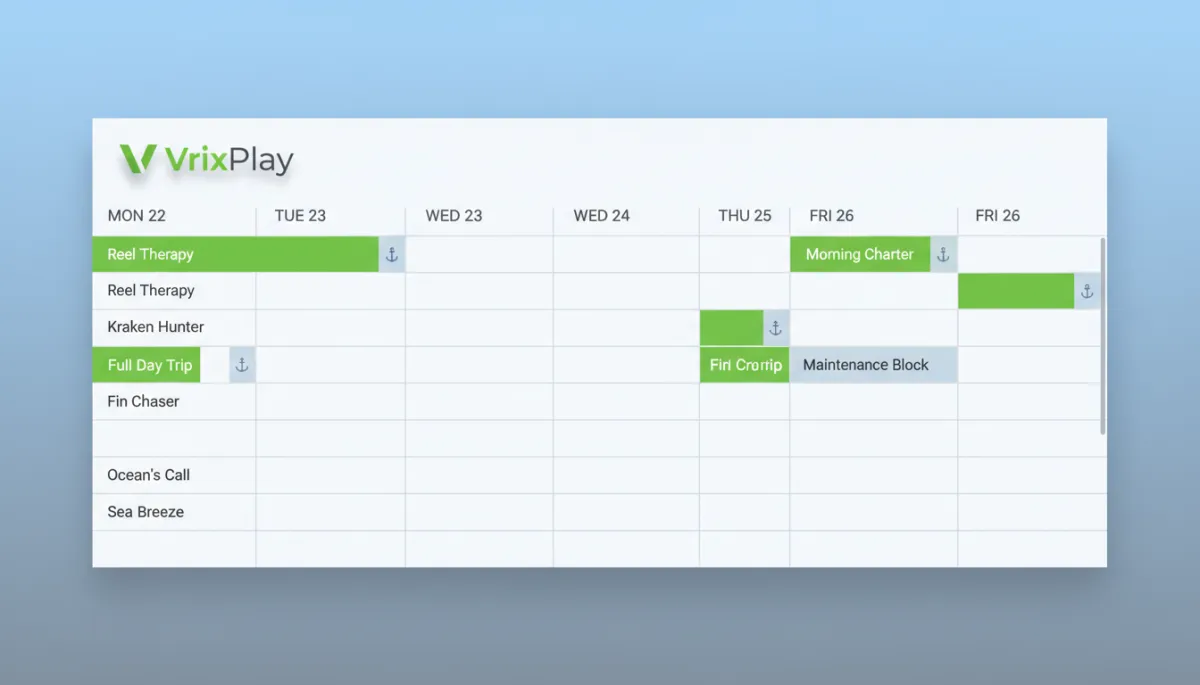
A unified calendar treats each boat as inventory and every booking channel as a sales lane. When a time slot fills from any source, it locks automatically for that boat. Your fleet manager sees one view with all boats, all trips, and all captains. Each captain sees only their boat and their upcoming runs. Guests on your website and marketplaces see only what is truly open. FishingBooker integration, direct online bookings, and manual office entries all feed the same schedule. There is no need to remember to copy notes or “fix it later.” If it is not in the calendar, it is not real. If it is in the calendar, no other channel can sell that same spot.
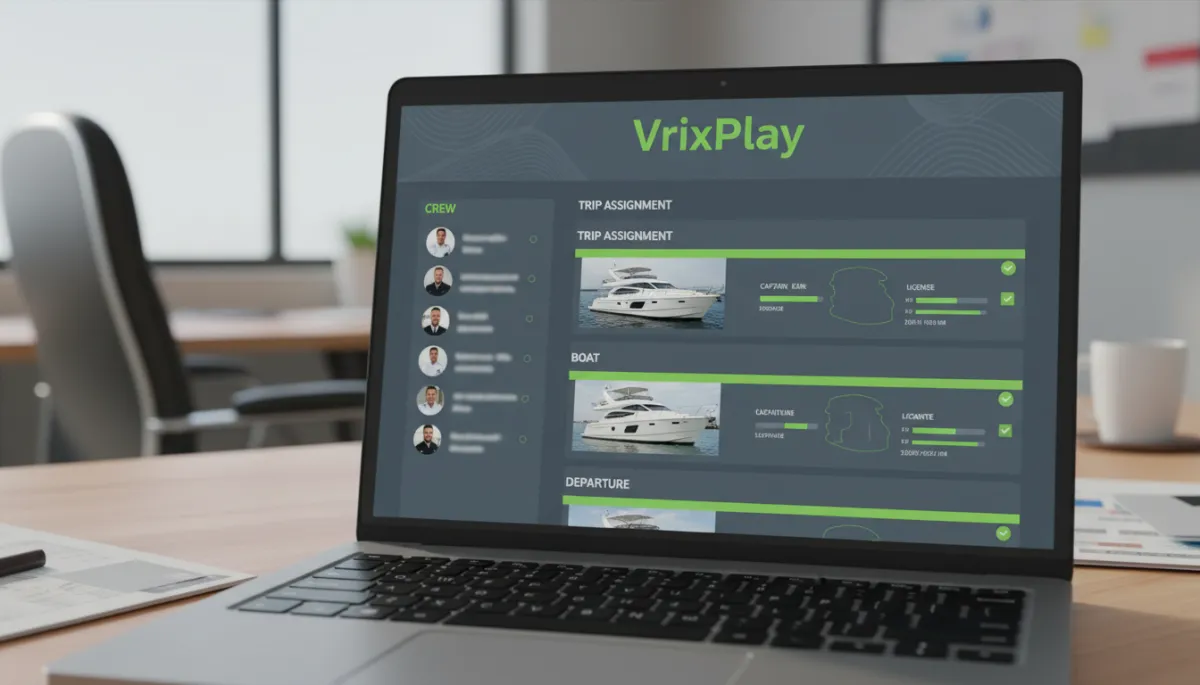
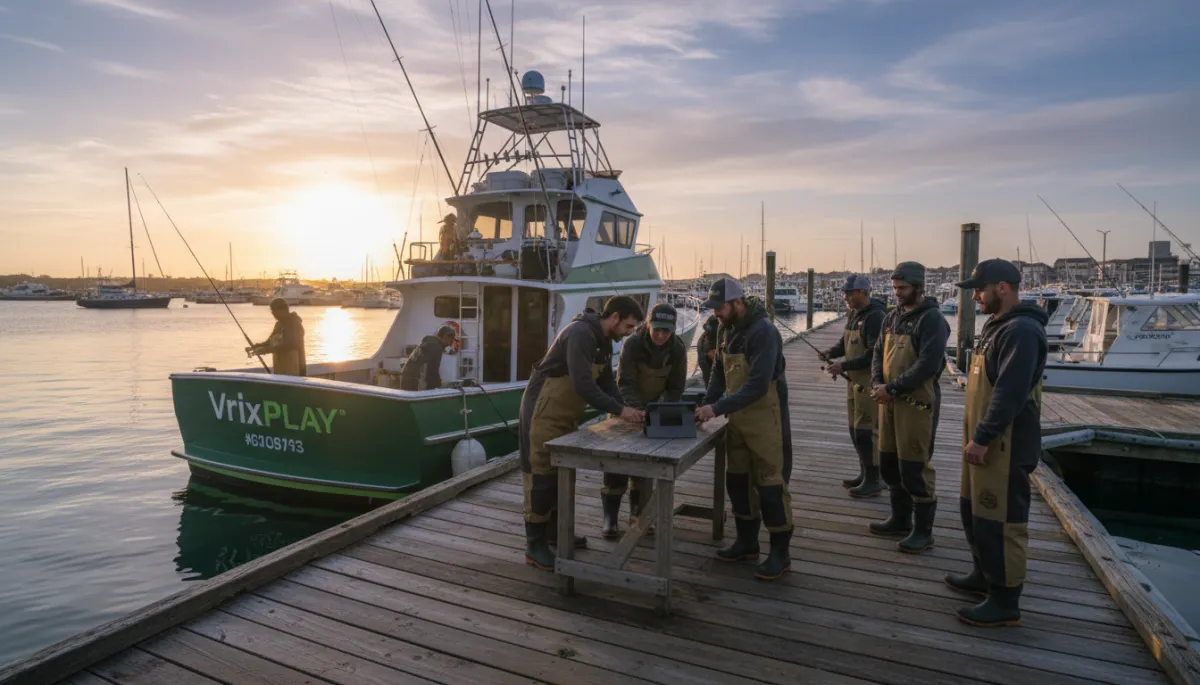
Clear boat and captain assignment on every trip keeps crews and guests aligned.
A Fleet Double Booking Prevention Checklist
List every booking source. Include website, marketplaces, phone, text, social messages, walk ups, and repeat guest lists. If it can create a trip, it belongs on the list.
Identify connected vs manual sources. Mark which channels feed your calendar automatically and which require a person to enter the trip. Manual sources are your highest double booking risk.
Confirm boat assignment on every reservation. No booking should be “TBD boat.” Your process should force a specific boat before you can confirm a guest or take payment.
Block non trip time in the calendar. Use the same system to block maintenance, tournaments, training days, and private events. If a boat is not available, it should not appear open anywhere else.
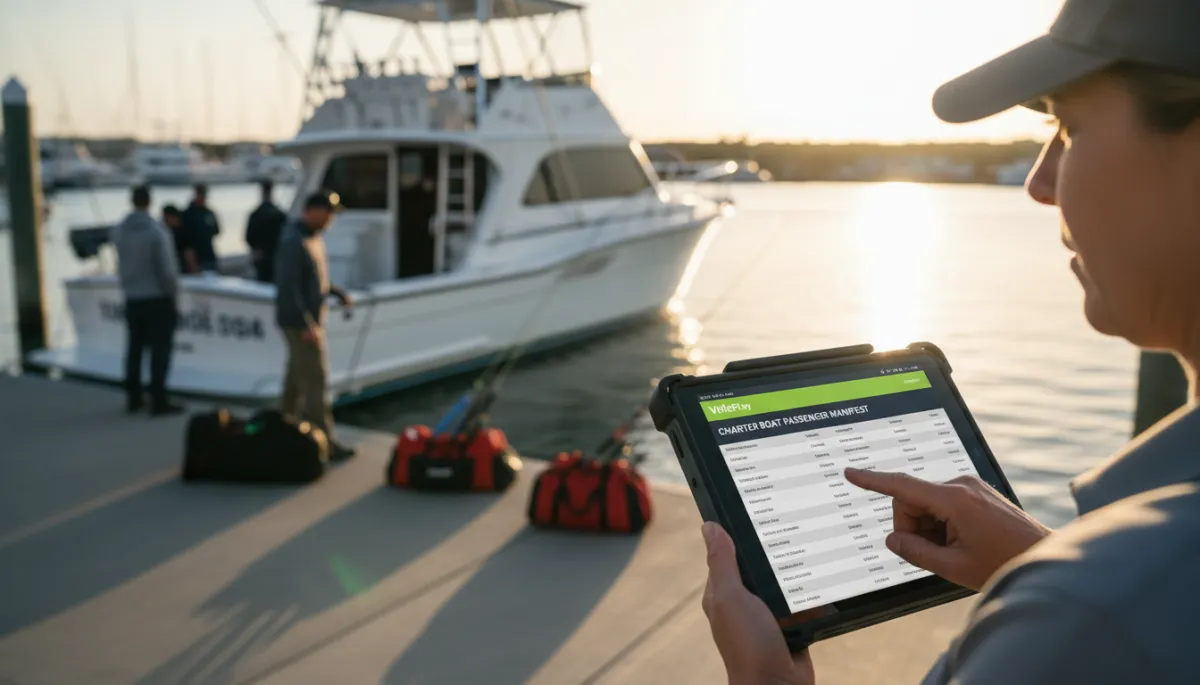
Set role appropriate access per team member. Booking managers need fleet level control. Captains should see their boat and add notes. Dock staff may need read only access. Clear roles prevent accidental edits.
Run a test booking from each channel. Book a fake trip from your website, from FishingBooker, and from a phone call. Confirm that all three land in the same fleet calendar and lock the right slots.
How VrixPlay Handles Fleet Scheduling
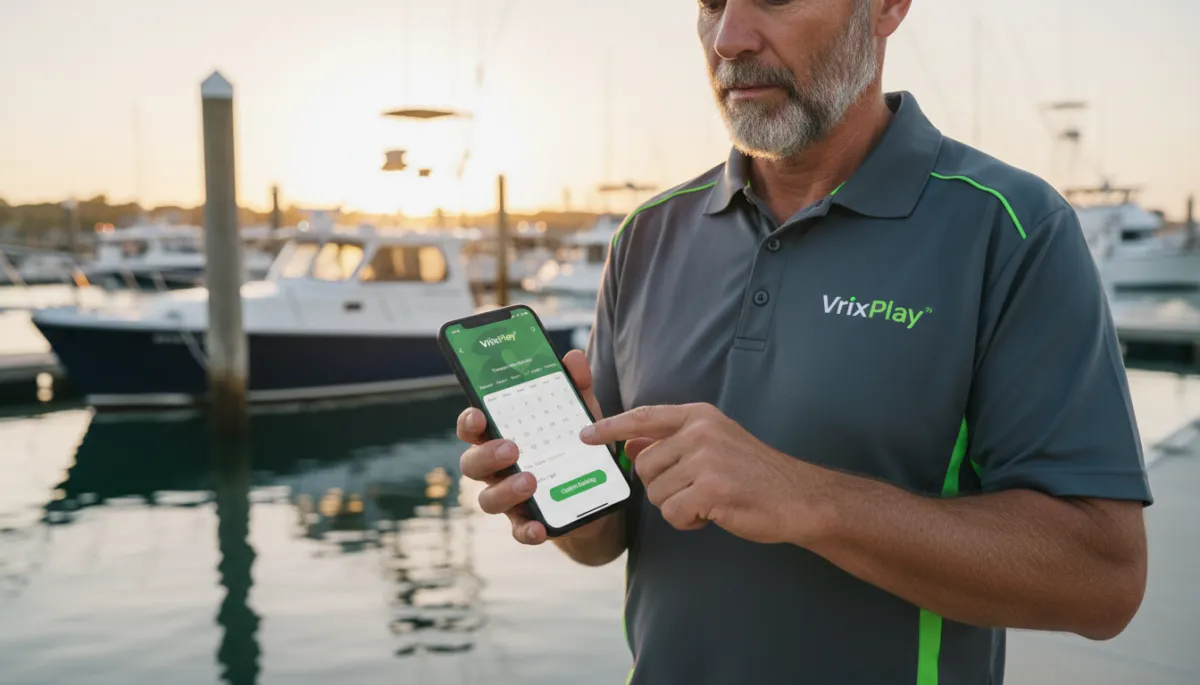
VrixPlay is built for fleets that run two or more boats with rotating crews. Each boat has its own availability inside a unified fleet calendar. Booking managers see all boats and all trips in one view. Captains see only their schedule, with guest details and trip notes. Direct bookings, manual office entries, and FishingBooker integration all feed the same calendar and lock time slots automatically. Pricing is simple. Free per month, flat 3% per booking. The platform is mobile first so you can manage charter scheduling from the dock, the truck, or the cabin. See platform features.
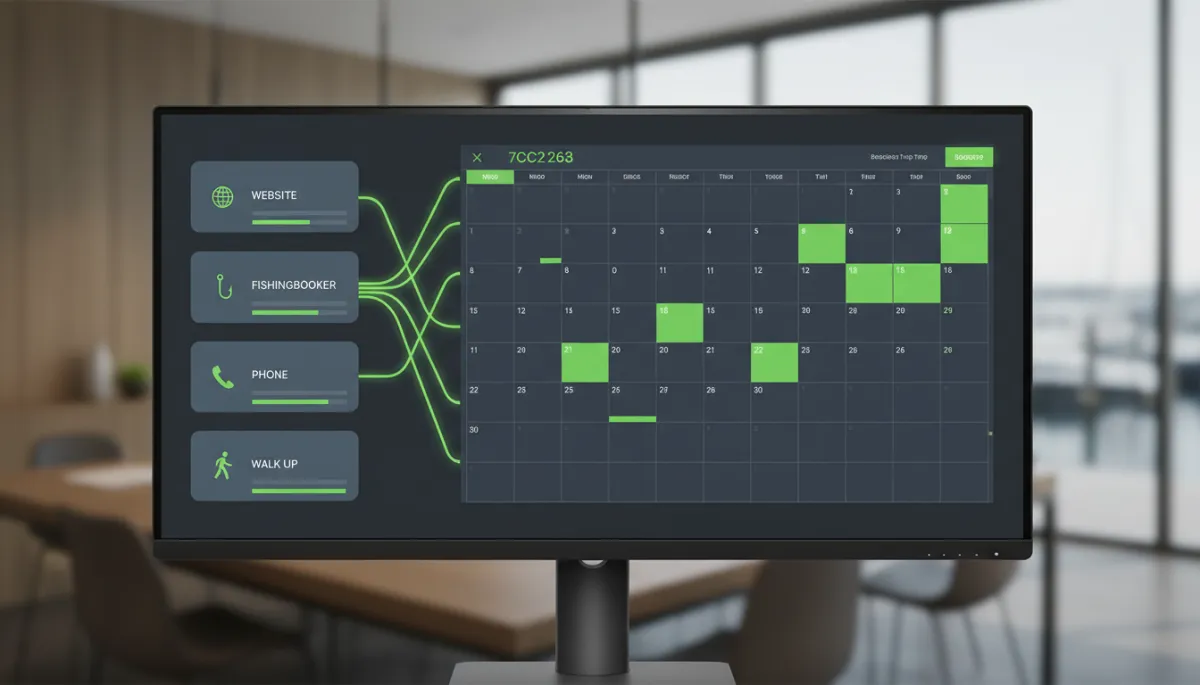
A single fleet calendar tracks every booking channel and locks overlapping slots.
Frequently Asked Questions
How do charter fleets prevent double bookings?
The most reliable way to prevent fishing charter double bookings is to run every reservation through a unified fleet calendar that treats each boat as inventory. Every booking source must write to that calendar, and every team member must treat it as the only source of truth for availability and assignments.
Can FishingBooker bookings sync with a direct booking calendar?
Yes, if your system supports FishingBooker integration at the fleet level. In VrixPlay, marketplace bookings land in the same calendar as direct and phone bookings. When FishingBooker sells a time slot on a specific boat, that slot locks everywhere else so your website and office team cannot sell it again by accident.
What happens if a captain takes a phone booking and forgets to enter it?
If phone bookings stay in a captain’s head or on a loose note, you are exposed. The fix is process, not punishment. In a fleet calendar like VrixPlay, the rule is simple. A trip is not real until it is on the calendar. Train captains to enter phone bookings immediately from their phone so the slot locks before another channel sells it.
Do I need separate calendars for each boat in a fleet?
You need separate availability per boat inside one unified system, not separate calendars that live on their own. In VrixPlay, each boat has its own schedule, but the fleet manager sees them all in one view. That way you can move trips, assign crews, and manage multi boat booking without creating blind spots or overlaps.
One Calendar for Every Boat, Captain, and Channel
Double bookings are a calendar problem, not a people problem. When every trip from every booking channel lands in one fleet calendar, you protect your guests, your crews, and your reviews. VrixPlay gives fleet owners and booking managers clear control of boats, captains, and booking channels in one place. See platform features.