Private Charters vs Shared Trips: Build the Right Booking Workflow
A private charter and a shared trip require different booking workflows. Here is how to set up both without creating scheduling confusion for your crew or guests.
Charter Operations, private vs shared fishing charter booking
Private Charters vs Shared Trips: Build the Right Booking Workflow
Learn how private vs shared fishing charter booking should run behind the scenes so your fleet calendar, payments, and manifests stay clean and under control.
How does booking differ for private and shared fishing trips?
For a private charter, one group owns the whole trip. You sell the boat, not the seats. One person picks the date and time, pays the deposit, signs the waiver, and gets the confirmation. Your calendar blocks that vessel for that trip window, and you only manage a single reservation record from start to finish. Pricing, add ons, and communication all run through that one booking contact.
A shared fishing trip works differently. You sell individual seats on a scheduled departure. Several unrelated guests can be on the same boat, each with their own payment, contact details, and waivers. The boat does not close until the last seat is sold or you hit your cutoff. Your booking system needs to track per seat inventory, per guest confirmations, and a manifest that updates every time another angler books. Same water, same boat, but the workflow is not the same and it matters to your fleet schedule and your crew on the dock.
Why the Booking Workflow Is Different for Each Trip Type
At the core, a private charter is simple. One reservation locks the vessel. You only need one customer record and one payment flow. Once that trip is booked, there is no more inventory to sell for that time slot. From an operator view, it is a clean block on the fleet calendar with one group to manage and one main contact to keep informed before and after the trip.
A shared fishing trip is closer to selling tickets. You are not booking one party, you are filling each seat. Every guest needs their own payment, confirmation, and spot on the manifest. You still protect the boat capacity, but the system has to check remaining seats, not just “available or not.” Each new booking changes the headcount and contact list for that departure, which affects your crew planning and check in process. That is why private vs shared fishing charter booking should never run on the exact same workflow behind the scenes.
Setting Up Private Charter Bookings
For private charters, your goal is to make it fast and clear for one group to secure the whole boat. Start by defining trip templates for each vessel and duration. Each template should have a clear base price, included headcount, max capacity, and any add ons, such as extra hours, bait upgrades, or premium tackle. When a guest books, your system should create one reservation that locks that vessel and time slot across your fleet calendar so another private group or shared trip cannot be double booked on the same boat.
Private charters work best with a single deposit from the booking contact. You set the deposit rule by trip type, such as flat amount or percentage. The system records that deposit against the total and shows the remaining balance due. All communication should go to that main contact: one confirmation email or text, one set of pre trip reminders, one set of post trip follow ups. Capacity controls still matter. Your booking form should collect planned headcount and prevent parties from exceeding the max passengers per boat, but it should not try to track every individual guest at checkout unless you want that detail.
On trip day, your crew needs a simple manifest that shows the charter name, total anglers, contact phone, and any notes. Because it is one group, your dock staff can handle fine tuning on arrival without a complex per seat list.
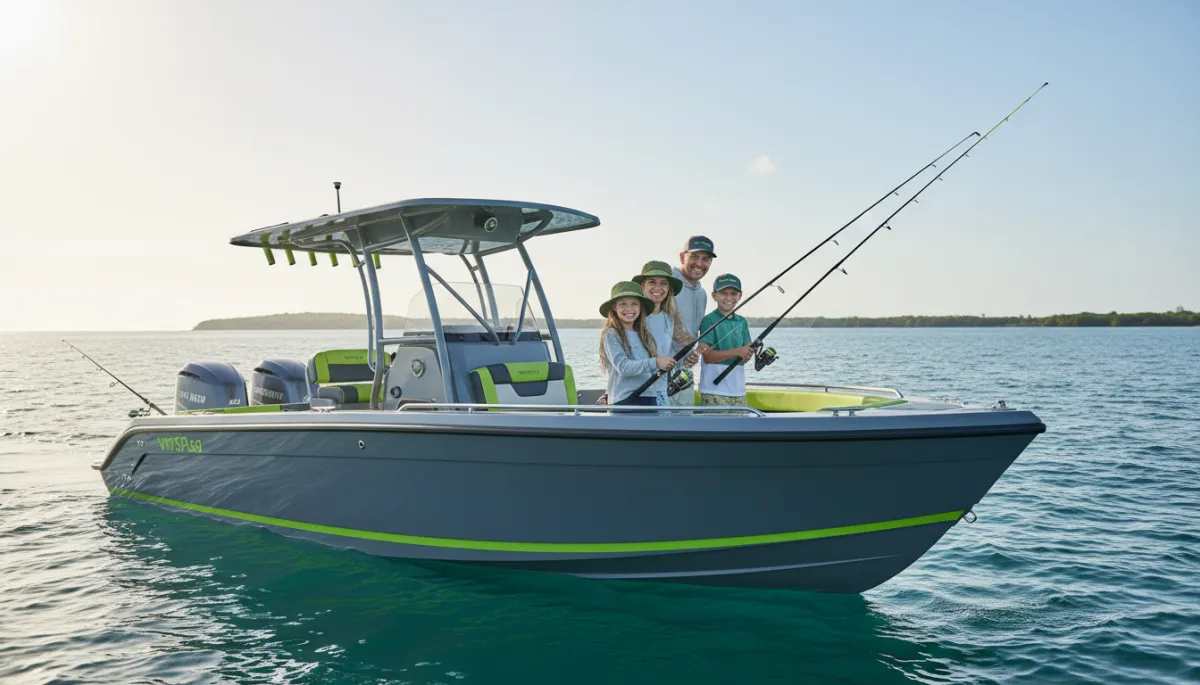
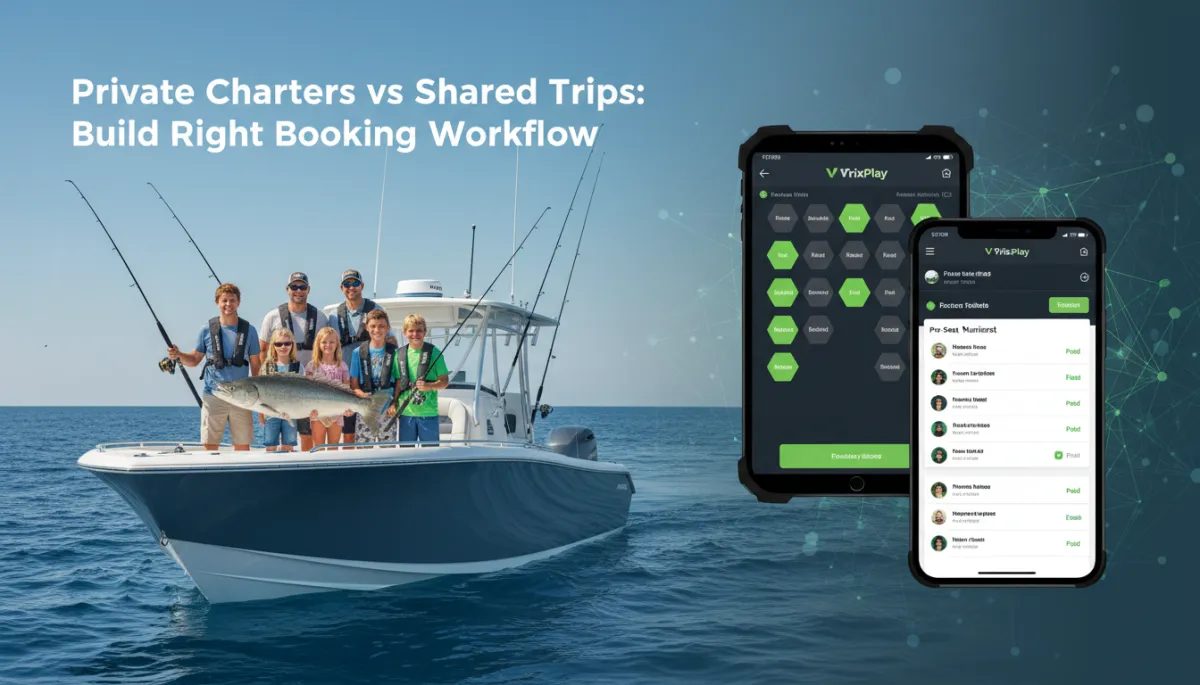
Private charters keep booking simple with one group, one payment, one record.
Setting Up Shared Trip Bookings
Shared fishing trips need a different structure. You are selling per seat inventory on a set departure, so each trip on your calendar should know total seats, price per seat, and any minimum headcount rules. As seats sell, the system should reduce available inventory in real time and stop new bookings when you hit capacity. That protects you from overbooking and keeps your crew from sorting out seat conflicts on the dock when it is already busy.
At checkout, you want individual guest records. Each buyer should enter their own name, contact details, number of seats, and basic info for each angler, such as names or age ranges if you require it. Every transaction creates its own booking record tied to the same trip. That record has its own payment, waiver status, and communication history. Your system should send separate confirmations to each guest, not just one person per boat. The same goes for reminders and any weather or schedule updates. If you move the departure time, every guest on that shared trip needs the notice, not just the first one who booked.
The manifest also changes. Instead of one line per charter, you now have one line per guest or per seat. A per seat manifest tells your crew who has paid, how many are still expected, and where you stand against capacity. When the last seat sells, the system should auto close online bookings and show that trip as full on your fleet calendar. If you cancel or reschedule, you can act on that shared departure and notify every guest tied to it with one action from the office or dock.
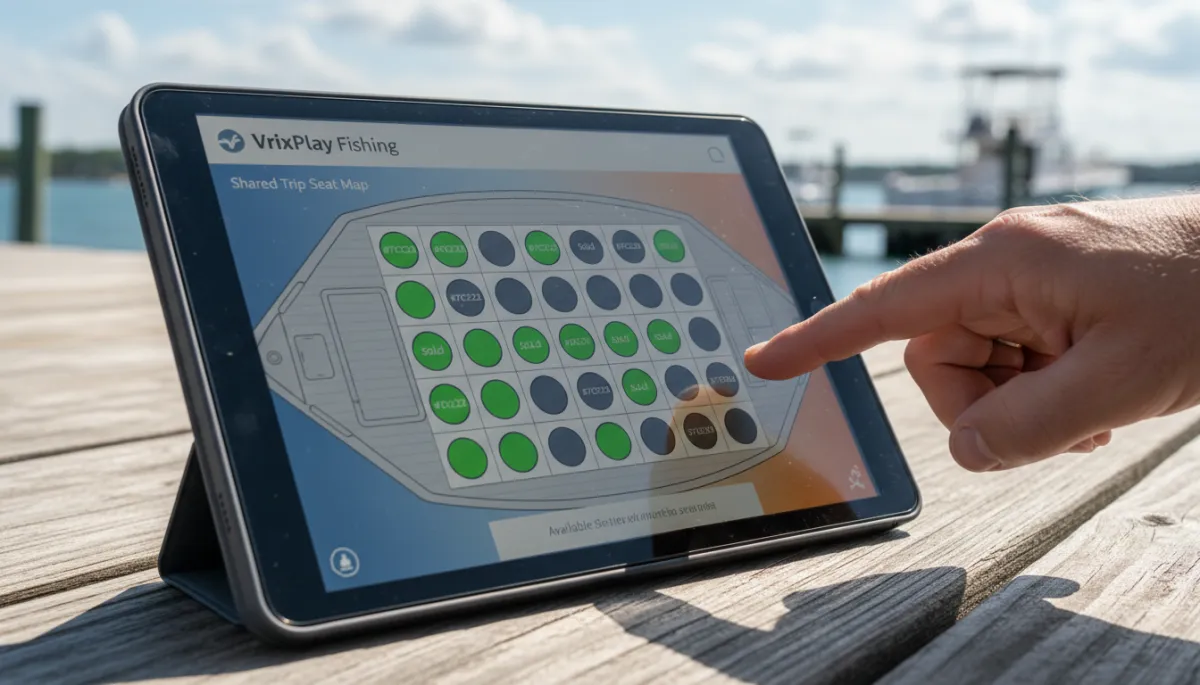
Per seat booking keeps shared trips organized as each new guest joins the boat.
What Both Trip Types Share
Whether you run private charters or shared fishing trips, some basics should look the same. You still want clear deposit rules so guests know what they owe and when. You still need waivers collected before departure, not on the dock while the crew is trying to untie lines. Automated reminders help reduce no shows and late arrivals for both models, especially when weather or parking can slow guests down. On trip day, your crew still needs a clean manifest with headcount, contact info, and key notes. The difference is the structure behind that manifest, not the need for one. A good workflow supports both models without forcing you to manage two separate systems or stacks of paper.
How VrixPlay Handles Both Booking Models
VrixPlay is built for charter fleets that run a mix of private and shared trips on the same boats. You can set up private charter products that book the whole vessel and shared trips that sell individual seats, all on one fleet calendar. Private reservations lock the boat for that window. Shared departures track per seat inventory and close automatically when you hit capacity. Both trip types support deposits, waivers, reminders, and manifests that your crew can pull up from the dock or wheelhouse.
The platform is free per month and runs on a flat 3% per booking, with a mobile first layout that works on phones and tablets your team already uses. You can see your entire charter fleet on one screen, filter by trip type, and drill into any departure to view guests and payments. If you want a booking workflow that matches how operators actually run boats, not how software teams think about tickets, VrixPlay is designed for that. Explore charter fishing features and see how both models fit into one clean setup.
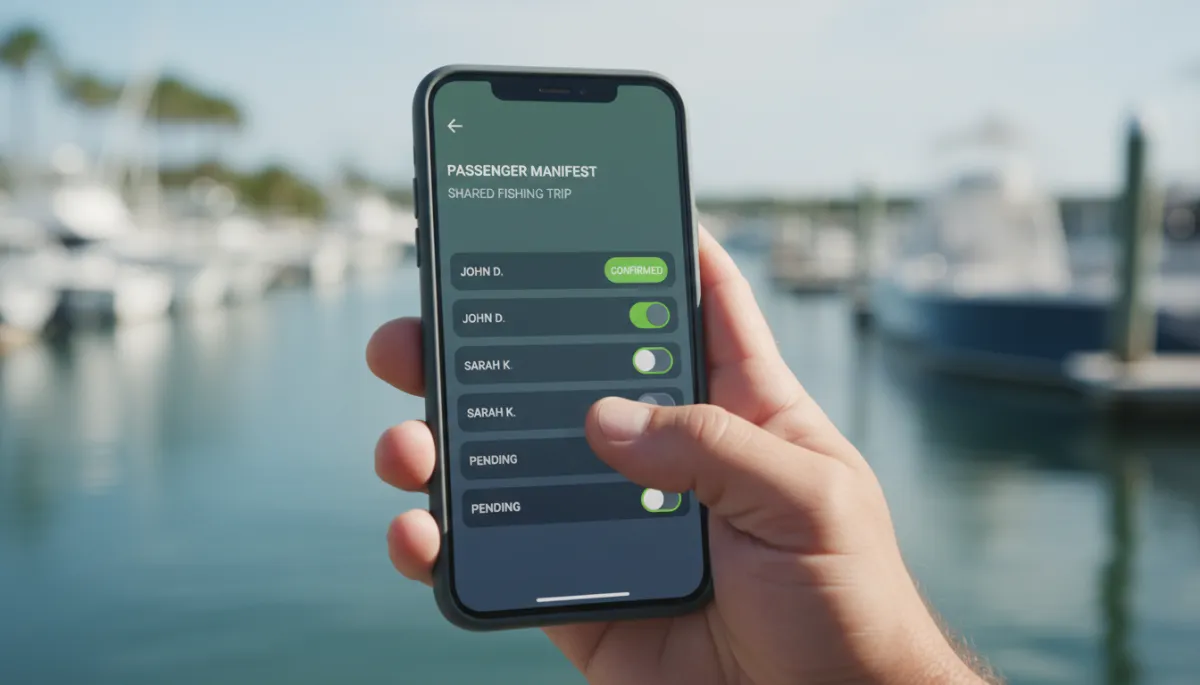
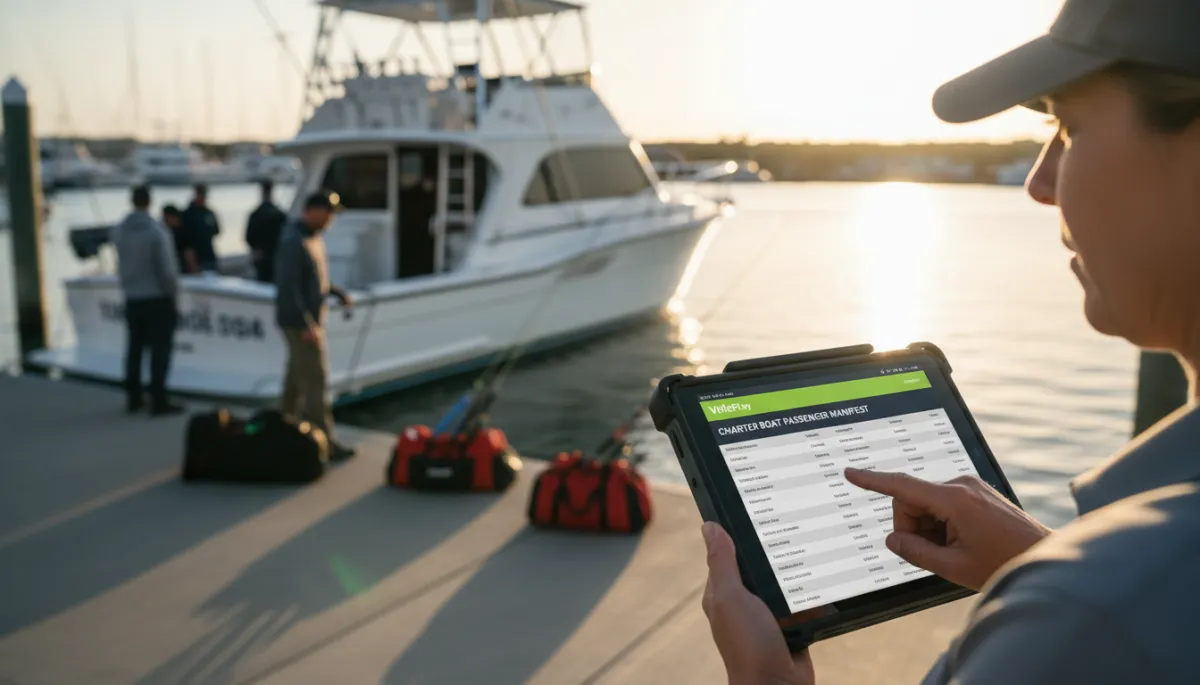
A per seat manifest on your phone keeps dock check in fast and accurate.
FAQ: Private vs Shared Fishing Charter Booking
How does booking differ for private and shared fishing trips?
Private charters sell the whole boat to one group. You block the vessel for that time slot and manage one reservation, one deposit, and one main contact. Shared trips sell seats on a scheduled departure. You track per seat inventory, take separate payments from multiple guests, and keep a per seat manifest so crew knows exactly who is on board. The workflows serve different goals, so they should not be treated as the same product in your system.
Can a charter operator run both private and shared trips?
Yes. Many charter fleets run private charters on peak times and shared trips on shoulder periods or specific days. The key is a booking setup that respects both models. Your calendar should prevent double booking a boat, even when you mix trip types, and your team should be able to see at a glance which departures are full boat private and which are per seat shared. VrixPlay supports this mix on one fleet calendar with clear trip labels and capacity rules.
How are manifests handled differently for shared trips?
For private charters, the manifest can be simple, often just the charter name, total headcount, and contact phone. For shared trips, you want a per seat manifest that lists each guest or party with seat count, payment status, and waiver status. As new seats sell, that manifest updates automatically. On the dock, crew can scan the list, check in guests, and confirm that the final headcount matches capacity before leaving the slip.
Do shared trip guests each need their own confirmation?
Yes. Every paying guest or party on a shared fishing trip should receive their own confirmation and reminders. That way each group knows where to park, when to arrive, what to bring, and how to reach you if something changes. If you only confirm the first guest who booked, the rest of the boat is left guessing. A per seat booking workflow solves this by sending confirmations and updates to every booking tied to that departure automatically.
Close: Build the Right Workflow for Your Fleet
Private vs shared fishing charter booking should not be handled with a one size form. Your crew, your calendar, and your guests feel the difference. VrixPlay gives you private charter and per seat shared trip tools on one free platform with a flat 3% per booking. If you run multiple boats and want cleaner manifests and fewer booking headaches, Explore charter fishing features and see how your workflow can match the way you actually run your fleet.