Put Manual, Phone, and Online Charter Bookings in One Calendar
Phone bookings, online reservations, and walk-up guests all need to live in the same calendar. Here is how to unify every booking source so your schedule stays accurate.
Charter Business, Fishing Charter Booking Calendar
Put Manual, Phone, and Online Charter Bookings in One Calendar
How do I manage phone and online charter bookings together? If you run a one-boat operation, you probably live out of a notebook, your phone, and a couple of online listings. That works until the days get busy, the calls stack up, and someone texts you while another guest is handing you a card at the dock. This post shows you how to use a single fishing charter booking calendar so every trip, from every source, lands in one place. No fancy buzzwords. Just a clear way to see your schedule, avoid double bookings, and keep your boat full without juggling three different systems in your head.
Why Separate Systems Create Scheduling Errors
When your bookings live in different places, mistakes are almost guaranteed. Phone calls end up on one paper list. Online bookings from your website or a marketplace sit in another system. Walk-ups at the dock might be in your head or scribbled on a scrap of paper. That is how double bookings and missed trips happen, even for careful captains. You confirm a phone booking for Saturday morning, then later see an online request for the same time and forget the first call. Or a walk-up books tomorrow afternoon, but you never block that slot online, so someone books it overnight. A true fishing charter booking calendar has to pull all of that into one view so you can glance once and know exactly who is on the boat and when.
What a Unified Charter Booking Calendar Requires
To actually fix charter booking management, your unified charter calendar has to handle how you really work on the water, not how a desk worker runs a schedule. Here are the basics it needs to cover for phone and online bookings together.
Real-time update from all sources. Your calendar should update the moment a trip is booked online, whether that comes from your website widget or a marketplace like FishingBooker. When a guest clicks and pays, that trip should show up on the same calendar you see for phone bookings. No exporting. No copying. No logging into three dashboards just to know your week. One fishing charter booking calendar that always shows the latest version of your schedule is the goal.
Manual entry capability for phone and walk-up bookings. Many captains still close a lot of trips by phone or in person. Your calendar has to let you tap a date, choose a time, and add the guest details in a few seconds. Name, headcount, trip type, and payment status should be simple to record. If you cannot quickly log that walk-up family while they stand at the dock, you will end up back on paper, and the whole unified system breaks down again.
Availability lock the moment a slot fills. Once a time slot is booked from any source, the system should mark it unavailable everywhere else. That way, your calendar becomes the single source of truth for charter scheduling. If Saturday morning is full, your website and connected marketplaces should stop offering it. This simple lock is what prevents double bookings without you having to babysit every listing during your busiest days.
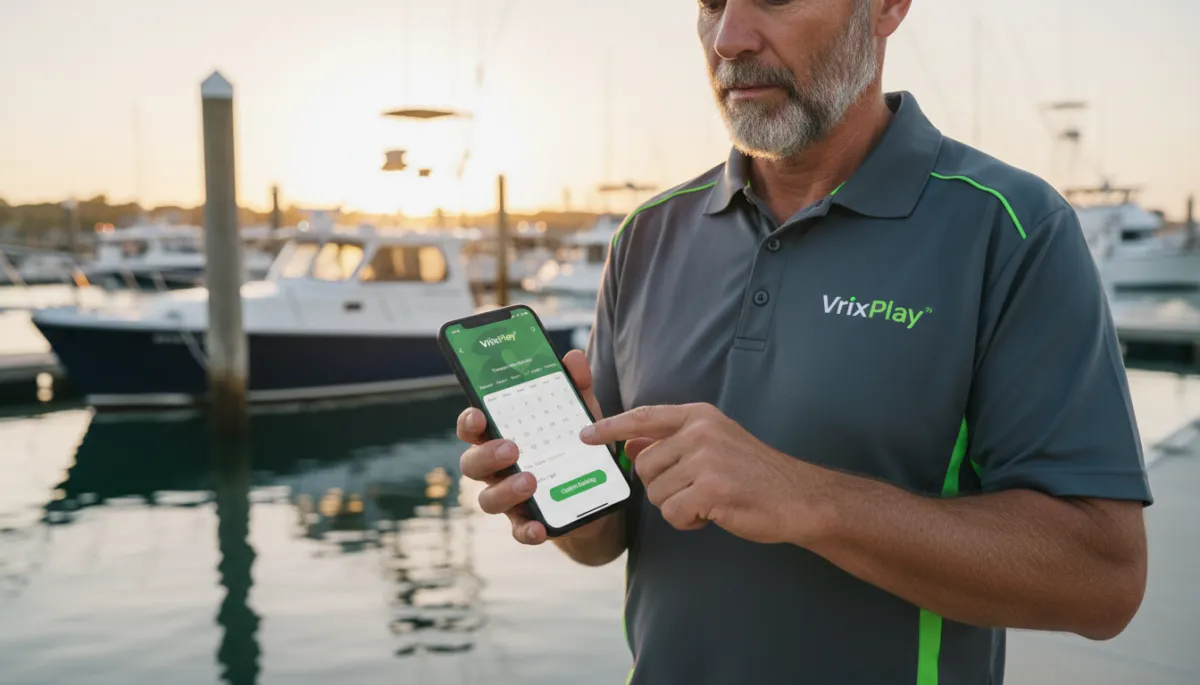
Mobile access at the dock. You are not sitting at a desk. You are on the boat, in the truck, or standing on the pier. Your unified charter calendar needs to work on your phone or tablet with a clean view and large tap targets. You should be able to check tomorrow’s trips, add a last-minute walk-up, or block off a weather day without leaving the dock or digging for a laptop.
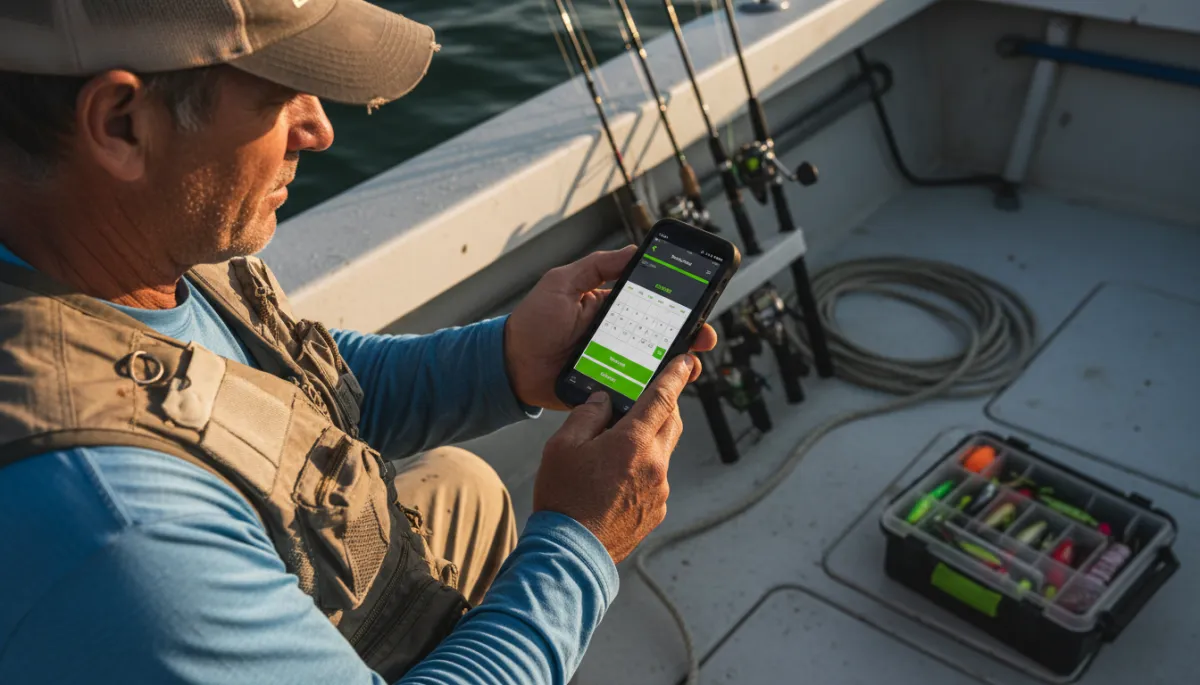
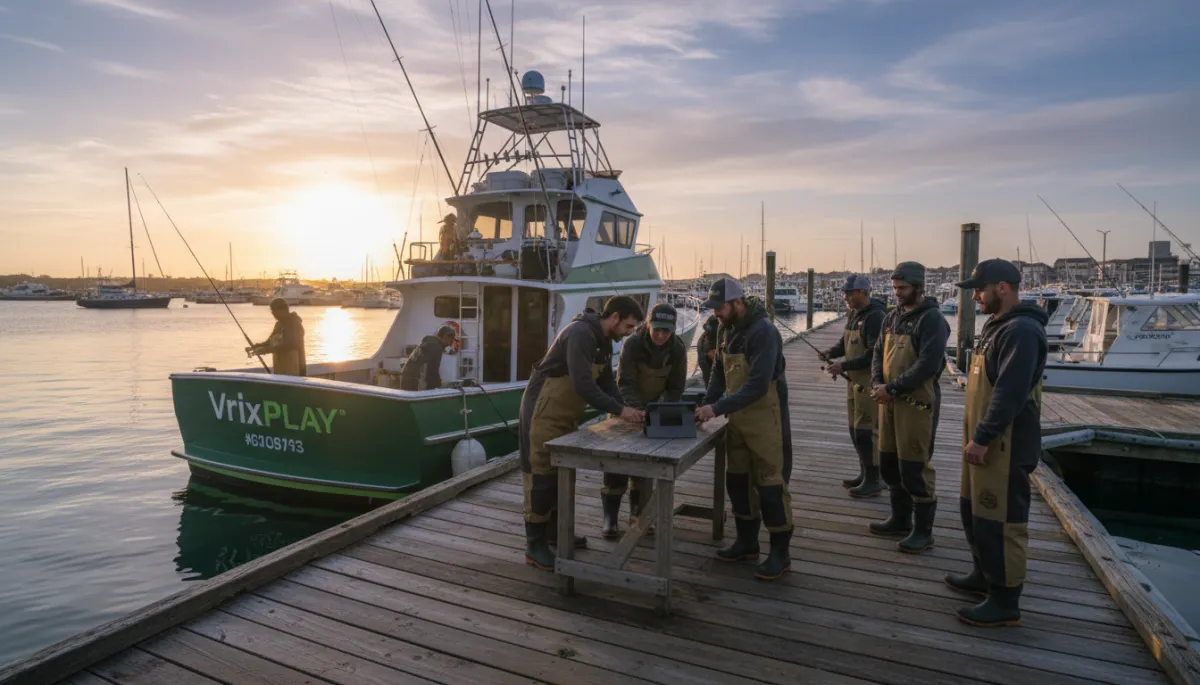
Captains save time when every phone booking is logged in the same calendar.
How to Set Up One Calendar for All Booking Sources
You do not need a big tech project to bring your phone and online bookings together. Follow these simple steps to build a unified charter calendar that fits how you already book trips.
Embed online booking on your website. Start with a booking widget that connects straight into your calendar. Add it to your website so guests can see live availability and book without calling. When they complete a booking, that trip should appear instantly in your calendar with date, time, and guest info filled in.
Connect your marketplace listings. If you use sites like FishingBooker, look for a calendar that can pull those bookings into the same view. Once connected, marketplace trips should show up right beside your website and phone bookings, all on one fishing charter booking calendar.
Set a phone booking entry protocol. Make a simple rule for yourself and any mate who answers the phone. When a caller says yes, you open the calendar on your phone, tap the date, and enter the booking before you hang up. Treat that step as part of closing the sale, not something you will remember later. This habit keeps your charter booking management tight.
Block unavailable dates and times. Use your calendar to mark days off, maintenance windows, and personal events. If you know you are not running afternoon trips on Sundays, block those out once and let the system handle the rest. Guests will only see what is truly open, and you will not have to call anyone back to move them.
Review your week from your phone. Each evening, open your unified charter calendar on your phone and scan the next few days. Confirm start times, trip types, and headcounts. This quick check helps you spot any gaps or odd overlaps before they become a problem at the dock.
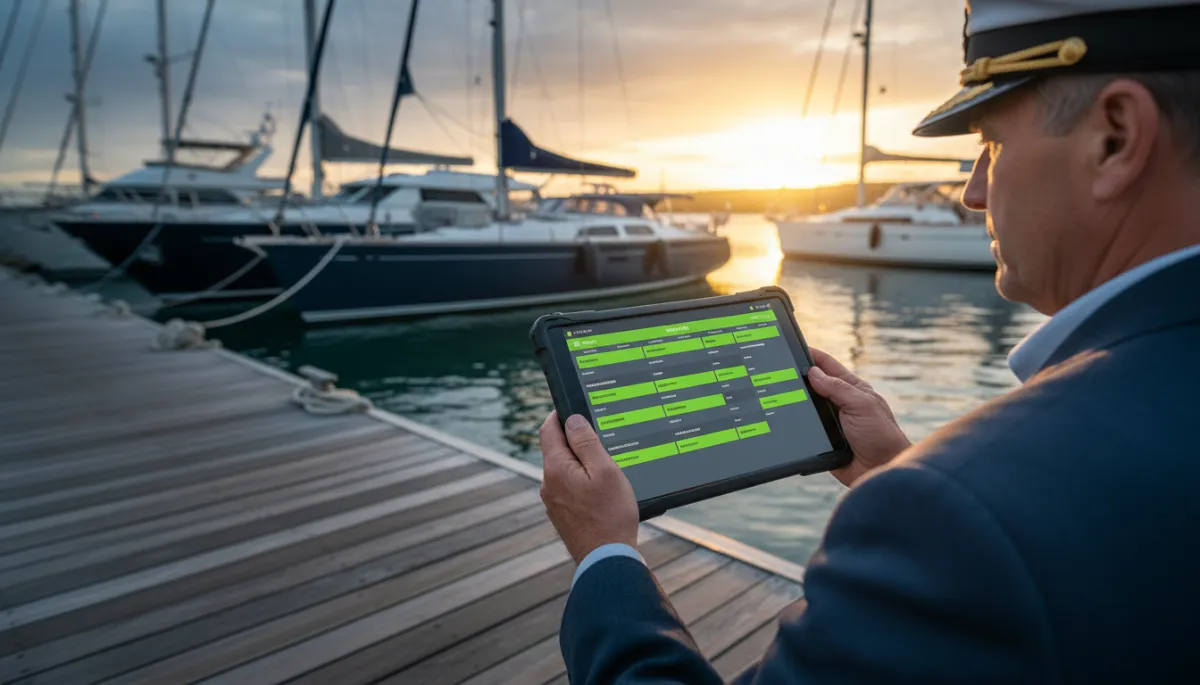
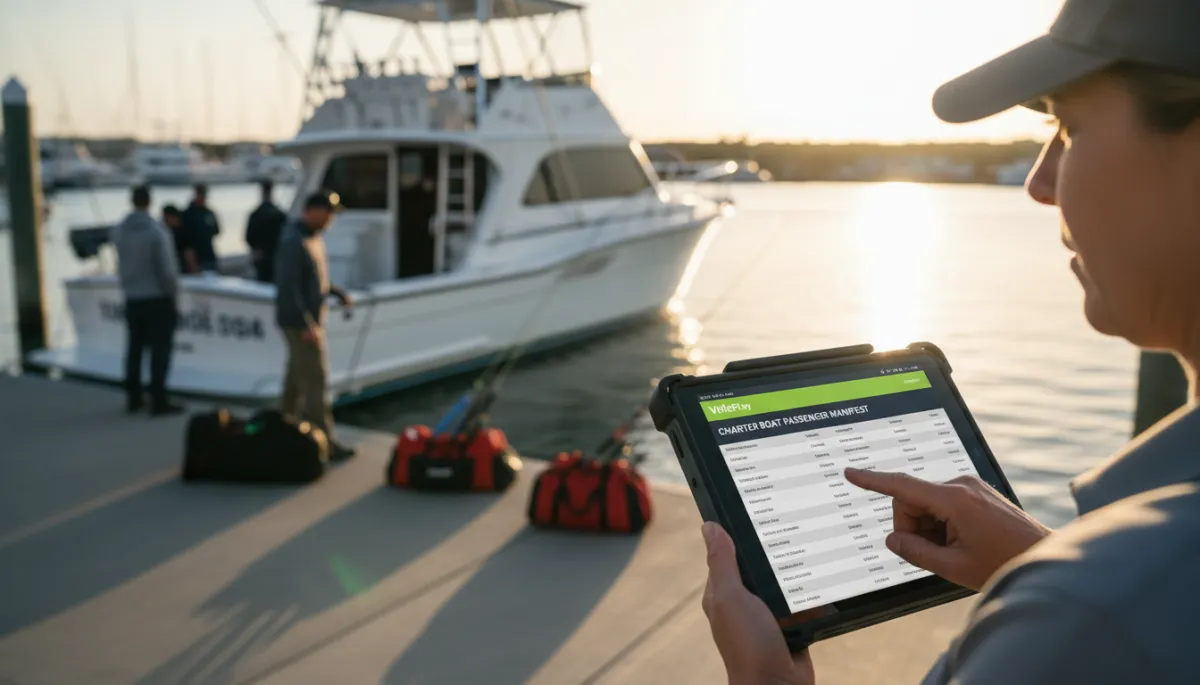
A unified calendar gives a clear view of every trip for the week ahead.
How VrixPlay Unifies All Booking Sources
VrixPlay gives owner-operator captains one calendar that pulls in bookings from every major source. You can use a booking widget on your own site, add manual entries for phone and dock walk-ups, and see FishingBooker reservations in the same view. When a time slot fills, VrixPlay marks it taken, so other connected sources stop offering that trip. The platform is free to use, with a flat 3% per booking. No monthly fee. No setup charge. You get a clean unified charter calendar you can run from your phone or tablet. Start free no card required.

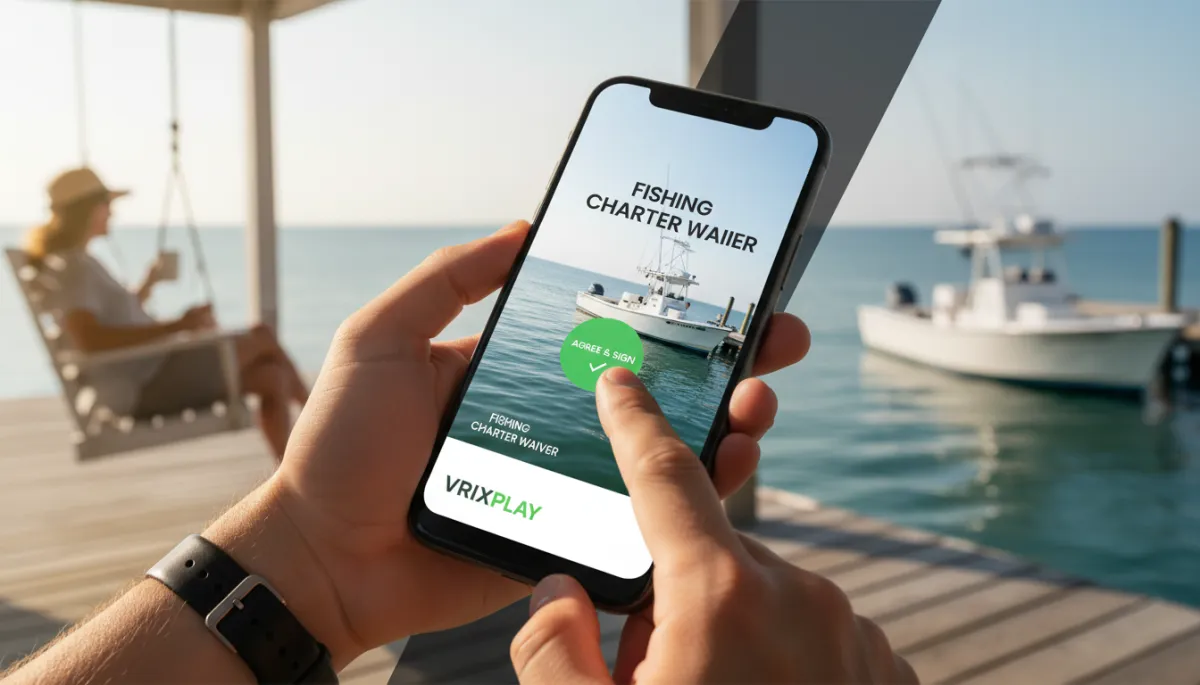
Walk-up guests are easy to manage when you can log them into the same calendar.
FAQ: Managing Phone and Online Charter Bookings Together
How do I manage phone and online charter bookings together?
Use one fishing charter booking calendar that accepts both online and manual entries. Connect your website and marketplace listings so online trips flow in automatically. Then make it a habit to enter every phone and dock booking into that same calendar while the guest is still with you. When all sources feed one place, you always know what is booked and what is open.
What happens if I take a phone booking and forget to enter it?
If you forget to enter a phone booking, your calendar still shows that time as open, so an online guest might book it. The fix is to keep your phone or tablet handy and enter the trip on the spot. With VrixPlay, it takes a few taps to add name, time, and trip type, and the system will mark that slot unavailable everywhere else.
Can I see all my bookings in one place from my phone?
Yes. A unified charter calendar like VrixPlay is built to run on mobile. You can open your schedule on your phone at the dock, in the truck, or at home. Every booking from your website, FishingBooker, phone calls, and walk-ups appears in the same daily and monthly views, so you do not need to chase down separate lists.
How do I add a walk-up booking at the dock?
Open your calendar on your phone, tap the date and time the guest wants, and create a new booking. Enter their name, party size, and trip length, then save it. The slot is now locked, and any connected online sources will stop offering that time. This keeps your charter scheduling tight even on busy days with last-minute walk-ups.
Put Every Booking in One Calendar
You do not need more apps. You need one clear fishing charter booking calendar that holds every trip from every source. VrixPlay gives you that in a simple, mobile-friendly view, free to use with a flat 3% per booking. Stop juggling notebooks, texts, and separate online systems. Start free no card required and run your schedule from one calendar that matches how you actually work on the water.