Watersports Rental Waivers: How to Stop Chasing Signatures at the Beach
Paper waivers slow down beach check-in. Here's how to build a digital waiver workflow for watersports rentals that keeps lines moving.

The check-in line problem nobody talks about
It is 9:45 on a Saturday morning. Six guests are waiting to ride. Your staff is passing clipboards, explaining where to sign, flipping pages, and trying to decipher handwriting on the name fields before anyone has even touched a jet ski. By the time the last signature lands, you are already running fifteen minutes behind, and two more walk-ups just showed up at the counter.
Paper waivers work fine when things are slow. They fall apart the moment a beach rental operation gets busy, which is exactly when you need everything to move faster, not slower.
Digital waivers solve this, but only when they are built into the right workflow. Here is how to set up a waiver process for a watersports rental operation that actually holds up on a crowded beach day.
Why waivers break down at the beach
Charter boats have a natural check-in advantage: guests arrive at a fixed time, at one dock, for a single departure. Watersports rentals do not. Walk-ups show up constantly. Parties split across multiple time slots. Groups pay separately. Some guests are regulars; others just wandered over from the hotel next door.
That unpredictability makes the waiver step easy to skip, rush, or lose track of. The result is either a stack of paper you file and never reference again, or a staff member verbally confirming that everyone signed when they did not quite get to it.
Neither is a good position to be in when something goes wrong on the water.
What a solid waiver workflow looks like
The core idea is straightforward: get the waiver signed before the guest arrives at your counter, not after. Send it at the time of booking, before any equipment gets handed over. That alone eliminates most of the check-in scramble.
Here is how the steps should flow for a watersports rental operation:
- Collect the waiver at booking checkout. When a guest books a jet ski or paddleboard session online, the waiver is part of the confirmation flow, not a separate email they may or may not open. They sign once, and that signature is attached to their booking record.
- Send a pre-arrival reminder with a signing link. For walk-up-heavy operations, include the waiver link in your booking confirmation email. Guests who book a day ahead can sign from their phone the night before they show up.
- Check waiver status at check-in, not at equipment handoff. Your staff should be able to see at a glance who has signed and who has not, before anyone gets near the water. That visibility is what prevents gaps.
- Cover family groups with one signature. One adult signing for the whole party saves time and reduces the back-and-forth when multiple guests are on a single booking.
How VrixPlay handles this for watersports rental operators
VrixPlay ties digital signatures to bookings rather than treating waivers as a separate process. When an operator sets up waivers in the platform, every guest who books, whether online or manually entered, gets a signing link attached to their confirmation. The signature is stored against the booking record, so it is searchable, auditable, and does not live on a clipboard somewhere in a back office.
At check-in, staff can see waiver status directly from the booking dashboard on their phone. Because VrixPlay runs as a progressive web app installed to the home screen, the check-in view is available without logging into a laptop or hunting for a separate tablet, just a quick look at the phone before you hand over the keys to a waverunner.
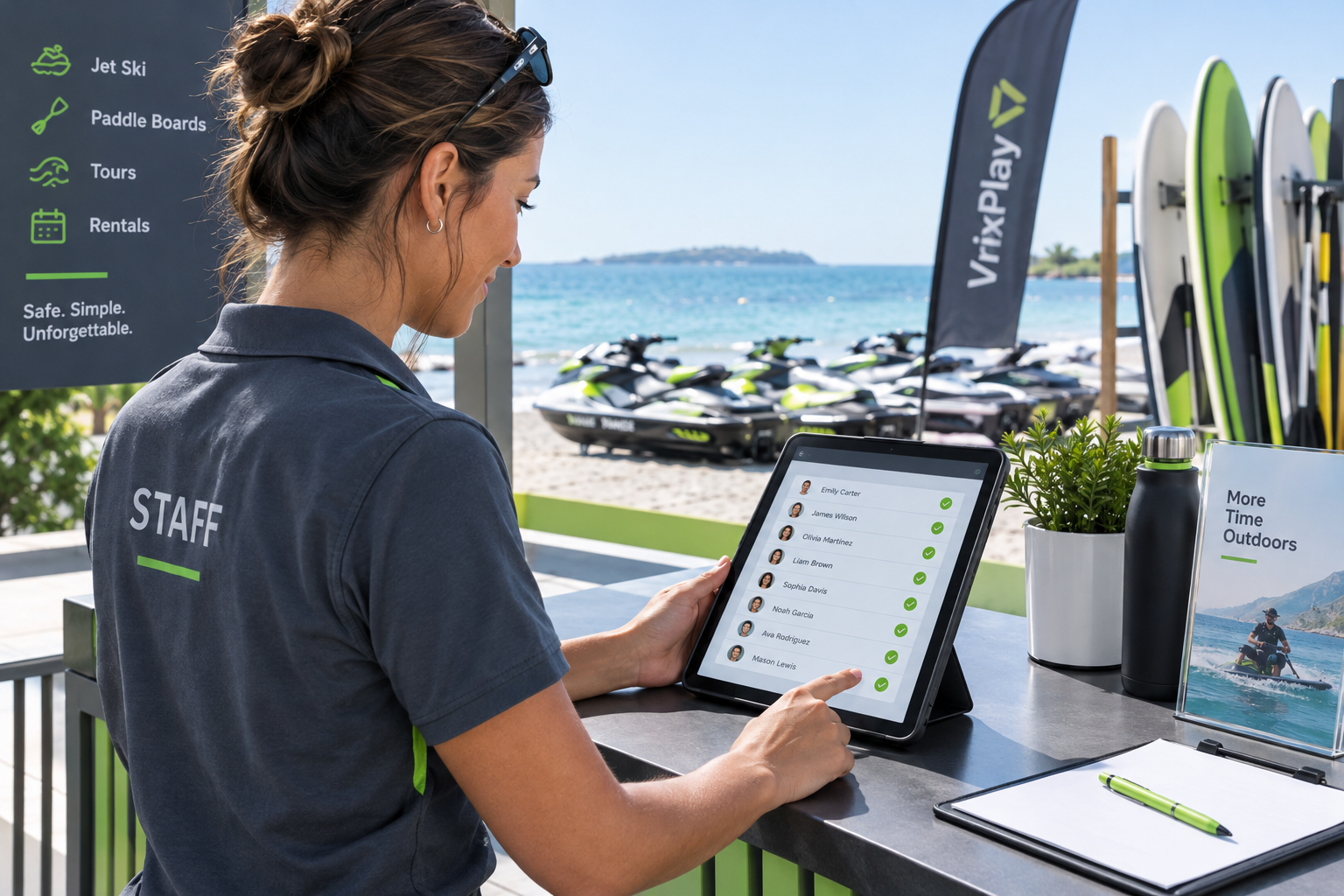
Checking waiver status before equipment handoff keeps check-in moving and closes the gaps that paper processes leave open.
For operations with repeat customers, the sign-once model matters. A guest who signs a waiver on their first visit does not need to sign again on the next booking. That recognition speeds up repeat check-ins significantly on a busy Saturday when the same families come back for a second session in the afternoon.
What to include in a watersports rental waiver
Getting the waiver language right once means you can leave it alone and trust it. Every watersports rental waiver should cover:
- Assumption of risk. Guests acknowledge that riding jet skis, kayaks, paddleboards, and other watercraft carries inherent risks they are voluntarily accepting.
- Equipment condition and use agreement. Guests confirm they received the equipment in good condition and agree to operate it within the rules you have explained at check-in.
- Age and health acknowledgment. Include minimum age requirements and any health restrictions relevant to the activity you are running.
- Liability release. A clear statement that the operator is not liable for injuries, accidents, or property damage resulting from normal use. Have an attorney review this language for your state before you finalize it.
- Emergency contact. Optional but worth collecting, especially for solo riders on longer sessions away from the shoreline.
Keep the language plain. A waiver written in simple, direct terms is more likely to get read and more likely to hold up than something that looks like a law school exam. If your state has specific requirements for watercraft rental waivers, work with a local attorney before you go live.
The check-in flow that actually moves fast
Once your waiver process is digital and tied to bookings, the check-in conversation changes. Instead of asking guests to sign something, your staff is walking them through a safety briefing. That shift saves two to four minutes per group, which adds up quickly when you are turning over ten or twelve rentals on a summer afternoon.
Staff stop being the people who chase paperwork and become the people who deliver the experience. That is a better use of their time and a noticeably better first impression for guests who came to get on the water, not fill out forms.
Getting started
If you are running watersports rentals on spreadsheets, manual sign-in sheets, or a booking platform that treats waivers as an afterthought, switching to a connected waiver workflow is one of the fastest operational improvements available to you.
VrixPlay includes digital waivers, QR check-in, booking management, and payments in one platform, with no monthly subscription and a flat 3% per booking. Setup takes about fifteen minutes, and operators running live rentals on the Gulf Coast are using the same system today.
If you want to see how the waiver and check-in flow works in practice, explore VrixPlay's watersports rental tools or start a free account and walk through the setup yourself. No credit card required.